Page 55
Exclusive and IS 600 E · 9401-191-003-EN · Version 18-01
2017-01-11
15:32:15
End PH
End NB
Enter standby
Switch off display
Standby light
Oven light on
Cleaning light
Energy saving
Save changes?
No
Yes
?
Off
Switch on/off
On
Switch on/off
2017-01-11
15:32:15
End PH
End NB
Enter standby
Switch off display
Standby light
Oven light on
Cleaning light
Energy saving
Save changes?
No
Yes
?
Off
Switch on/off
On
Switch on/off
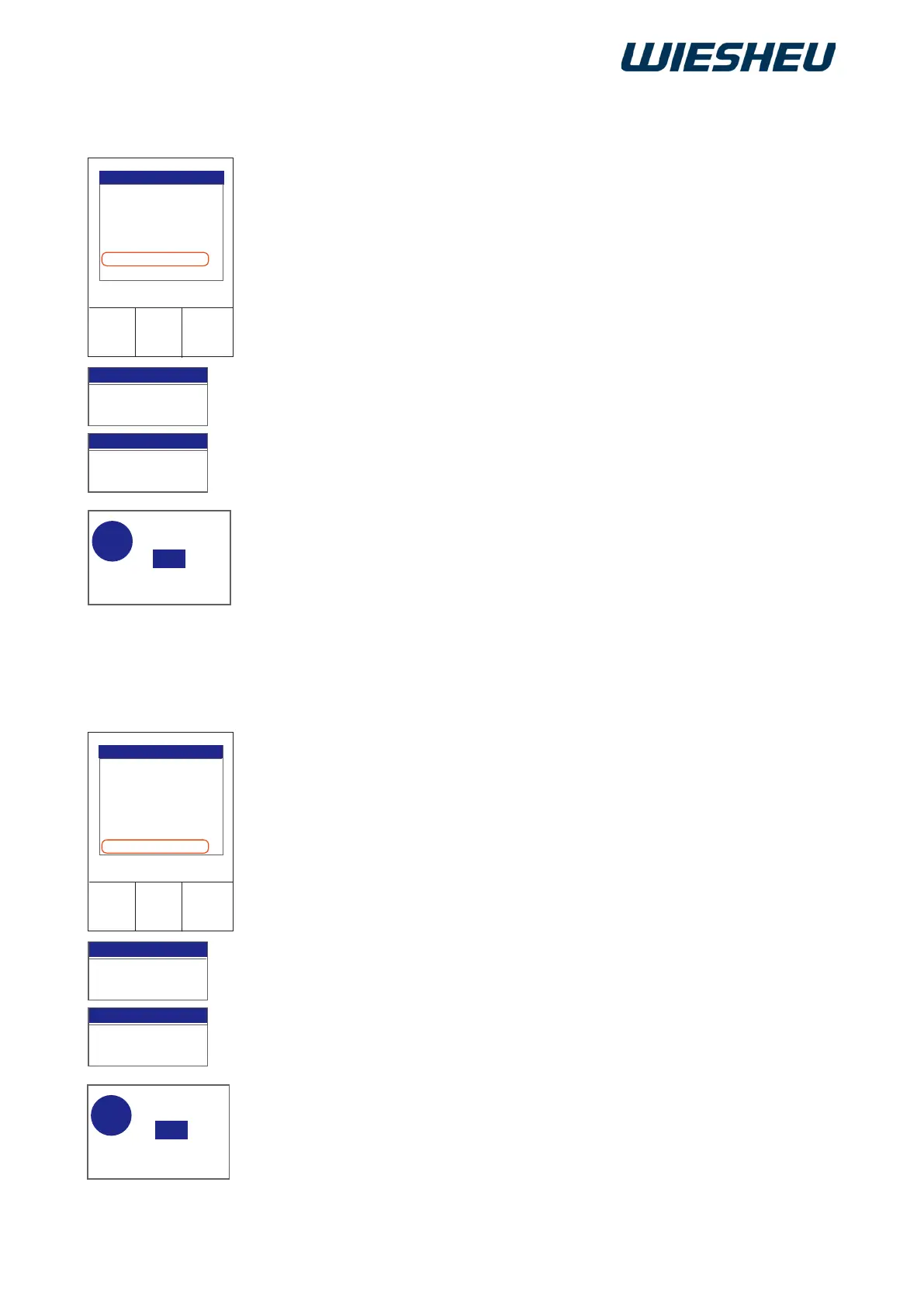
Switch the baking chamber lighting On/Off during baking.
You are in the “Energy saving” menu.
■ Use the slider/rotary button to select the “Light oven on” submenu.
■ Choose from the following settings:
● Oven light “On”:
→ The “Light oven on” function is not active.
→ The oven's lighting is switched on during baking.
● Oven light “Off”:
→ The “Light oven on” function is active.
→ The oven's lighting is switched off during baking.
→ The display shows the message:
“Save changes? Yes/No”
Choose “Yes”:
→ The setting is saved.
or
■ Select “No”:
→ The process is cancelled.
Switch the baking chamber lighting On/Off during cleaning.
You are in the “Energy saving” menu.
■ Use the slider/rotary button to select the “Light cleaning” submenu.
■ Choose from the following settings:
● Light cleaning “On”:
→ The “Light cleaning” function is not active.
→ The oven's lighting is switched on during cleaning.
● Light cleaning “Off”:
→ The “Light cleaning” function is active.
→ The oven's lighting is switched off during cleaning.
→ The display shows the message:
“Save changes? Yes/No”
Choose “Yes”:
→ The setting is saved.
or
■ Select “No”:
→ The process is cancelled.
13.3.7 Light cleaning
13.3.6 Light oven on



 To Next Page