Page 51
Exclusive and IS 600 E · 9401-191-003-EN · Version 18-01
2017-01-11
15:32:15
BPGR
Picto
LOGO
Delete les
Save changes?
No
Yes
?
Are you sure?
No
Yes
?
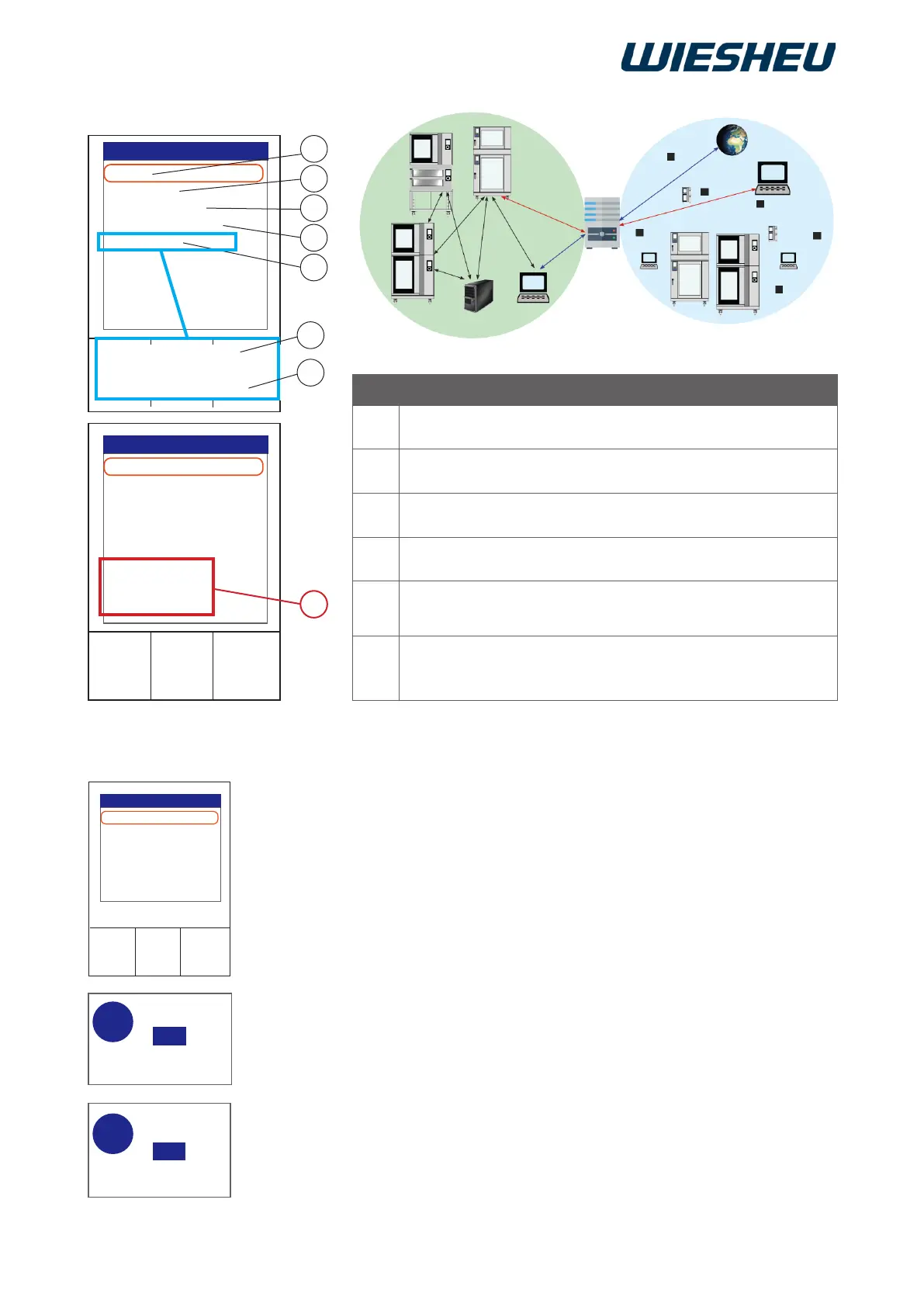
13.1.2 Network settings
2017-01-11
15:32:15
DHCP:
IP address:
Subnet mask:
Standardgateway:
Link Speed
-----------------------------
DHCP:
IP address:
Subnet mask:
Communication
Z
DHCP:
IP address:
Subnet mask:
Standardgateway:
Link Speed
-----------------------------
DHCP:
IP address:
Subnet mask:
Communication
A
C
B
D
E
1
2
Link Speed 0Mbps
Link Speed 10Mbps
13.2 Delete les
Delete all or individual programs, pictograms and logos.
■ Choose from the following files:
● “BPRG”
● “PICTO”
● “LOGO”
■ Select the file you would like to delete.
■ Press the “ON / OFF” button.
→ The display shows the message:
“Are you sure?”
■ Select “Yes”:
→ The delete process will be carried out.
■ Select “No”:
→ The process is cancelled.
Item Description
A Dynamic assignment of IP address (On / Off)
B Numeric code, manual assignment possible in this eld,
Identication of the control unit on the network
C Manual assignment of the numeric code possible in this eld,
subnet mask+IP address = identication of network
D Communication of the operating unit to the external network
(proxy)
E Display of the transmission rate
1 = no connection; 2 = connection established
Z With the DHCP (A) setting, the data is retrieved automatically
from the network, the manually assigned data (B - D) remains
visible and is ignored by the system.
Local Area Network (LAN)
External network (WAN)
Gateway
DHCP
Server



 To Next Page