Version 18-01 · 9401-191-003-EN · Exclusive and IS 600 E
Page 50
2017-01-11
15:32:15
BPRG => Picto
BPRG <= Picto
Picto => USB
Picto <= USB
PDA => USB
LOGO => USB
LOGO <= USB
Communication
Info!
Wait
(Copying
les)...
i
Info!
Copying
successful!
i
Error!
USB error
x
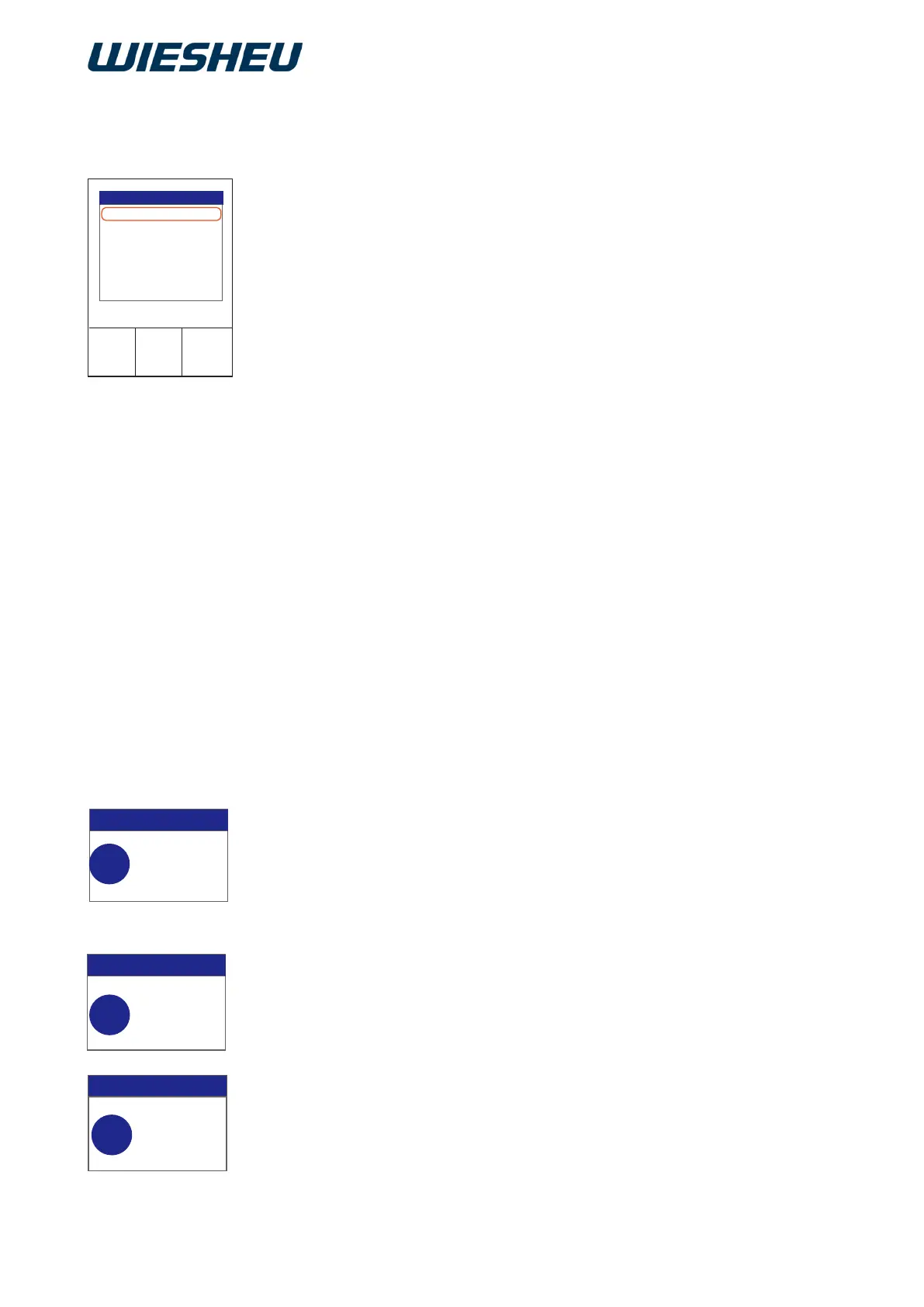
You are in the “Communication” menu.
■ Use the slider / rotary button to select the “USB” submenu.
■ Use the slider / rotary button to select “USB”:
■ Select the transfer from the following settings:
● BPRG => USB
→ Baking programs from the control to the USB medium
● BPRG <= USB
→ Baking programs from the USB medium to the control
● PIKTO => USB
→ Pictograms from the control to the USB medium
● PIKTO <= USB
→ Pictograms from the USB medium to the control
● BDE => USB
→ Operating data from the control to the USB medium
● LOGO => USB
→ Logo from the control to the USB medium
● LOGO <= USB
→ Logo from the USB medium to the control
● SETTINGS => USB
→ Settings from the control to the USB medium
● SETTINGS <= USB
→ Settings from the USB medium to the control
● ALL => USB
→ Congurations from the control to the USB medium
● ALL <= USB
→ Conguration from the USB medium to the control
■ Connect the USB device to the control.
■ Press the “ON / OFF” button.
→ The display shows the message:
“Info! Wait (Files are being copied)...”
→ Once the data has been transferred, one of the following mes-
sages is displayed:
● “Info! Copying successful”
→ The transfer was successful.
● “Error! - USB error”
→ The transfer was faulty
→ Check the connection
→ Check the le format
■ Press the “ON / OFF” button.
■ Remove the USB device.



 To Next Page