Version 18-01 · 9401-191-003-EN · Exclusive and IS 600 E
Page 12
2017-01-11
15:32:15
Manual baking
Program 1
Program 2
Program 3
Program 4
Program 5
Work
2017-01-11
15:32:15
Info!
Temperature
reached.
Load oven.
i
CAUTION
In spite of the safety technology, hot steam and heat exit when you open
the door.
● Stand to one side when you open the door.
● Ensure that nobody else is directly in front of the door opening.
● Open the door carefully.
Continue
program?
Yes
No
Yes
?
CAUTION
Yes
?
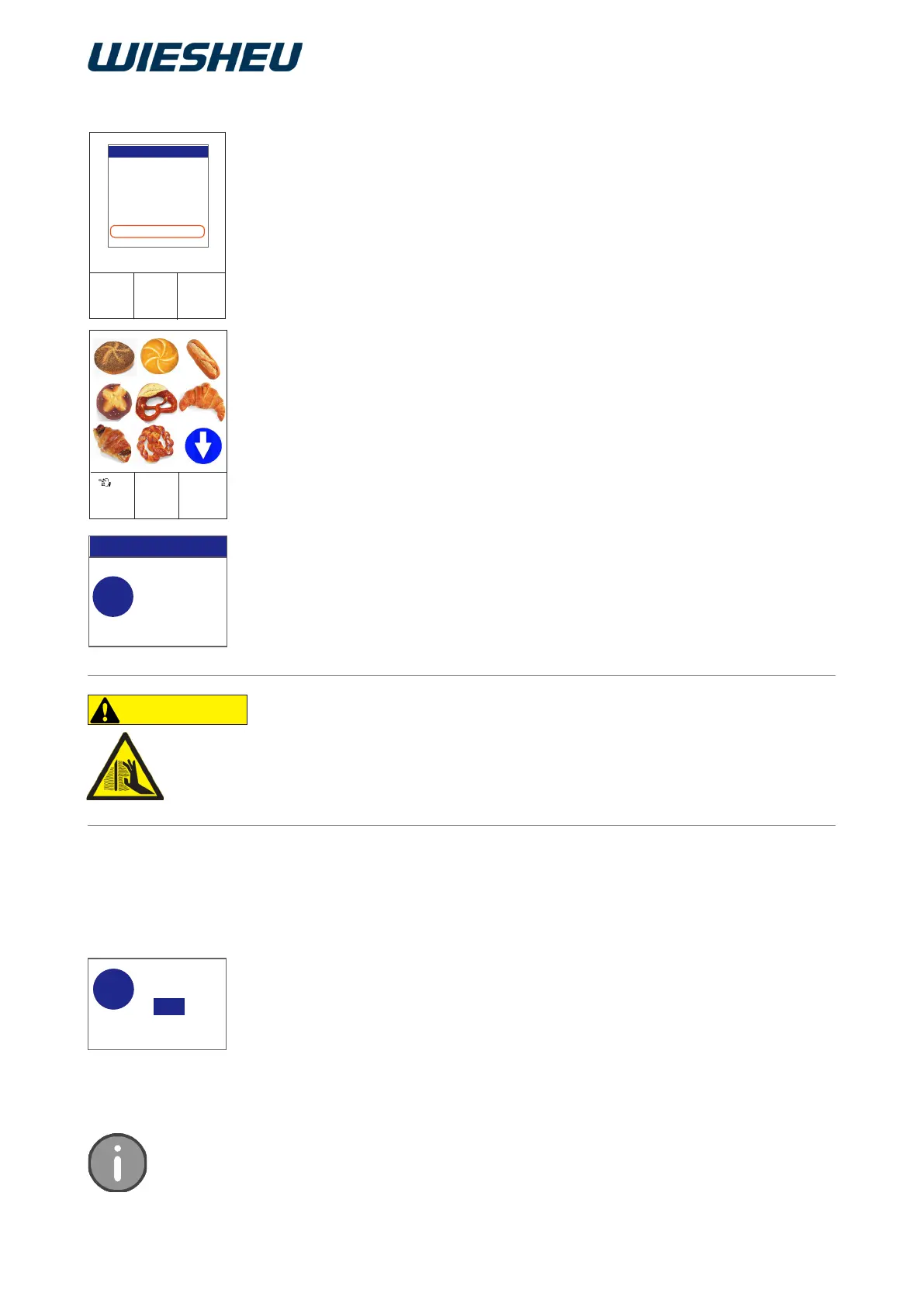
Select the desired program from the program list. Start the program
via the Touch Display or the slider / rotary button.
You are in the “Work” menu item.
Selection using the touch display:
■ Use your finger to touch the desired pictogram
(product image).
→ Preheating starts.
Selection using the slider/rotary button:
■ Use the slider/rotary button to choose the desired
baking program.
→ Preheating starts.
The pre-heating temperature has been reached.
→ An acoustic signal sounds.
→ The display shows the message:
“Temperature reached. Load the oven”
■ Press the “ON / OFF” button.
→ The acoustic signal stops.
5.3 Selecting/starting a program
■ Open the oven door.
■ Load the oven quickly.
→ Temperature loss inside the oven are reduced.
■ Close the oven door.
→ The display shows the message:
“Continue the program?” Yes / No”
■ Select “Yes”:
→ The baking program is continued.
or
■ Select “No”:
→ The baking program is cancelled.
The controller has a maximum of 200 programs with 20 baking steps each.



 To Next Page