Page 41
Exclusive and IS 600 E · 9401-191-003-EN · Version 18-01
German
English
Italian
Polish
Russian
Spanish
Turkish
2017-01-11
15:32:15
Language
Save changes?
No
Yes
?
Save changes?
No
Yes
?
24h YYYY-MM-DD
24h DD-MM-YYYY
12h DD/MM/YYYY
12h MM/DD/YYYY
2017-01-11
15:32:15
Time/Date Format
Set the language of menu navigation for the controller. Choose from
the list of languages in the data store.
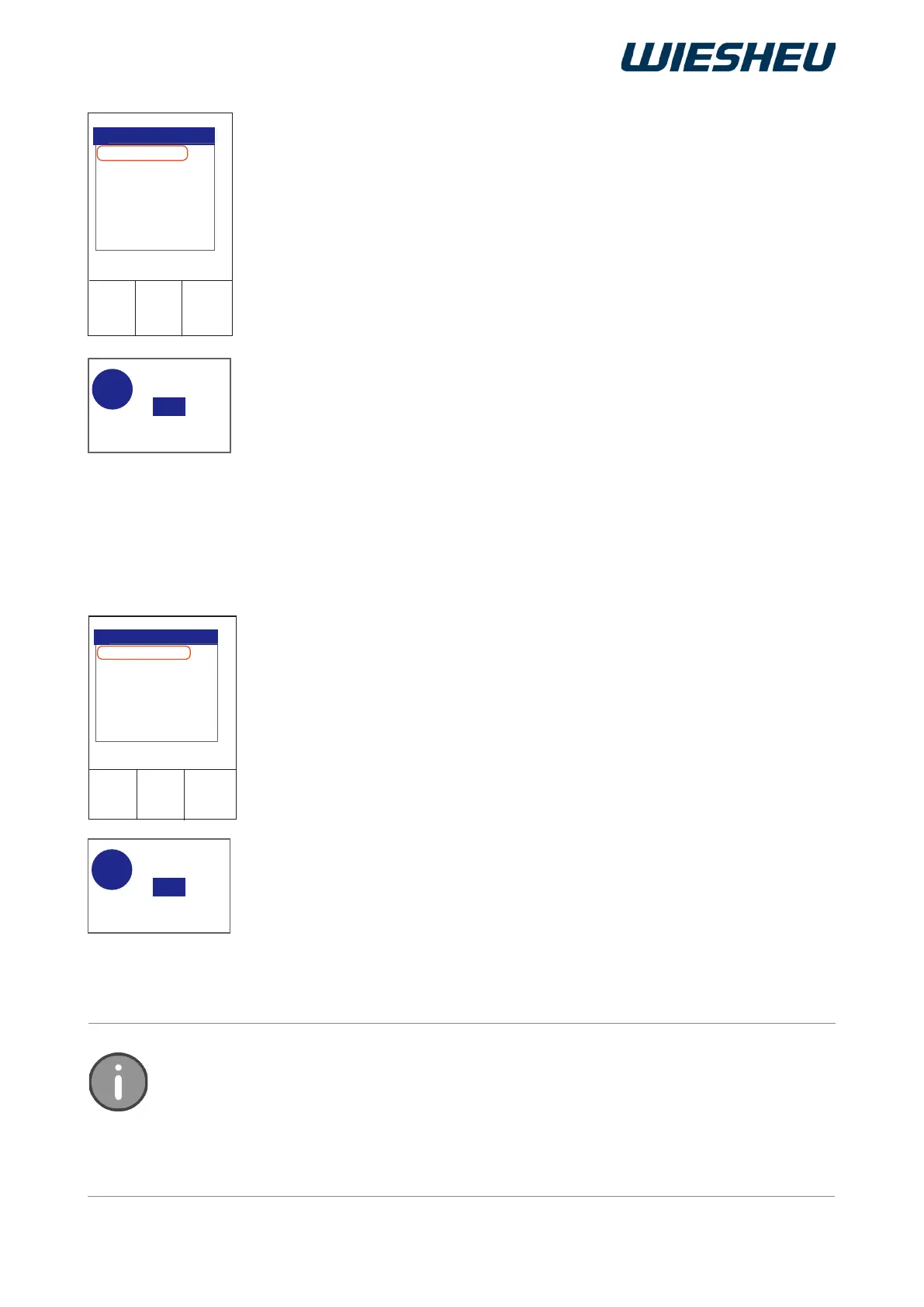
You are in the “Country setting” menu.
■ Use the slider/rotary button to select the “Language” submenu.
→ The saved languages are shown on the display.
■ Choose the desired language.
→ The system shows the following message on the display:
“Save changes? Yes / No”
■ Select “Yes”:
→ The setting is saved.
→ Menu navigation is now carried out in the new set language.
or
■ Select “No”:
→ The process is cancelled.
Select from 32 languages for menu navigation stored in the data store of the control.
The selected language is activated as soon as you exit the main menu.
Caution! Set only a language you are able to read and understand. Otherwise, you may
not be able to operate the control.
● 12h DD/MM/YYYY am/pm
→ Clock time as 12 hour display
→ displayed as: Day / Month / Year
● 12h MM/DD/YYYY am/pm
→ Clock time as 12 hour display
→ displayed as: Month / Day / Year
Choose the desired display setting.
→ The display shows the message:
“Save changes? Yes / No”
■ Select “Yes”:
→ The setting is saved.
or
■ Select “No”:
→ The process is cancelled.
12.3.3 Language



 To Next Page