Page 49
Exclusive and IS 600 E · 9401-191-003-EN · Version 18-01
2017-01-11
15:32:15
BPRG => Picto
BPRG <= Picto
Picto => USB
Picto <= USB
PDA => USB
LOGO => USB
LOGO <= USB
Communication
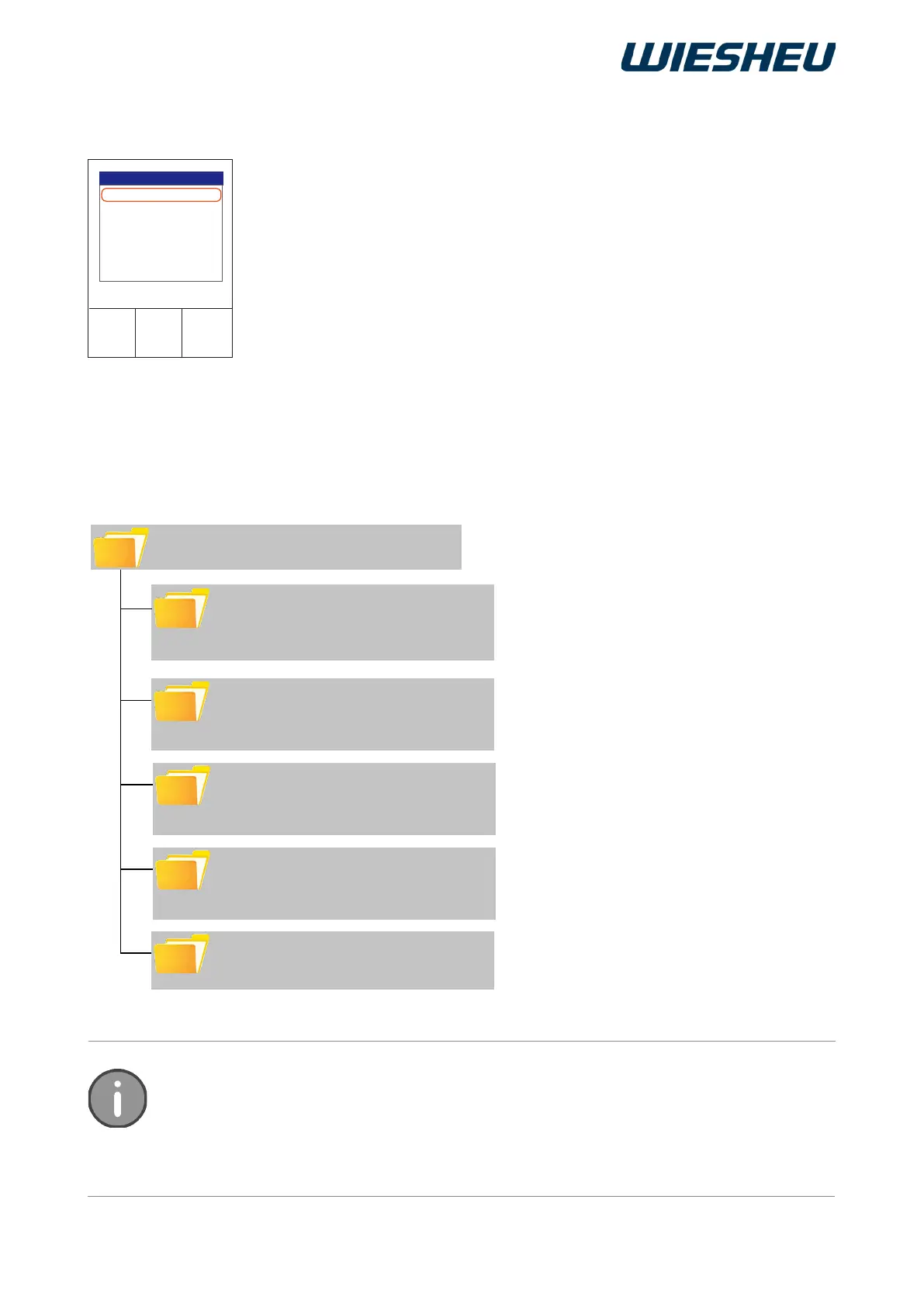
FOLDER: Customer name
SUBFOLDER: PICTO
● Picto1.BMP
● Picto2.BMP
SUBFOLDER: BPRG
● Brezel.PRO
● Brot.PRO
SUBFOLDER: LOGO
● Logo1.BMP
● Logo2.BMP
SUBFOLDER: WAV
● Beep.WAV
● Click.WAV
SUBFOLDER: SETTINGS
● Setting.INI
→ Pictograms for products
→ Baking programs for products
→ Company logo
→ Sounds / Tones / Tone sequence for
actions
→ Customer-specic settings
To allow the controller to read the USB medium, the les must be stored in a specied
directory structure. Use your PC / laptop to create this structure on the USB medium.
Fill the directory with the data named on the outside.
Use a USB connection to transfer data from the data store of the
control to a connected medium (e.g. a USB stick). Or transfer the data
from the medium to the data memory of the control.
■ Transfer:
● Baking programs
● Operating data
● Pictograms
● Logos
● Sound files
13.1.1 USB
The control can only read baking programs as *.PRO les. The control can only read
pictograms / logos as *.BMP les. After loading baking programs from a USB stick you
must retrieve them from the control unit's memory to the user interface display. Read
the section “Add program” in the “Programming” chapter to this end.



 To Next Page