Version 18-01 · 9401-191-003-EN · Exclusive and IS 600 E
Page 20
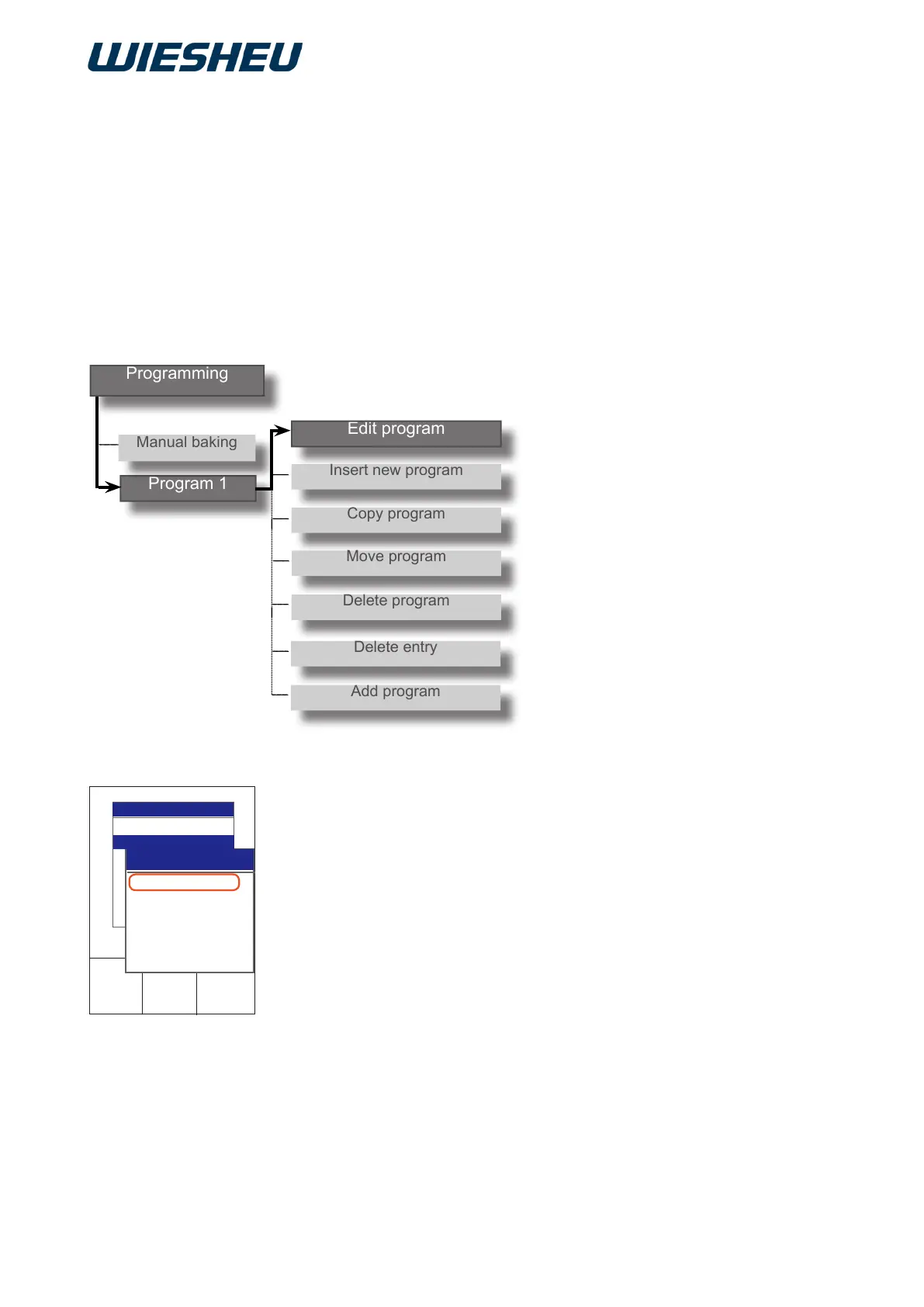
In the menu “Programming” submenu “Editing”
you have the following editing options:
● Edit program name
● Change pictogram image
● IBC
● Edit program step
● New program step
● Copy program step
● Move program step
● Delete program step
○
○
○
○
○
Manual baking
Pretzel
Program 1
Program 2
Program 3
Program 4
Program 5
2017-01-11
15:32:15
Edit
new
Copy
Move
Delete
Delete entry
Programming
Edit
new
Copy
Move
Delete
Programming
Programming
Program 1
10.1 Editing a program
Edit an existing baking program.
You are in the “Program” menu
■ Choose the program that you want to edit.
→ You are in the program to be edited.
■ Choose the “Edit” menu item.
■ Choose the program step that you want to edit.
→ You are in the “Program” sub-menu
→ “Editing a program” sub-menu item



 To Next Page