Page 37
Exclusive and IS 600 E · 9401-191-003-EN · Version 18-01
Button volume
General volume
Signal time
Sound table
2017-01-11
15:32:15
Sound
50 %
Enter volume
Button volume
General volume
Signal time
Sound table
2017-01-11
15:32:15
Sound
80 %
Enter volume
Save changes?
No
Yes
?
Save changes?
No
Yes
?
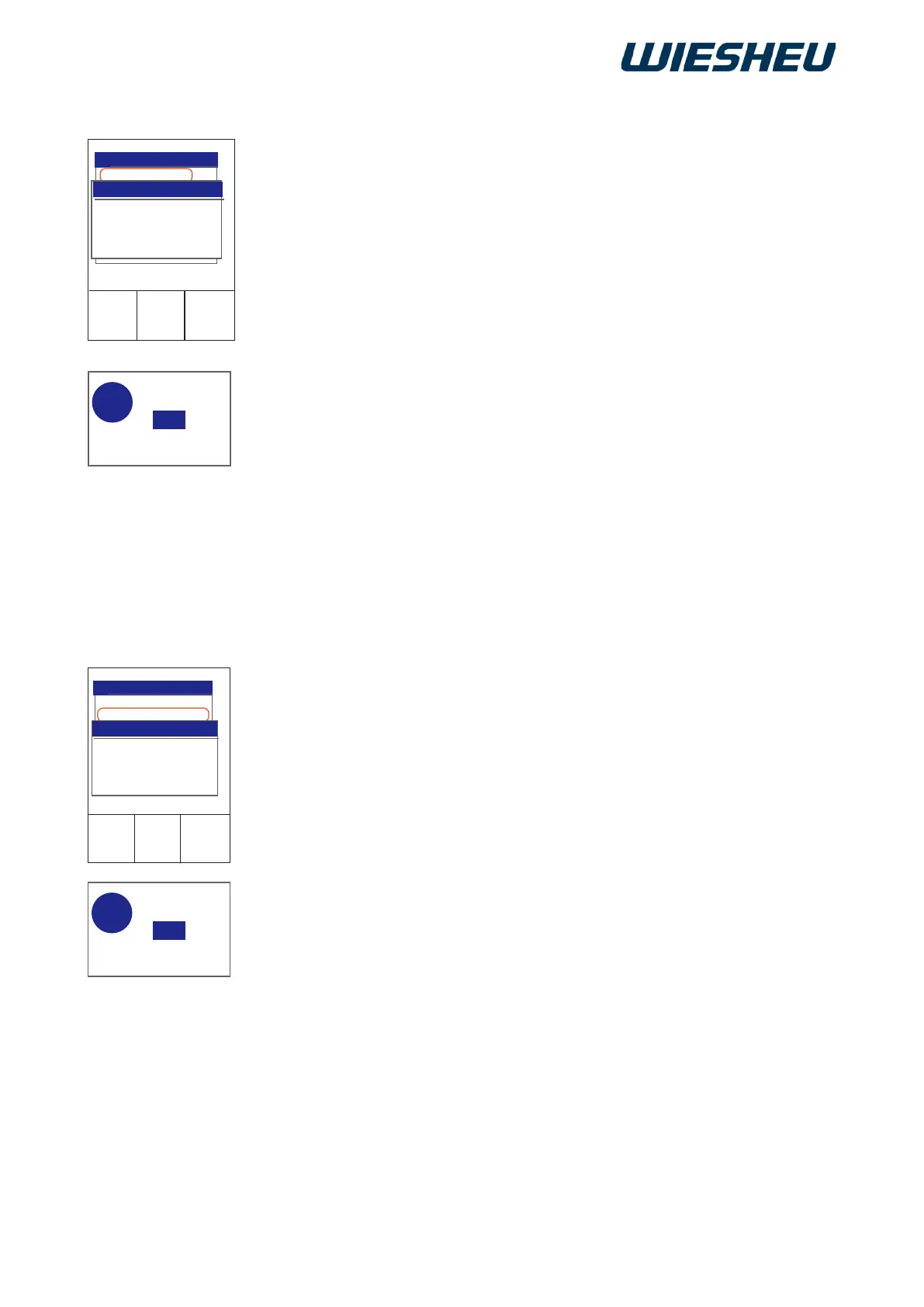
Set the volume of the key sounds. If the volume is set, a sound is gen-
erated each time a button is pressed or when moving the slider/rotary
button.
You are in the “Sound” menu item.
■ Use the slider/rotary button to select the “Button volume” menu item.
■ Choose the desired volume setting.
→ The display shows the message:
“Save changes? Yes / No”
■ Select “Yes”:
→ The setting is saved.
or
■ Select “No”:
→ The process is cancelled.
Adjust the volume of the signal sounds to suit the environment.
You are in the “Sound” menu.
■ Use the slider/rotary button to select the “General volume” menu
item.
■ Choose the desired volume setting.
→ The display shows the message:
“Save changes? Yes / No”
■ Select “Yes”:
→ The setting is saved.
or
■ Select “No”:
→ The process is cancelled.
You may set the volume of the buttons and signal tones from 0% (off)
to 100% (max. volume).
Is your work area rather spread apart or noisy? If necessary, you can then have an
additional visual or audible signal installed. Contact your authorised WIESHEU dealer
or Service Partner for details.
12.2.1 Button volume
12.2.2 General volume



 To Next Page