Page 33
Exclusive and IS 600 E · 9401-191-003-EN · Version 18-01
2017-01-11
15:32:15
Dibas 64 M
Automatic door
EXCLUSIVE SW: xxxx
EXCLUSIVE HW: x
BasicIO SW: xxxx
BasicIO HW: xxxx
Motor VFD: x
Work
Refer to the device data of your WIESHEU store baking oven. You are
in the main menu.
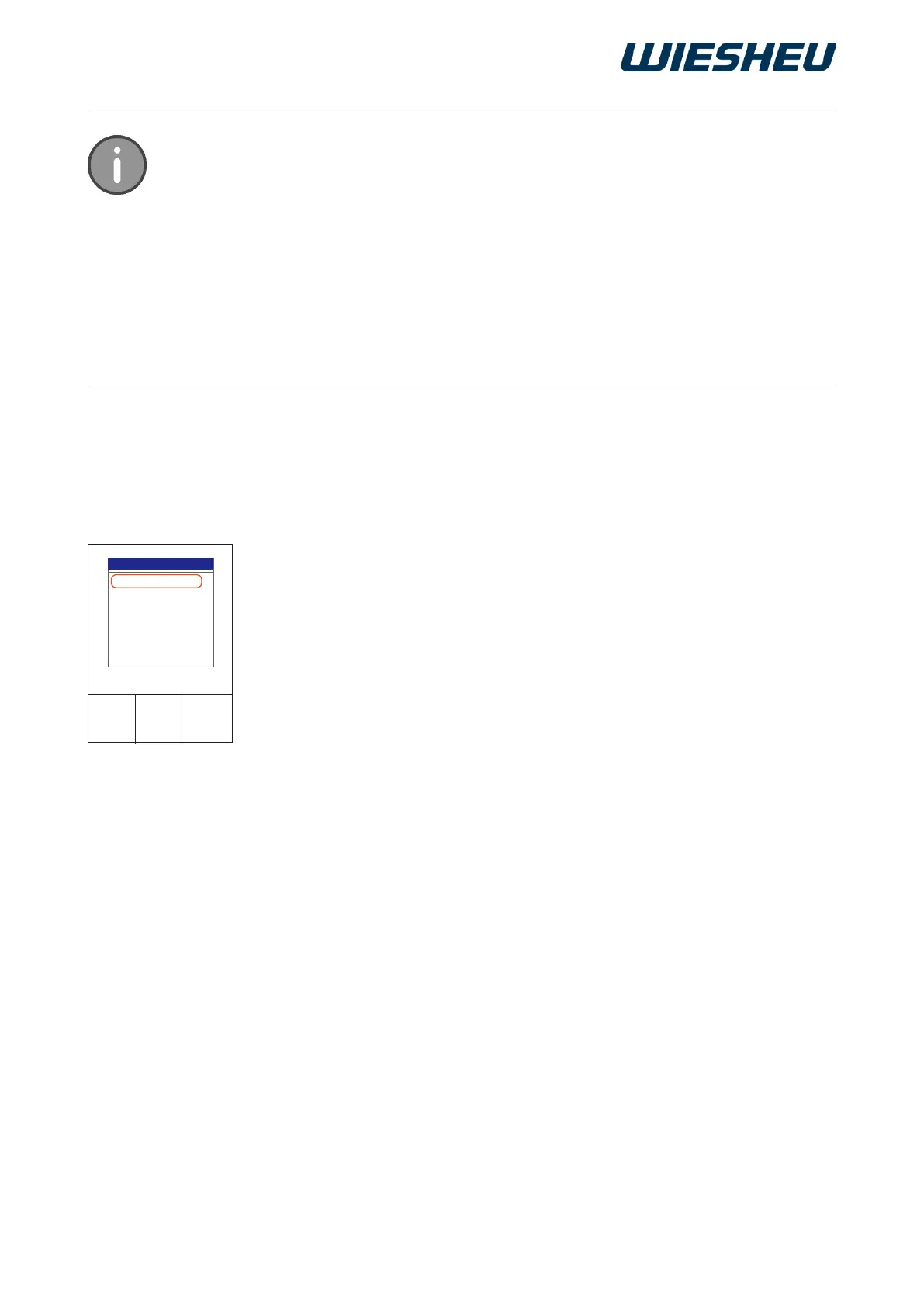
■ Select the “Appliance ID” submenu.
→ The appliance data is displayed.
The following appliance data is displayed:
● Appliance type
● Serial number
● Door variant
● Operating unit software version
● Operating unit hardware version
● Control PCB software version
● Control PCB hardware version
● Motors and heating controller (VFD) version
● Options
■ Press the “C” button.
→ You are in the main menu.
11.2. Appliance ID
* “Night start” pictogram
Create your own personal pictogram to display the “Autostart quick-access” function.
The le must be saved with the following specications:
Size: 160 x 160 pixels
Image depth: 24 bit
File type: BMP le
File name: NIGHTSTA
For information on installing pictogram les, refer to the chapter “Appliance setting” -
“Communication”.



 To Next Page