Version 18-01 · 9401-191-003-EN · Exclusive and IS 600 E
Page 40
°C or °F
Time/Date format
Language
Simple language switch
2017-01-11
15:32:15
Country settings
2017-01-11
15:32:15
°C
°F
°C or °F
Save changes?
No
Yes
?
24h YYYY-MM-DD
24h DD-MM-YYYY
12h DD/MM/YYYY
12h MM/DD/YYYY
2017-01-11
15:32:15
Time/Date Format
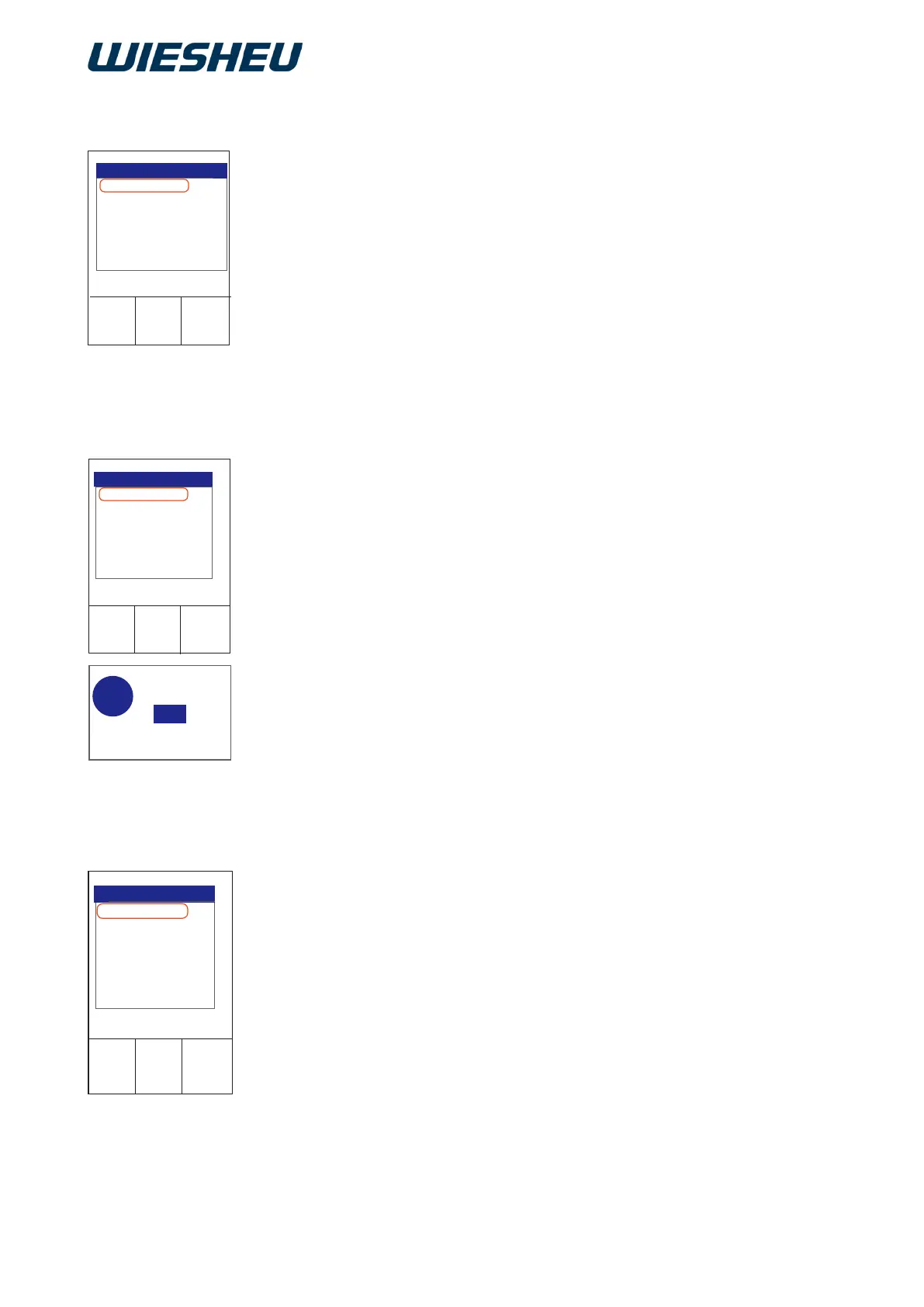
Under the “Country setting” menu item, make the following settings:
● °C or °F
● Time/Date format
● Language
● Simple language switch
Set the country-specic unit, display of the date format and the lan-
guage of menu navigation.
■ Use the slider/rotary button to select the “Country settings” sub-
menu.
Set the temperature display in “°C” or “°F”.
You are in the “Country setting” menu.
■ Choose the “°C or °F” menu item.
■ Choose the desired unit.
→ The display shows the message:
“Save changes? Yes / No”
■ Select “Yes”:
→ The setting is saved.
or
■ Select “No”:
→ The process is cancelled.
12.3 Country settings
12.3.1 Temperature unit °C or °F
Set the display format of the date and time on the display.
You are in the “Country setting” menu.
■ Choose the “Time/date format” menu item.
■ Choose from the following settings:
● 24h YYYY-MM-DD
→ Clock time as 24 hour display
→ displayed as: Year-Month-Day
● 24h DD.MM.YYYY
→ Clock time as 24 hour display
→ displayed as: Day. Month. Year
12.3.2 Time/date format



 To Next Page