Version 18-01 · 9401-191-003-EN · Exclusive and IS 600 E
Page 8
Start
01 Preh 210°C
02 Steam 180°C
03 Bake 180°C
2017-01-11
15:32:15
Manual baking
5.1 Manual baking via the Work menu
5.1.1 Changing the settings/parameters in the manual baking program
Start
01 Preh 210°C
02 Steam 180°C
03 Bake 180°C
2017-01-11
15:32:15
Manual baking
A
B
C
2017-01-11
15:32:15
Auto-start
Temperature 210°C
Temperature 210°C
Fan 8 100 %
Exhaust air to
Edit step
D
F
E
G
Item Designation Setting Notice
D Temperature 30-250 °C
Ebo to 280°C,
Top heat setting
E Temperature 30-280°C
With Ebo only,
Bottom heat setting
F Motor rotation speed
1 - 8
(= 12-100%)
Not with Ebo
G
Exhaust air damper
setting
open / closed
Settings in the Preheating program step:
A
B
C
2017-01-11
15:32:15
Auto-start
Temperature 210°C
Temperature 210°C
Fan 8 100 %
Exhaust air closed
Edit step
D
F
E
G
■ Change the settings using the slider/rotary button.
■ Press the “ON / OFF” button.
→ You go back to the “Manual baking” program.
→ The system applies the changed values.
Settings in the Preheating program step:
Change the set values in the manual baking program.
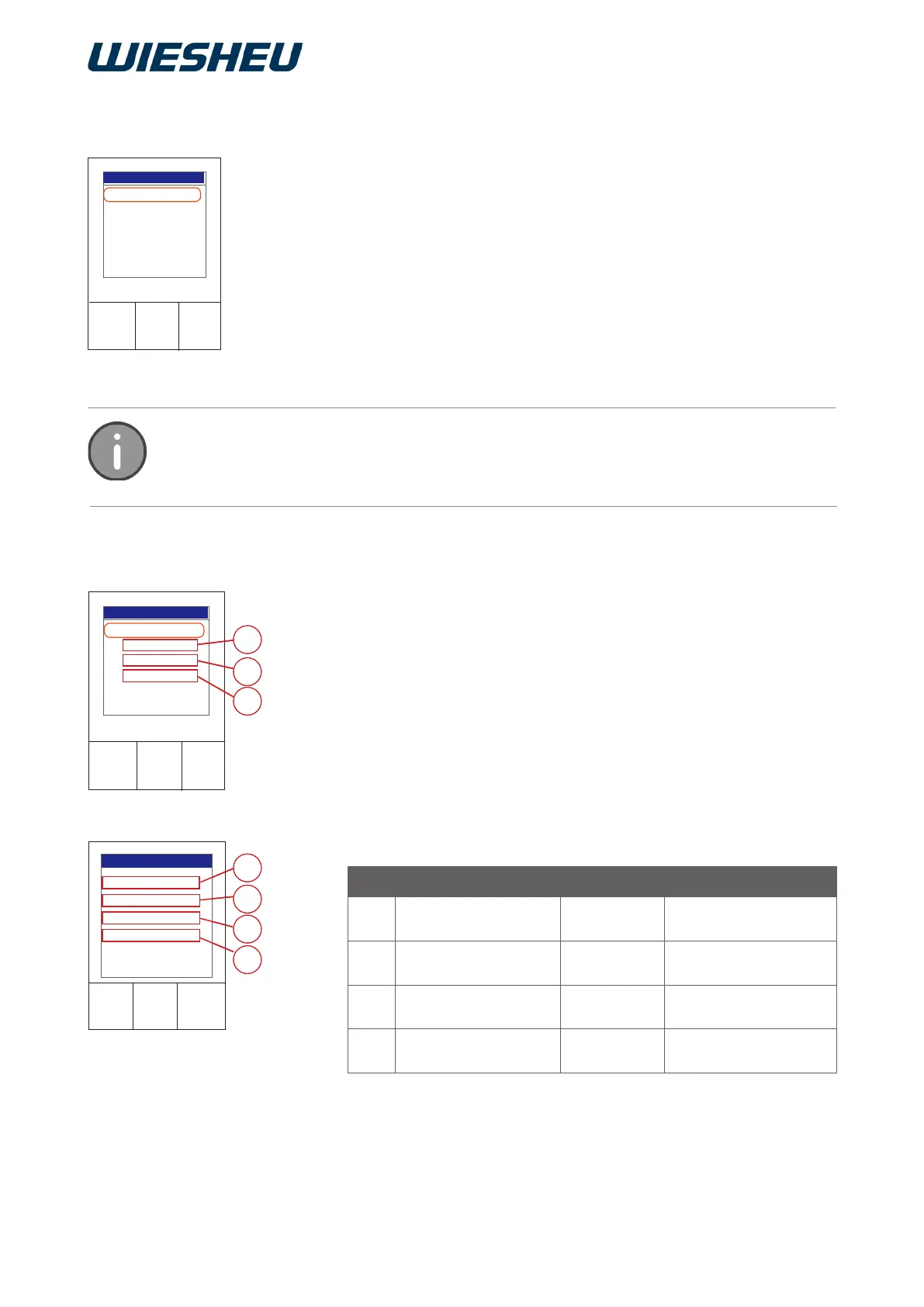
You are in the “Manual baking” menu item.
■ Use the slider to choose the program step that you want to change:
● Preheating (A)
● Steaming (B)
● Baking (C)
Set your baking parameters individually by hand.
You are in the “Work” menu item.
■ Choose the “Manual baking” submenu.
→ => The last entered baking parameters are shown in the display.
■ Use the slider/rotary button to choose the “Start” menu item.
→ The baking process starts with the specied settings.
The manual baking program is only displayed with the “Text” menu presentation in the
program list (Display). The manual baking program is not displayed in the menu pres-
entations “Picto” and “Text / Picto” and can therefore not be set.



 To Next Page