Page 9
Exclusive and IS 600 E · 9401-191-003-EN · Version 18-01
2017-01-11
15:32:15
Auto-start
Temperature 210°C
Temperature 210°C
Set time 13:00 min
Fan 8 100 %
Exhaust air to
Edit step
G
L
H
K
M
2017-01-11
15:32:15
Auto-start
Edit step
A
B
D
C
E
F
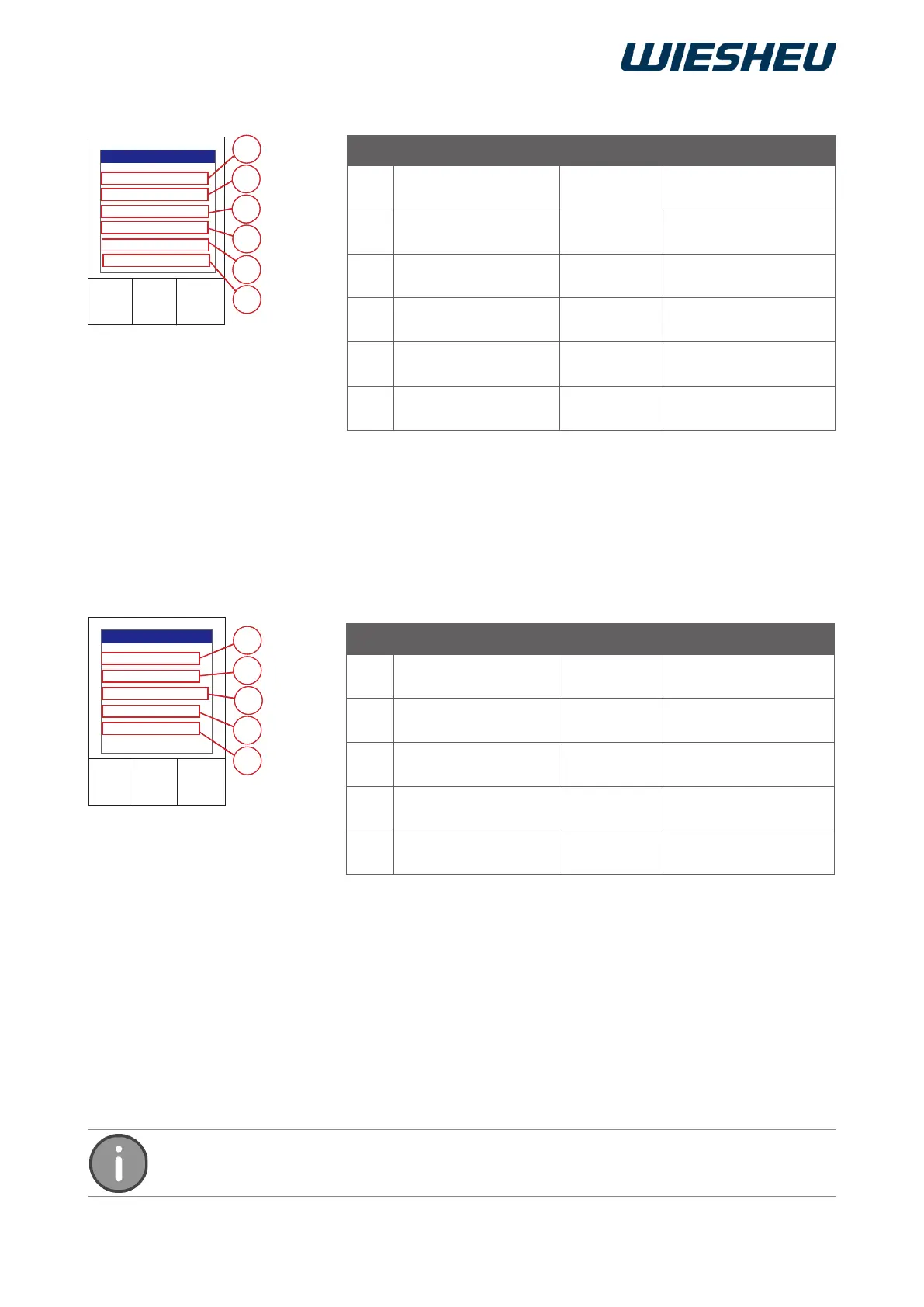
Settings in the Steaming program step:
Settings in the Baking program step:
Item Designation Setting Notice
A Temperature 30-250 °C
Ebo to 280°C,
Top heat setting
B Temperature 30-280°C
With Ebo only,
Bottom heat setting
C Steam injection time
1-999
seconds
Over the complete
steaming process
D Steam injection level
0-999
Millilitres
E
Number of
steam injections
1-15
F Contact time
1-240
seconds
Not with Ebo
Item Designation Setting Notice
G Temperature 30-250 °C
Ebo to 280°C,
Top heat setting
H Temperature 30-280°C
With Ebo only,
Bottom heat setting
K Set time
1 - 240
Minutes
C Motor rotation speed
1 - 8
(= 12-100%)
Not with Ebo
D
Exhaust air damper
setting
open / closed
2017-01-11
15:32:15
Auto-start
Temperature 210°C
Temperature 210°C
Set time 13:00 min
Fan 8 100 %
Exhaust air closed
Edit step
G
L
H
K
M
2017-01-11
15:32:15
Auto-start
Temperature 210°C
Temperature 210°C
Stmg. time 030 sec
Amount water 0200ml
No. of steam inj. 02 n
Soakage time 040 sec
Edit step
A
B
D
C
E
F
■ Change the settings using the slider/rotary button.
■ Press the “ON / OFF” button.
→ You go back to the “Manual baking” program.
→ The system applies the changed values.
Settings in the Baking program step:
■ Change the settings using the slider/rotary button.
■ Press the “ON / OFF” button.
→ You go back to the “Manual baking” program.
→ The system applies the changed values.
■ Use the slider/rotary button to choose the “Start” setting.
→ The baking process starts with the changed settings.
The settings will remain saved until the next change.



 To Next Page