Version 18-01 · 9401-191-003-EN · Exclusive and IS 600 E
Page 56
2017-01-11
15:32:15
End NB
Enter standby
Switch off display
Standby light
Oven light on
Cleaning light
Light always off
Energy saving
Save changes?
No
Yes
?
Off
Switch on/off
On
Switch on/off
2017-01-11
15:32:15
Enter standby
Switch off display
Standby light
Oven light on
Cleaning light
Light always off
Cooling
Energy saving
Save changes?
No
Yes
?
Off
Switch on/off
On
Switch on/off
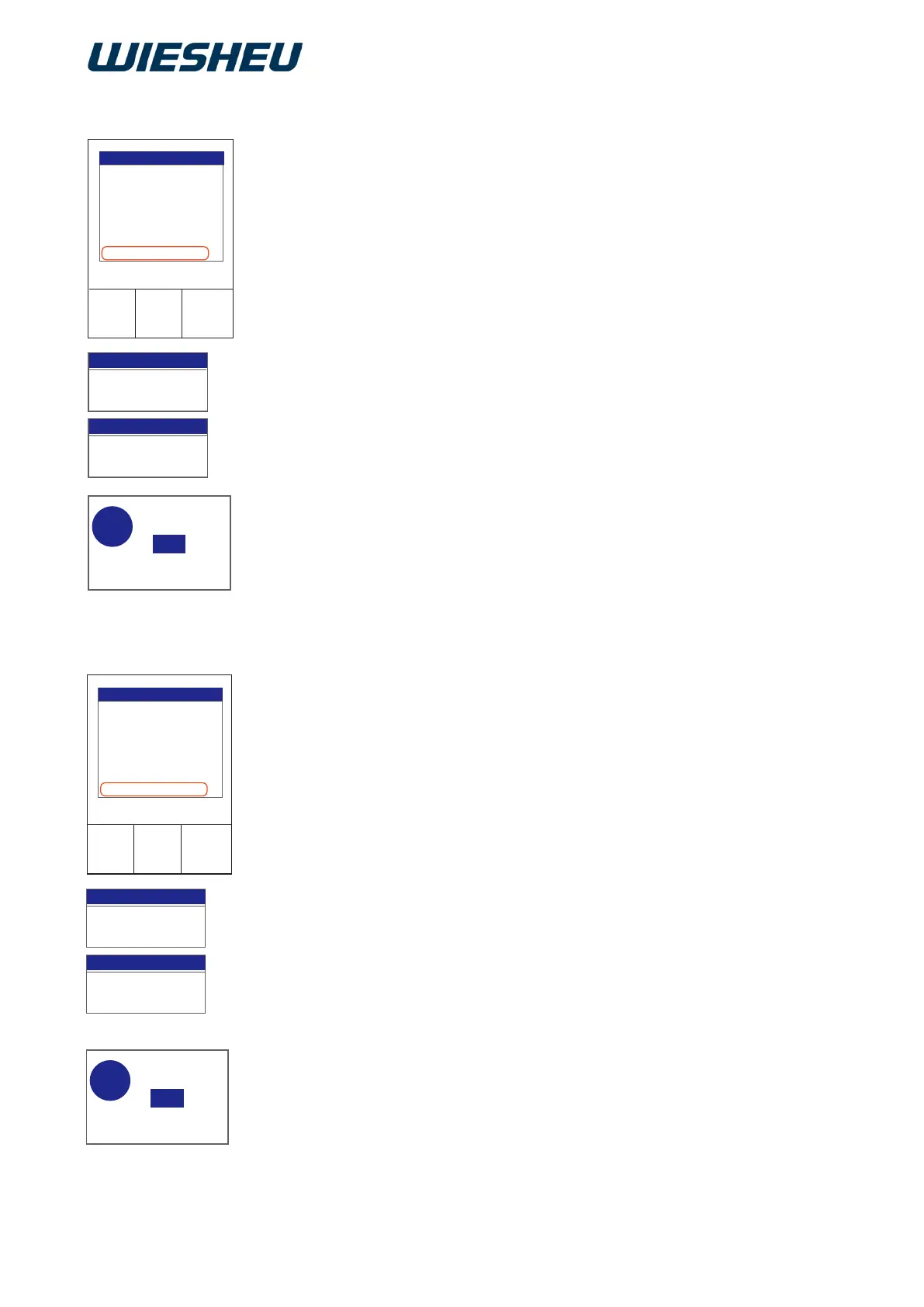
Switch the baking chamber lighting permanently off.
You are in the “Energy saving” menu.
■ Use the slider/rotary button to select the “Light always off” sub-
menu.
■ Choose from the following settings:
● Light always off “On”:
→ The “Light always off” function is active.
→ The oven's lighting is always switched off.
● Light always off “Off”:
→ The “Light always off” function is not active.
→ The oven's lighting is always switched on.
→ The display shows the message:
“Save changes? Yes / No”
■ Select “Yes”:
→ The setting is saved.
or
■ Select “No”:
→ The process is cancelled.
Is the current chamber temperature too hot for the subsequent baking
program? Create the conditions for optimum baking results and cool
down the chamber temperature.
You are in the “Energy saving” menu.
■ Use the slider/rotary button to select the “Cooling” menu.
■ Choose from the following settings:
● Cooling “On”:
→ The “Cooling” function is active, meaning that the exhaust air
damper is open.
→ The hot air escapes from the oven.
→ The oven cools down.
● Cooling “Off”:
→ The “Cooling” function is not active.
→ The exhaust air damper stays closed.
→ The hot air stays in the oven.
→ The residual heat is retained.
→ The display shows the message:
“Save changes? Yes/No”
Choose “Yes”:
→ The setting is saved.
or
■ Select “No”:
→ The process is cancelled.
13.3.8 Light always off
13.3.9 Cooling



 To Next Page