Version 18-01 · 9401-191-003-EN · Exclusive and IS 600 E
Page 14
2017-01-11
15:32:15
Work
Switch off
Stopwatch
Appliance ID
Cleaning position
Programming
Settings
Work
2017-01-11
15:32:15
Cancel
program?
Yes
No
No
?
Enter time
1:00 min
Baking off?
Yes
No
Yes
?
Baking off?
Yes
No
Yes
?
Cancel an ongoing baking program.
You are in the running baking program.
■ Press the “C” button.
→ The system shows the following message on the display:
“Finish program? “Yes / No”
■ Select “Yes”:
→ The program is cancelled.
or
■ Select “No”:
→ The program is continued.
Press the “C” button to cancel the ongoing baking program at any time.
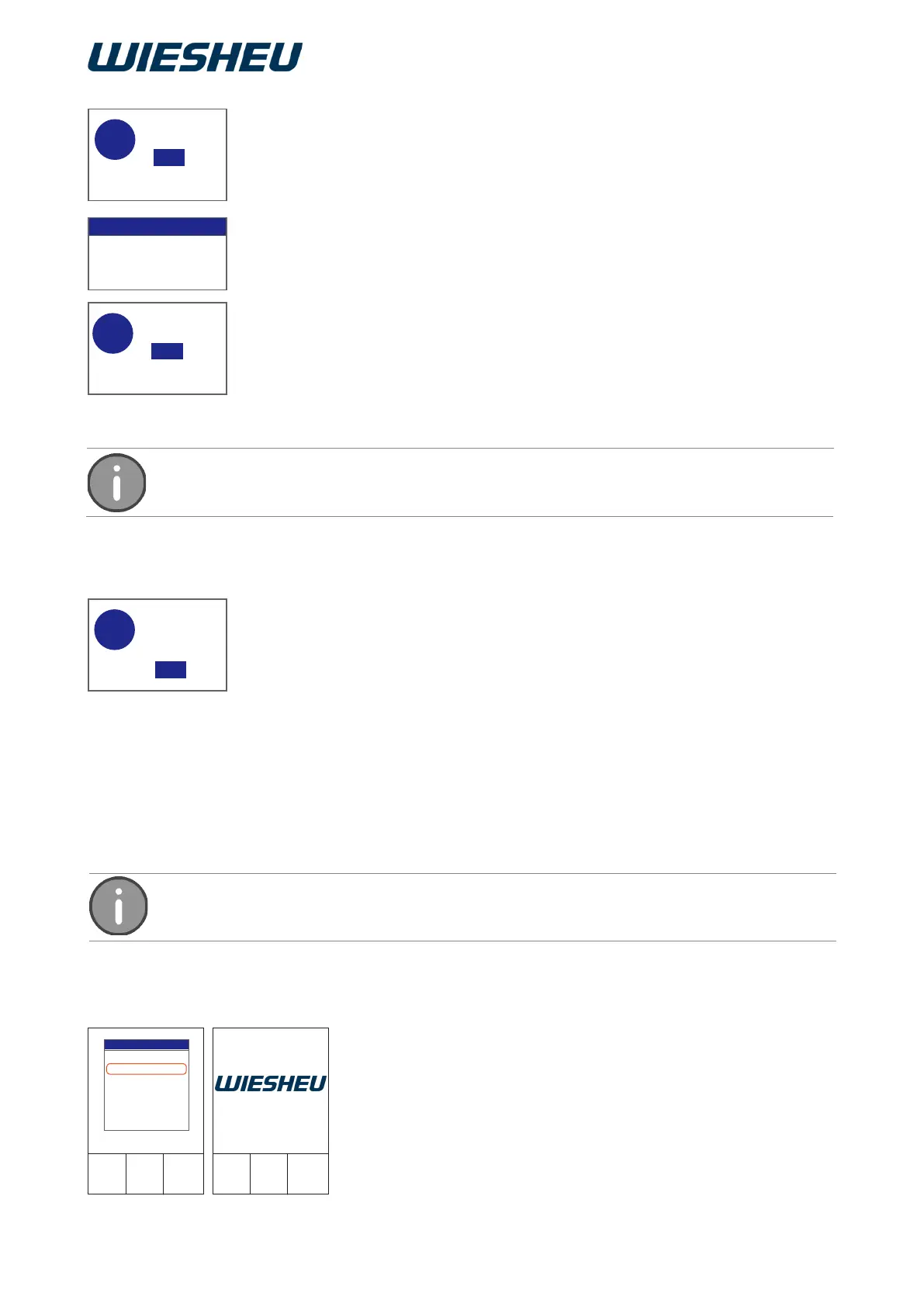
Switch off the device.
You are in the main menu.
■ Use the slider / rotary button to choose the “Switch off” menu item.
→ The device is switched off.
→ The logo is shown on the display.
6 The “Switch Off” Menu Item
5.3.4 Cancelling a program
For baking off, you can make time settings from 1 - 240 minutes.
Continue baking off:
■ Select “Yes”:
■ Set the duration of the baking off time using the slider/rotary button.
→ Baking off starts.
→ If the baking off time has expired, the system displays the “Baking
off” message again. “Baking off?”
■ Select “Yes”:
→ You can set a baking off time again.
or
■ Select “No”:
→ The program ends.



 To Next Page