Version 18-01 · 9401-191-003-EN · Exclusive and IS 600 E
Page 26
Program 1
Pretzel.BMP
01 Preh 200°C
02 Steam 180°C
03 Bake 180°C
Edit
2017-01-11
15:32:15
Edit
new
Copy
Move
Delete
Delete entry
Programming
Edit
new
Copy
Move
Delete
Programming
H
Save changes?
No
Yes
?
Save changes?
No
Yes
?
Manual baking
Program 1
Program 2
Program 3
Program 4
Program 5
Programming
2017-01-11
15:32:15
Edit
new
Copy
Move
Delete
Programming
J
2017-01-11
15:32:15
Program
No image!
01 Preh 200°C
02 Stmng 200°C
03 Bake 200°C
Edit
K
Program 1
Pretzel.BMP
01 Preh 200°C
02 Steam 180°C
03 Bake 180°C
Edit
2017-01-11
15:32:15
Edit
new
Copy
Move
Delete
Delete entry
Programming
Edit
new
Copy
Move
Delete
Programming
H
Yes
?
Yes
?
Programming
2017-01-11
15:32:15
Edit
new
Copy
Move
Delete
Programming
J
Program
No image!
01 Preh 200°C
02 Stmng 200°C
03 Bake 200°C
Edit
K
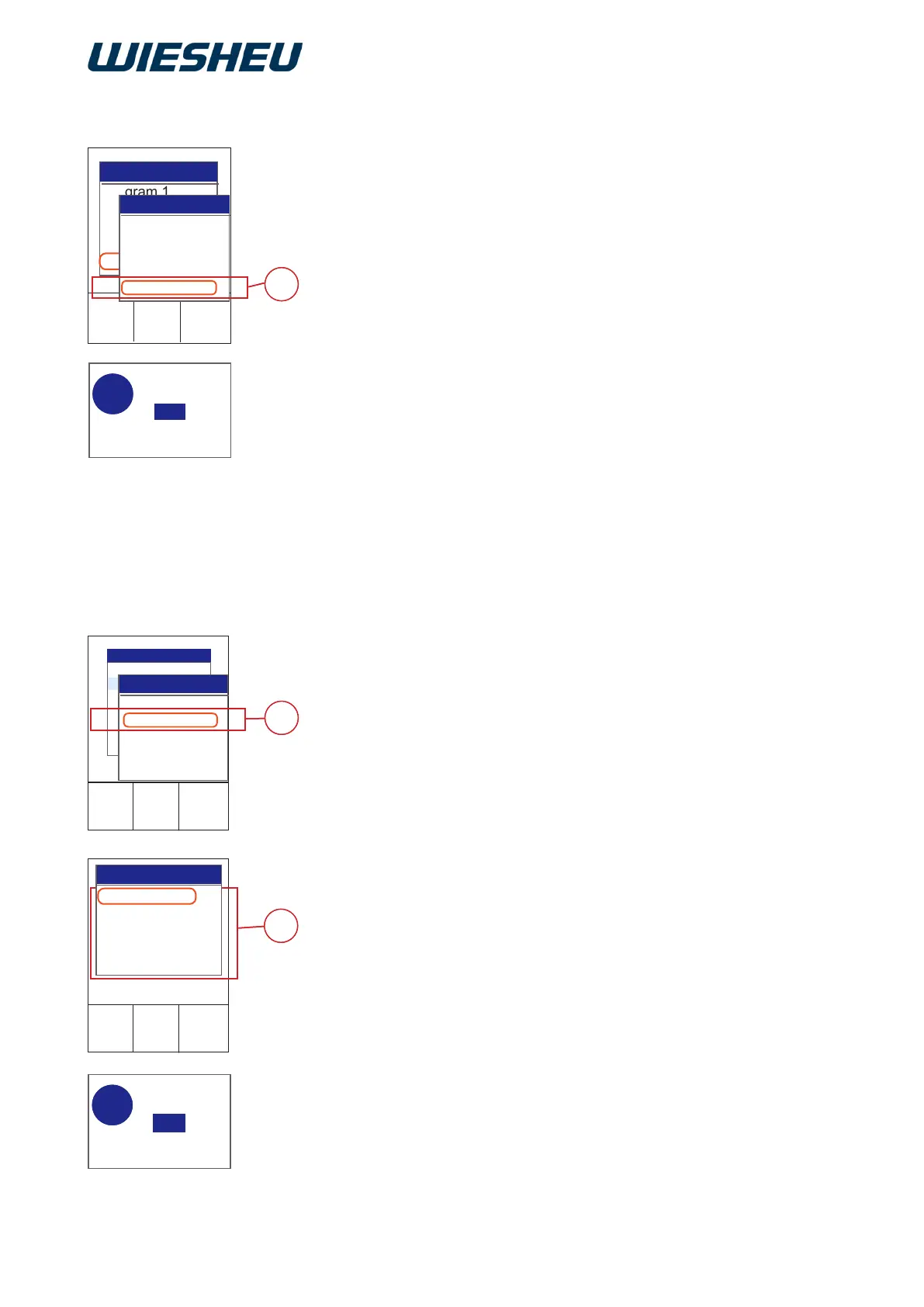
Delete a program step within a baking program.
You are in the “Program” menu item
Submenu “Edit”.
■ Use the slider/rotary button to choose the program step (E) that you
want to delete.
■ Use the slider / rotary button to choose the “Delete” menu item.
→ The system shows the following message on the display:
“Remove entry? Yes / No”
■ Select “Yes”:
→ The setting is saved.
or
■ Select “No”:
→ The process is cancelled.
Insert a new baking program in the existing program list.
You are in the “Program” menu item.
■ Use the slider/rotary button to choose the position in which you want
to insert the new program.
■ Choose the “New” menu item (J).
■ The system inserts a blank program (K).
■ Select the individual program items.
■ Edit items “Pictogram”, “Load detection” and “Baking step” as de-
scribed in the previous chapters.
■ Press the “C” button.
→ The system shows the following message on the display:
“Save changes? Yes / No”.
■ Select “Yes”:
→ The new baking program is inserted at the selected position.
→ The subsequent baking programs have moved down by one
position.
or
■ Select “No”:
→ The process is cancelled.
10.1.8 Deleting a program step
10.2 Inserting a new program



 To Next Page