Page 5
Exclusive and IS 600 E · 9401-191-003-EN · Version 18-01
3 Functions and Operation of the Controls
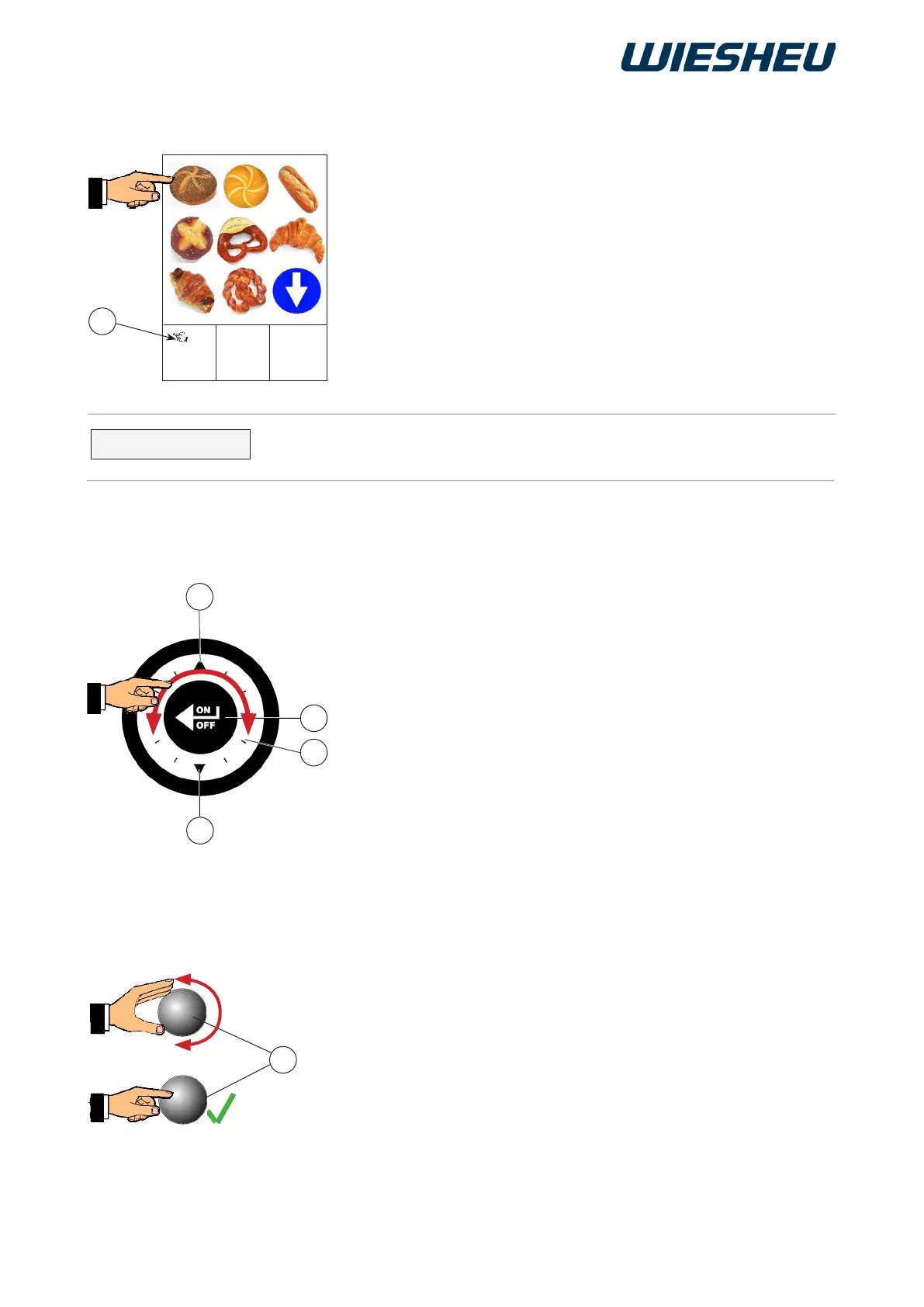
3.1 Working with the touchscreen display (Exclusive):
You can start baking programs directly using the touchscreen display.
■ Use your finger to touch the desired pictogram (product image
or function) on the display.
→ The selection is activated.
→ The program starts.
E
The touch function of the display is always active when the system
displays the “Hand” (1) icon.
2015-11-05
15:32:15
1
A
B
C
D
INFORMATION
3.2 Functions of the slider (Exclusive):
Below, we will the describe the selection
options using the slider:
■ Turn to the left on the slider (B), or
■ Press the up arrow (C).
→ The selection bar moves left / up.
■ Turn to the right on the slider, or
■ Press the down arrow (D).
→ The selection bar moves right/down.
■ Press the ON/OFF button (A) in the middle of the slider.
→ The change is conrmed / saved.
3.3 Functions of the rotary button (IS 600 E):
Below, we will the describe the selection
options using the rotary button:
■ Turn the ON / OFF button (E) to the left.
→ The selection bar moves to the left / upwards.
■ Turn the ON / OFF button (E) to the right.
→ The selection bar moves to the right / downwards.
■ Press the ON / OFF button (E) in the middle.
→ The change is conrmed/saved.



 To Next Page