Page 45
Exclusive and IS 600 E · 9401-191-003-EN · Version 18-01
Logo1
Logo2
Reduced baking display
2017-01-11
15:32:15
Display
2017-01-11
15:32:15
WIESHEU01.BMP
WIESHEU02.BMP
WIESHEU03.BMP
WIESHEU04.BMP
Logo
Save changes?
No
Yes
?
You can transfer your individual logo from the data store to the display.
Or use this menu to reduce the amount of information displayed.
You are in the “Operator settings” menu item.
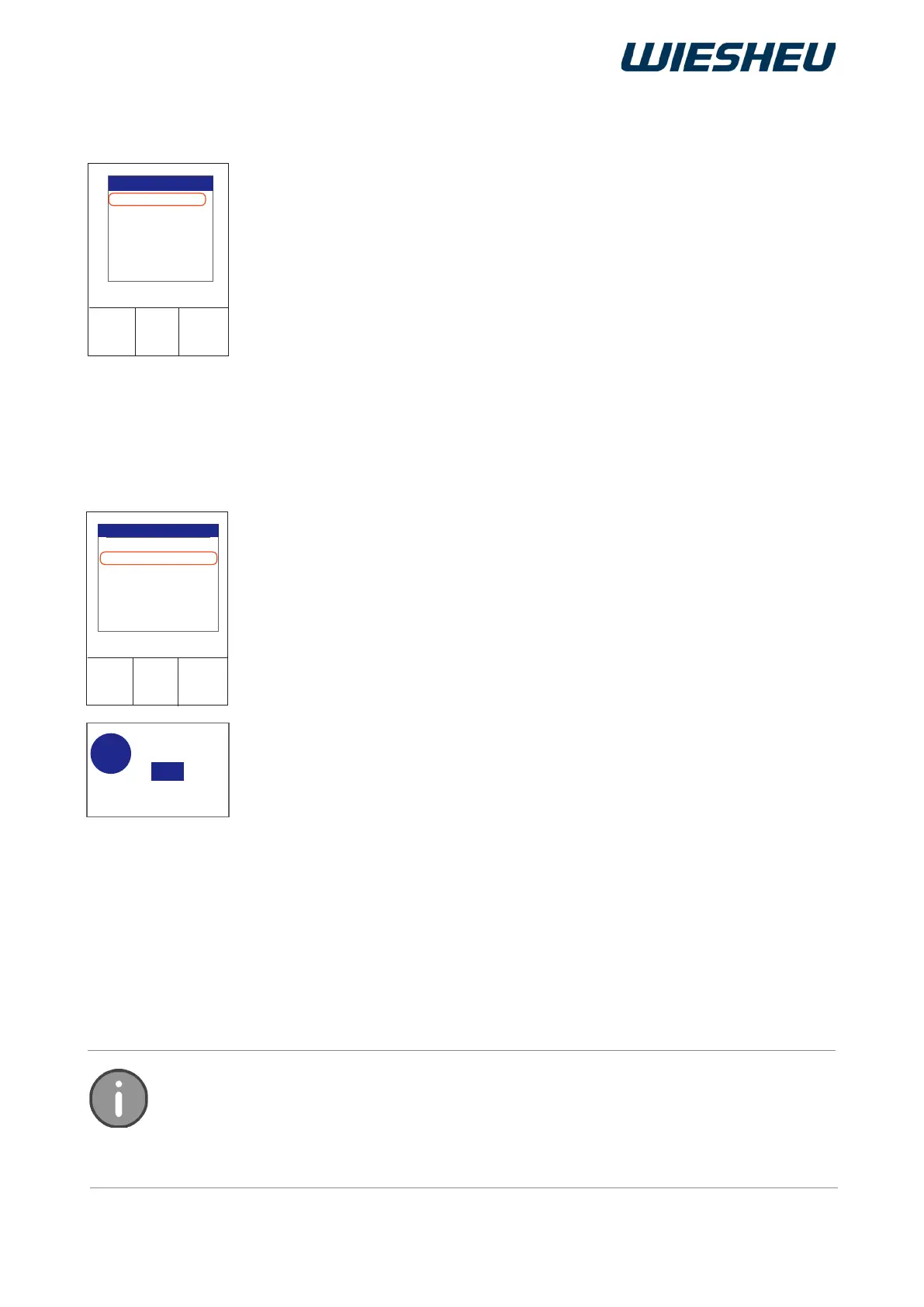
■ Use the slider/rotary button to choose the “Display” menu item.
→ The following submenus are shown on the display:
● Logo 1
● Logo 2
● Reduced baking display
12.7 Display
Select the “Logo1” item.
→ The system displays the list of all the logos in data memory.
■ Choose a logo.
→ The display shows the message:
“Save changes? Yes / No”
■ Select “Yes”:
→ The setting is saved.
■ Select the “Logo2” item.
→ The system displays the list of all the logos in data memory.
■ Choose a logo.
■ The display shows the message:
“Save changes? Yes / No”.
■ Select “Yes”:
→ The setting is saved.
→ The logos are shown on the display in standby mode.
→ If different image les are assigned to Logo 1+2, display of the
logos changes every ve seconds.
or
■ Select “No”:
→ The process is cancelled.
Your own personalised logos can be transferred to the control.
The maximum size of the logos must be 480 x 480 pixels with a maximum image depth
of 24-bit. The le must be of type *.BMP. For information on installing logo les, refer to
the chapter entitled “Appliance setting” - “Communication”.
12.7.1 Logo



 To Next Page