Version 18-01 · 9401-191-003-EN · Exclusive and IS 600 E
Page 62
Save changes?
No
Yes
?
User management
Function Mode PIN
Auto-start PIN 1234
Appliance ID PIN 1234
Operator setting PIN 1234
Appliance settings PIN 1234
Date and time Off 0000
User management
Function Mode PIN
Programming Off 0000
Manual interrupt Locked 0000
Baking off Off 0000
Leave work PIN 1234
Login Off 0000
Settings Conditional 1234
User manager PIN 1234
Service Generated ****
Reset login Generated ****
Report PIN 1234
C
Function Mode
Programming Off
Manual interrupt Locked
Baking off Off
Leave work PIN
Login Off
Settings Conditional
User manager PIN
Service Generated
Reset login Generated
Report PIN
Auto-start
Appliance ID
User settings
Appliance settings
Date and time
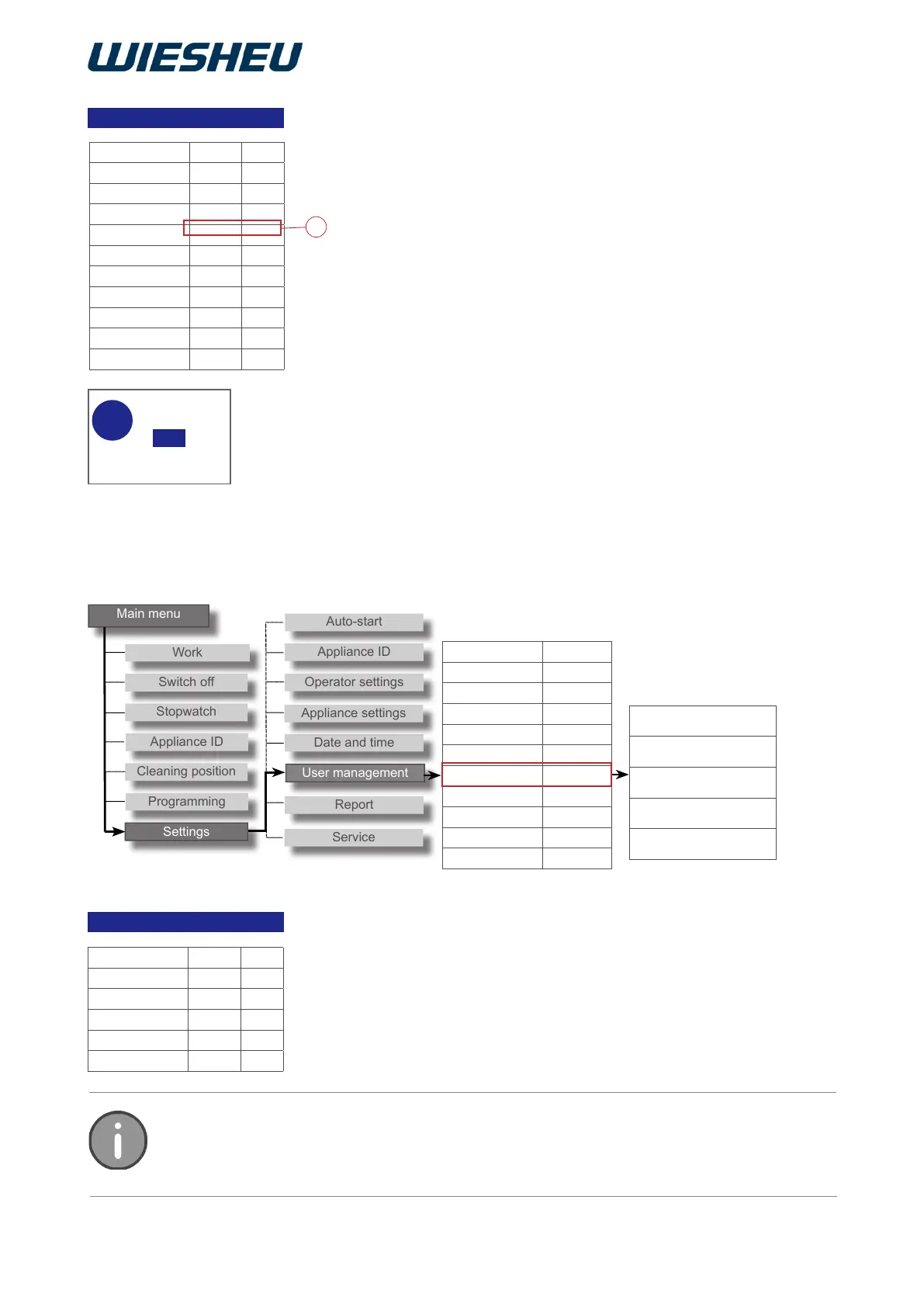
When selecting the “PIN”:
■ Select the four-digit PIN number (C).
■ Confirm the selection.
■ Use the slider / rotary button to enter the first PIN number.
■ Confirm the input.
■ Use the slider / rotary button to enter the second PIN number.
■ Confirm the input.
■ Use the slider / rotary button to enter the third PIN number.
■ Confirm the input.
■ Use the slider / rotary button to enter the fourth PIN number.
■ Confirm the input.
→ Press the “C” button.
→ The display shows the message:
→ “Save changes? Yes / No”
■ Select “Yes”:
→ The setting is saved.
Or
■ Select “No”:
→ The process is cancelled.
The expanded settings are only visible when the settings in user administration are set
to “conditional”. If the setting is set to “Off” or “PIN”, this menu is invisible to the user in
the background.
15.1 Expanded user administration
You can nd the additional settings below in the submenu of the “Set-
ting” item.
● Autostart (preselect start time)
● Appliance ID
● Operator settings
● Appliance settings
● Date and time



 To Next Page