Page 61
Exclusive and IS 600 E · 9401-191-003-EN · Version 18-01
2017-01-11
15:32:15
Appliance ID
Operator settings
Appliance settings
Date and time
User management
Report
Service
Settings
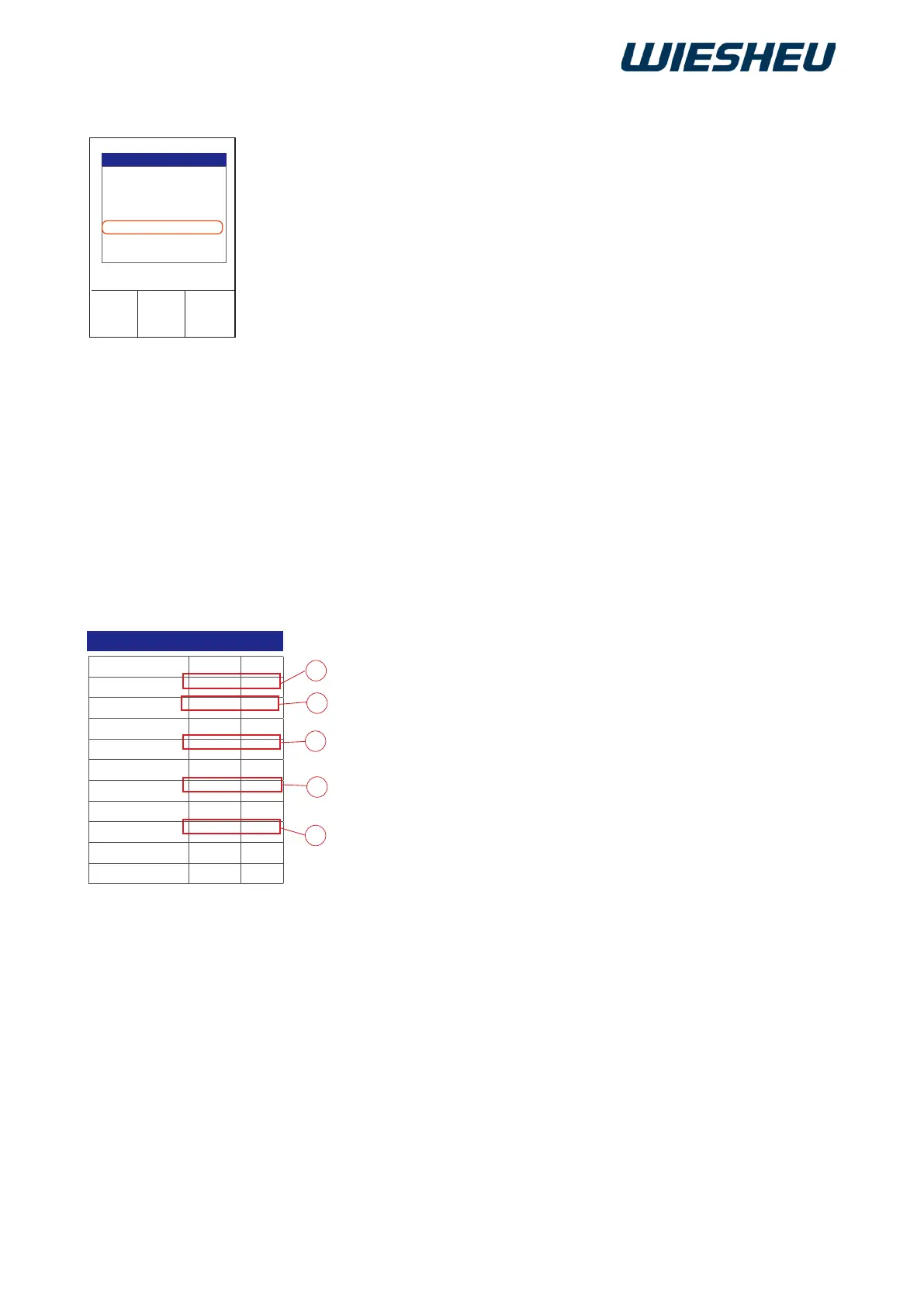
User management
Function Mode PIN
Programming Off 0000
Manual interrupt Locked 0000
Baking off Off 0000
Leave work PIN 1234
Login Off 0000
Settings Conditional 1234
User manager PIN 1234
Service Generated ****
Reset login Generated ****
Report PIN 1234
A
B
C
D
E
Lock or unlock access to the following functions in the “User adminis-
tration” menu item:
● Program (change baking programs)
● Manual intervention (change running program)
● Baking off
● Exit work (exit the work menu)
● Login (safety interlock)
● Settings (change parameters)
● User administration (assign access rights)
● Service (this area is locked at the factory)
● Reset login (this area is locked at the factory)
● Report (display operating data)
You are in the “Settings” menu item.
■ Use the slider/rotary button to choose the “User administration”
menu item.
■ Choose from the following settings:
● “Off” (A):
→ Access rights not restricted
→ Access possible
● “Blocked” (B):
→ No access rights granted
→ Change only via user administration
● “PIN” (C):
→ Access rights restricted to authorised persons
→ Access only with PIN entry
● “Conditional” (D):
→ Settings submenu active
→ Additional access rights possible
● “Generated” (E):
→ No access rights granted
→ Access not possible



 To Next Page