Page 43
Exclusive and IS 600 E · 9401-191-003-EN · Version 18-01
Dr lkg after x sec.
2017-01-11
15:32:15
Door + control panel lock
Dr lkg after x sec.
2017-01-11
15:32:15
Door + control panel lock
10 sec
Lock after
Save changes?
No
Yes
?
12.4 Door + control panel lock
Lock the oven door and controller of the in-store baking oven
from unintentional access.
You are in the “Operator settings” menu.
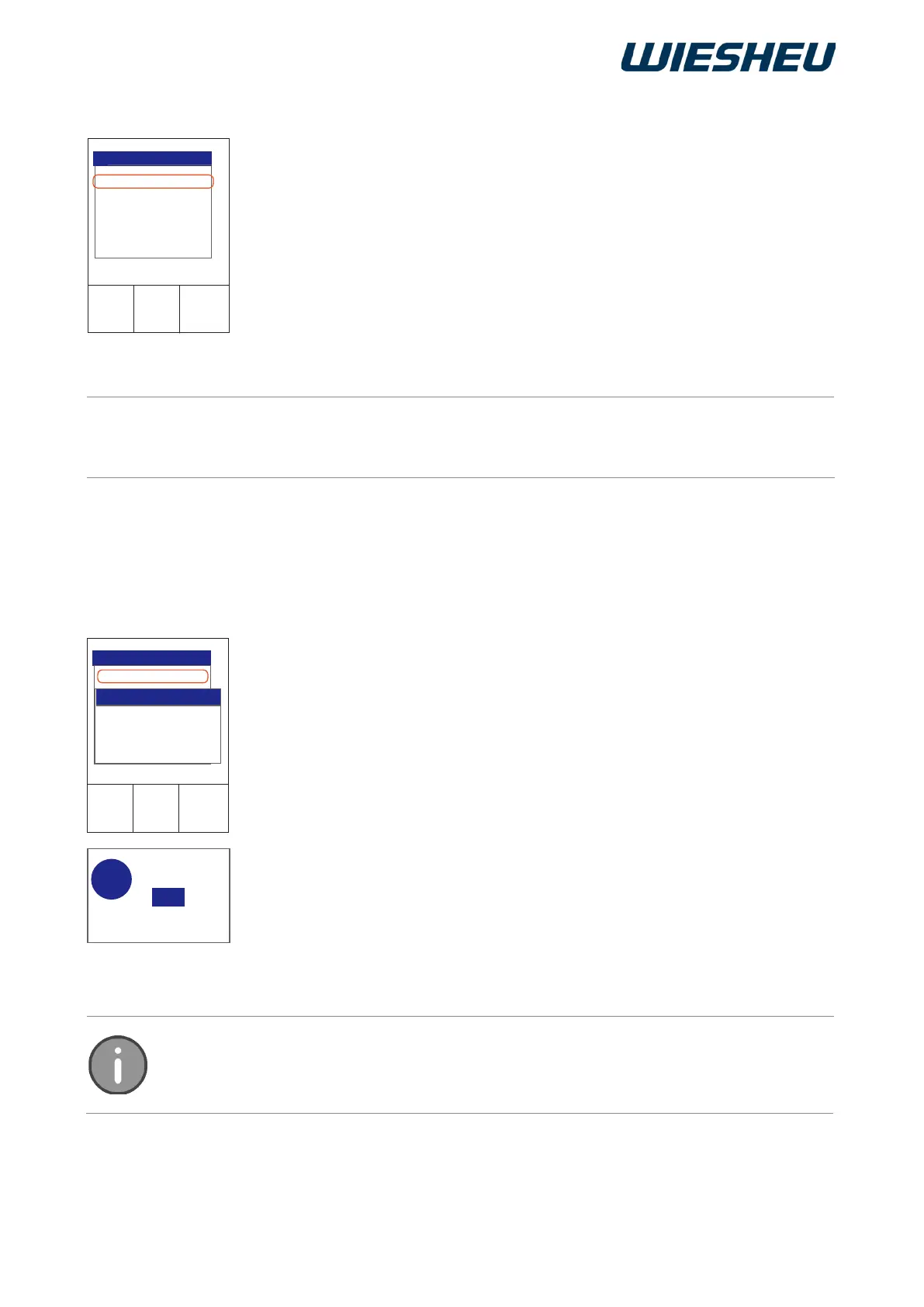
■ Use the slider / rotary button to select the “Door + control panel
lock” submenu.
The following submenus are displayed:
● Door locking after x sec.
→ The lock becomes active after a set time has elapsed.
→ The lock is active during the running baking program.
Please note that with appliances set up on the customer area, the “Dr lkg after x sec”
locking feature must be activated.
Set the time when the door and control are to be protected from unin-
tentional access after a dened time has elapsed.
You are in the “Door lock” menu item.
■ Use the slider/rotary button to choose the “Dr lkg after x sec.” menu
item.
→ The display shows the message:
“Dr lkg after x sec.”
■ Set the desired time in seconds.
→ The display shows the message:
“Save changes? Yes / No”
■ Select “Yes”:
→ The setting is saved.
or
■ Select “No”:
→ The process is cancelled.
This menu item has no function with this appliance series.
12.5 Open door when program ends
12.4.1 Door lock after x seconds
In this menu item, choose from the “OFF” setting (no lock) and a time setting of 10 -
300 seconds. The time setting is made in 10-second increments. The lock can only be
released by an individual PIN entry.



 To Next Page