Version 18-01 · 9401-191-003-EN · Exclusive and IS 600 E
Page 44
Save changes?
No
Yes
?
2017-01-11
15:32:15
Manual baking
Sesame rolls
Bread rolls
Baguettes
Pretzel rolls
Pretzel
Croissants
Work
2017-01-11
15:32:15
Work
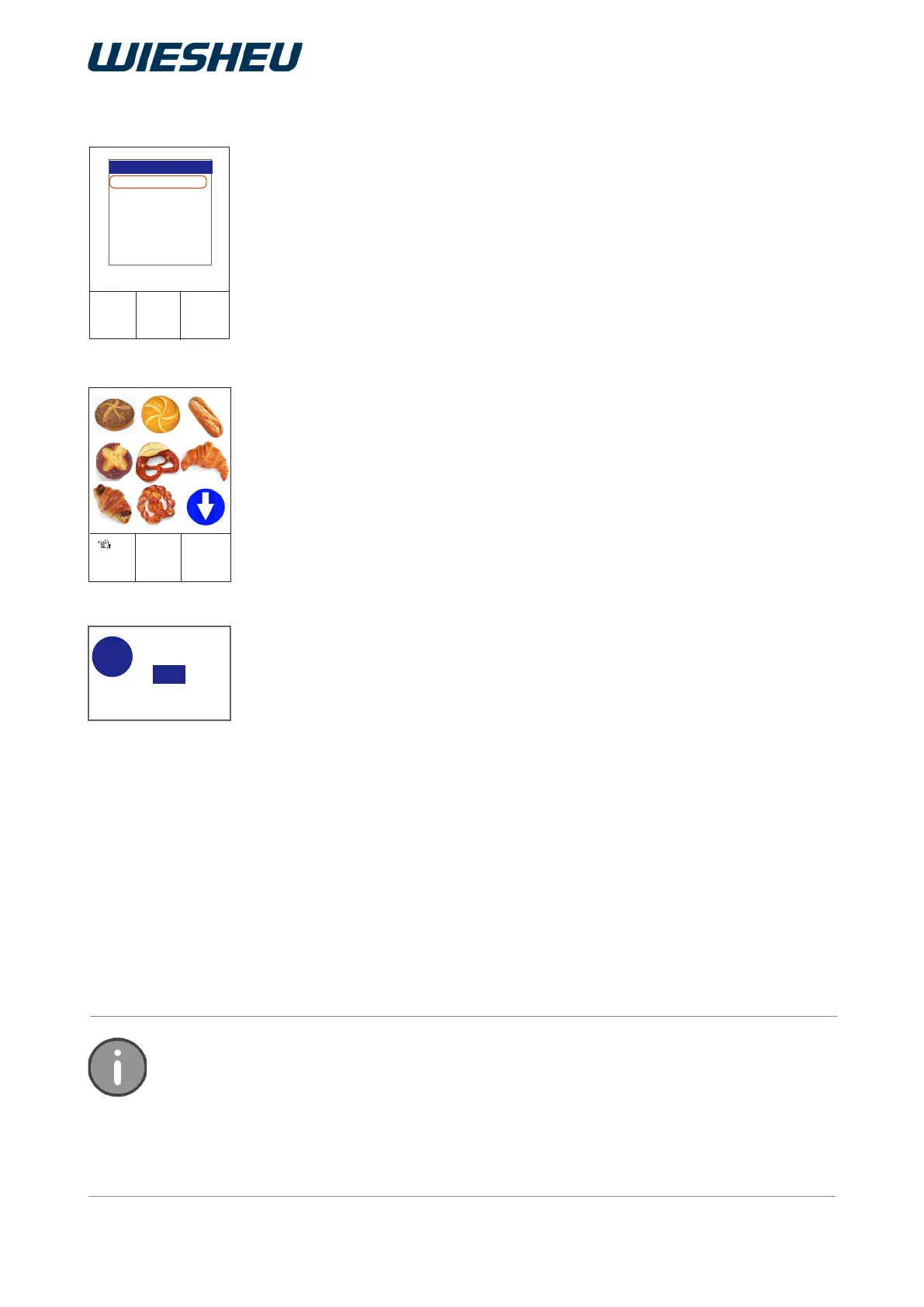
Set the representation of the controller's work menu.
Choose between text and image display or combine texts with pic-
tures.
You are in the “Operator settings” menu item.
■ Use the slider/rotary button to choose the “Picto” menu item.
■ Choose from the following settings:
● “Text” selection
→ In the “Work” menu, the system displays the program list in text
form.
● “Picto” selection
→ In the “Work” menu, the system displays the program list in graph-
ic form (as a pictogram) and the touch function is active.
● “Text/picto” selection
→ In the “Work” menu, the system displays the program list in graph-
ic form with captions and the touch function is active.
● “Picto with cleaning position” selection
→ Only with oven type Dibas 64 blue: Image display, door position
for swinging open the sliding door
● Select Picto with “Text / Picto with cleaning position”
→ Only with oven type Dibas 64 blue: Image display with caption,
door position for swinging open the sliding door.
→ The display shows the message:
“Save changes? Yes / No”
■ Select “Yes”:
→ The setting is saved.
or
■ Select “No”:
→ The process is cancelled.
Your own personalised pictograms can be transferred to the control. The size of the pic-
togram must be 160 x 160 pixels and it must have 24-bit colour depth. The le must be
of type *.BMP. For information on installing pictogram les, refer to the chapter entitled
“Appliance setting” - “Communication”.
If more than 9 pictograms are stored in the program list this is indicated by blue arrow in
the display.
12.6 Picto



 To Next Page