Page 27
Exclusive and IS 600 E · 9401-191-003-EN · Version 18-01
Manual baking
Pretzel
Bread rolls
Baguettes
Pretzel rolls
Pretzel
Croissants
Programming
2017-01-11
15:32:15
Edit
new
Copy
Move
Delete
Programming
Programming
L
A
Manual baking
Program 1
Program 2
Program 3
Program 4
Edit
2017-01-11
15:32:15
Manual baking
Program 1
Program 2
Program 3
Program 4
Program 5
Programming
2017-01-11
15:32:15
Edit
new
Copy
Move
Delete
Programming
Auto-start
Programming
M
01 Pretzel
02 Bread rolls
03 Baguette
04 Pretzel dough
05 Danish pastry
Edit
A
2017-01-11
15:32:15
Programming
Edit
new
Copy
Move
Delete
Programming
Programming
L
A
Manual baking
Program 1
Program 2
Program 3
Program 4
Edit
Programming
Edit
new
Copy
Move
Delete
Programming
Auto-start
Programming
M
01 Pretzel
02 Bread rolls
03 Baguette
04 Pretzel dough
05 Danish pastry
Edit
A
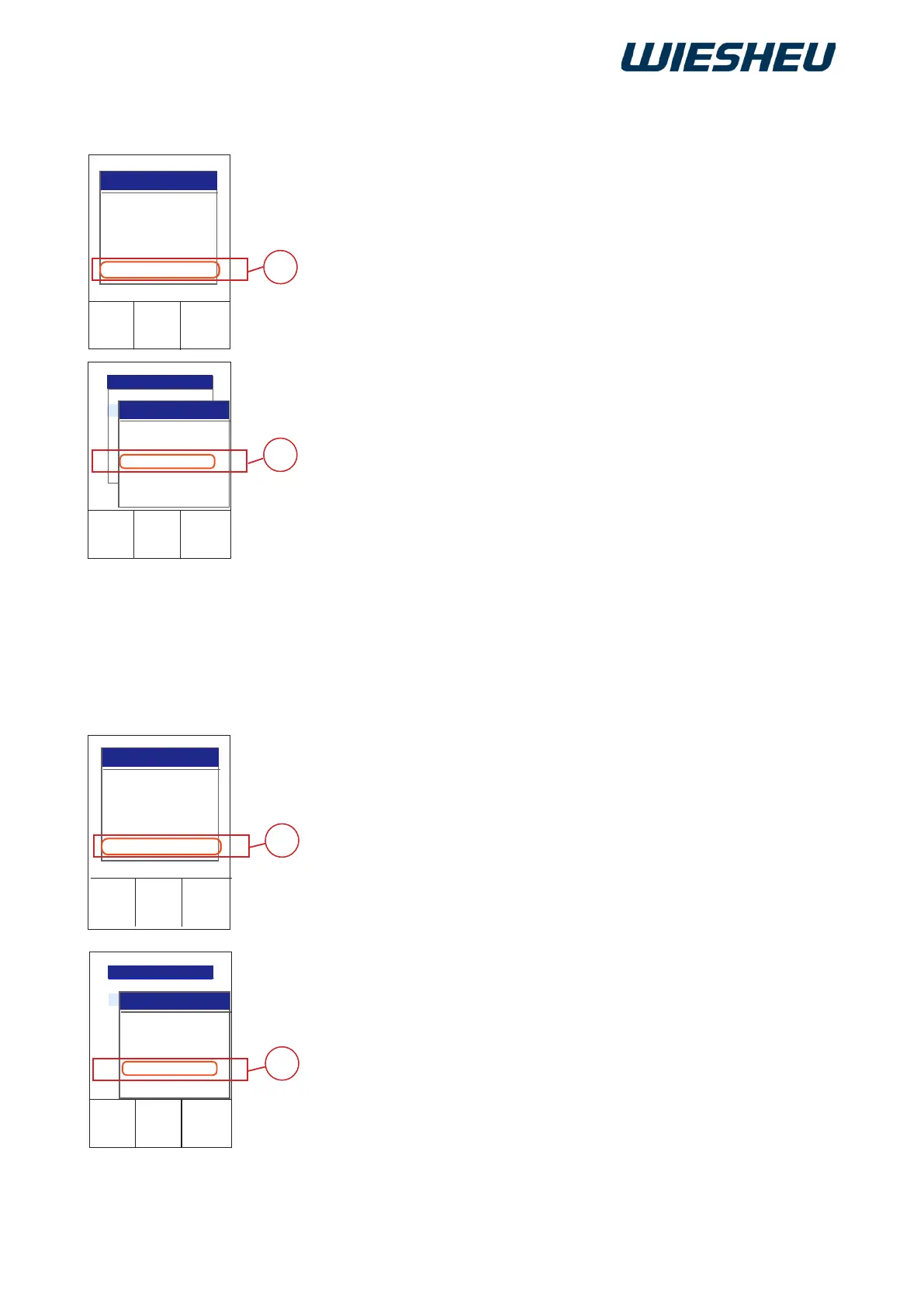
Copy a baking program from the existing program list.
You are in the “Program” menu item.
■ Use the slider/rotary button to choose the program (A) that you
want to copy.
■ Choose the “Copy” menu item (L).
■ Choose the location where yo want the copied program to be insert-
ed.
■ Press the “ON / OFF” button.
→ The program is copied and inserted at the selected position.
→ The subsequent programs move down by one program position.
10.3 Copying a program
Move a program within the existing program list.
You are in the “Program” menu item.
■ Use the slider/rotary button to choose the program (A) that you
want to move.
■ Choose the “Move” menu item (M).
■ Choose the location where you want the program to be inserted.
■ Press the “ON / OFF” button.
→ The program is moved and inserted at the selected position.
→ The subsequent programs move down by one program position.
10.4 Moving a program



 To Next Page