Version 18-01 · 9401-191-003-EN · Exclusive and IS 600 E
Page 46
2017-01-11
15:32:15
Reduced baking display
On
Switch on/off
Save changes?
No
Yes
?
13:00 min
200 °C 50 ml
8 100% open
Program
D
E
A
B
C
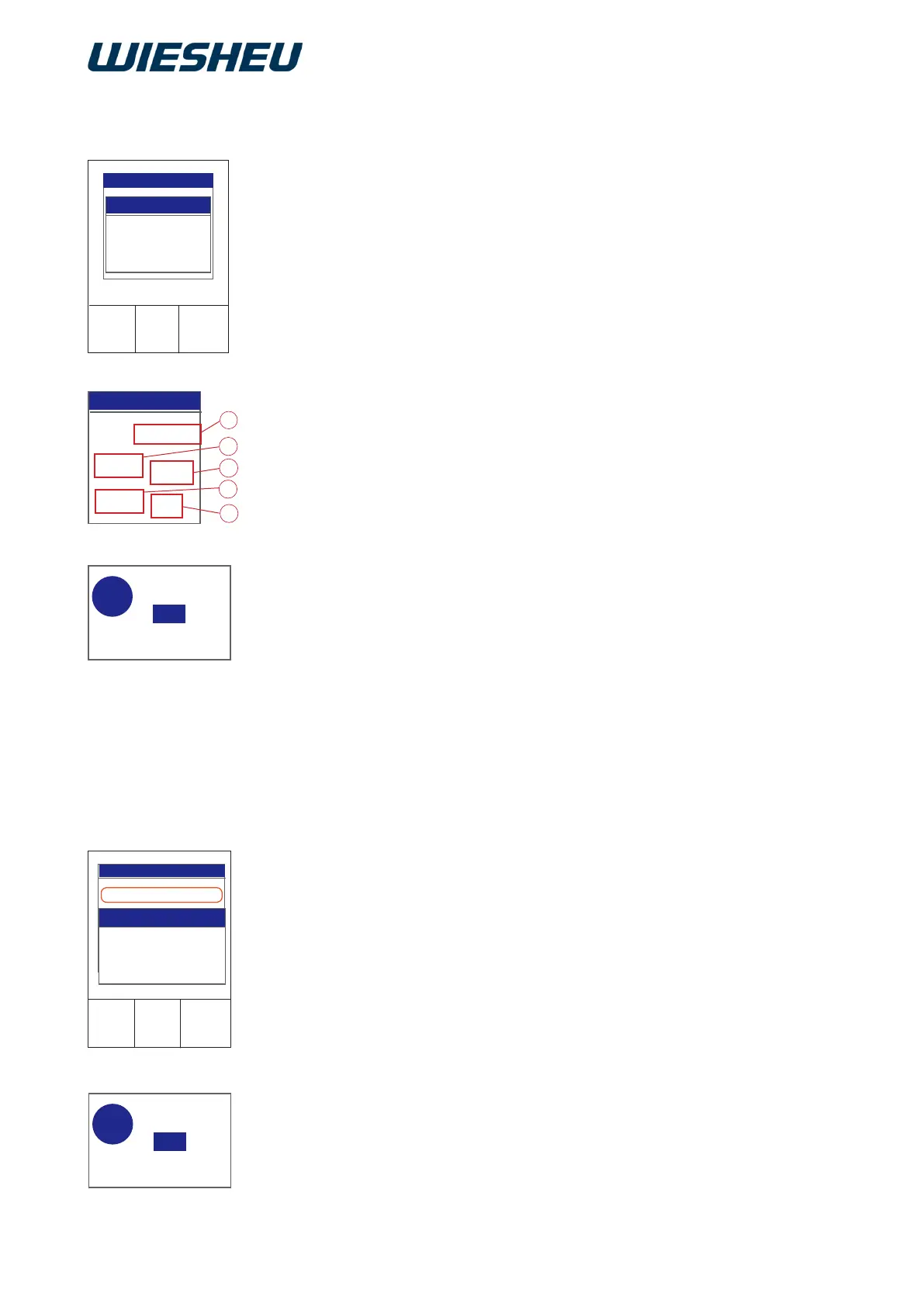
Select the “Reduced baking display” item.
→ The display shows the selection:
“Switch on/off”
■ Use the slider / rotary button to choose “On” or “Off”.
The following information is displayed:
→ Setting “On”:
● Remaining baking time (A)
● Chamber temperature (B)
● Steam volume (C)
● Motor speed (D)
● Exhaust air damper (E) position
→ Setting “Off”:
● Remaining baking time (A)
● Chamber temperature (B)
● Steam volume (C)
→ The display shows the message:
“Save changes? Yes / No”.
■ Select “Yes”:
→ The setting is saved.
or
■ Select “No”:
→ The process is cancelled.
12.7.2 Reduced baking display
12.7.3 Display manual baking (quick access via main menu)
Select the ”Display manual baking” item.
→ The display shows the selection:
”Switch on/off”
■ Select ”Yes”
→ The ”Manual baking” item is added to the main menu.
→ You can select the ”Manual baking” menu in the main menu
by means of quick access.
■ Press the ”C” key.
→ The display shows the message:
”Save changes? Yes / No”.
■ Select ”Yes”:
→ The setting is saved.
■ or
■ Select ”No”:
→ The process is cancelled.
14/08/2017
15:32:15
Display manual baking
Display
On
Switch on/off
Save changes?
No
Yes
?



 To Next Page