Page 63
Exclusive and IS 600 E · 9401-191-003-EN · Version 18-01
2017-01-11
15:32:15
Today
Yesterday
2 days ago
Settings
Status reports
Report
2017-01-11
15:32:15
Start time End
time
Mornings 00:00
00:00
Mornings 00:00 00:00
Afternoons 00:00 00:00
Evenings 00:00 00:00
Report settings
2017-01-11
15:32:15
Water lter OK
LiquidClean Cleaning
agent full
Status messages
Save changes?
No
Yes
?
Start time End
time
Mornings 06:00 10:00
Mornings 10:01 12:00
Afternoons 12:01 17:00
Evenings 17:01 19:00
Report settings
A
B
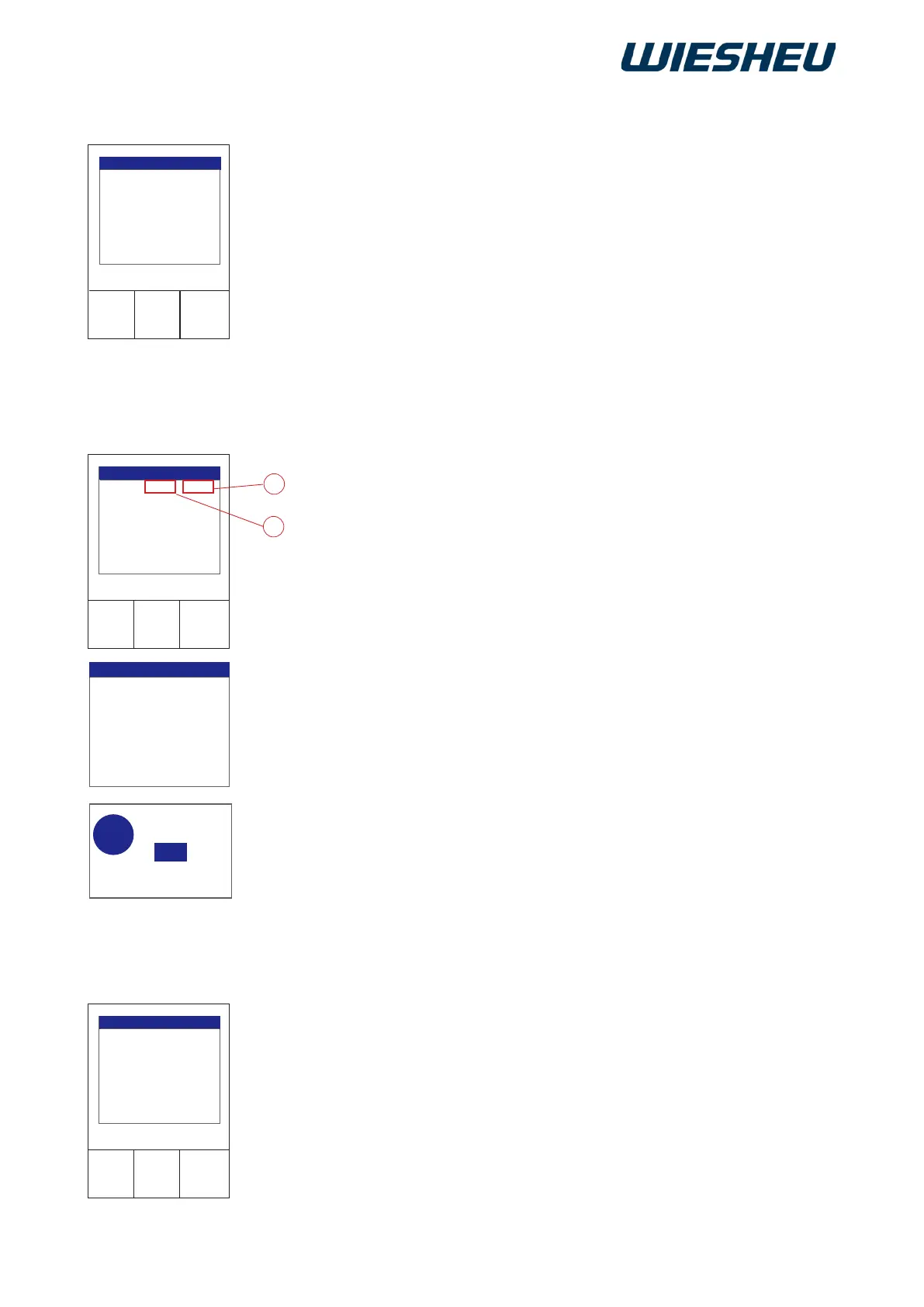
View various different operating data.
You are in the “Settings” menu.
■ Use the slider/rotary button to select the “Report” submenu.
■ Choose the period for which you want to view the data:
● Today
● Yesterday
● 2 days ago
● Settings
● Status reports
View the current consumption levels of the following items:
Water lter:
○ “OK”
○ “Change water filter”
LiquidClean
○ “Cleaning agent full”
○ “Cleaning agent empty”
Adapt the report times to your facility. What are the periods at your
facility to dene morning / before noon / afternoon or evening?
■ Define your own times.
■ Select the period to be defined.
■ Select the “Start time” (A).
■ Confirm the selection.
■ Enter the “Start time” with the slider / rotary button.
■ Confirm the input.
■ Enter the exact “Start time” and the exact “End time” (B) in this way.
→ All subsequent start times adapt automatically to the end time that
you specied last.
■ Press the “C” button.
→ The display shows the message:
“Save changes? Yes / No”.
■ Select “Yes”:
→ The setting is saved.
Or
■ Select “No”:
→ The process is cancelled.
16. “Report” Menu Item
16.1 Settings
16.2 Status messages



 To Next Page