Page 31
Exclusive and IS 600 E · 9401-191-003-EN · Version 18-01
2017-01-11
15:32:15
1 o Dat. Progr.
2 o Dat. Progr.
3 o Dat. Progr.
4 o Dat. Progr.
5 o Dat. Progr.
6 o Dat. Progr.
7 o Dat. Progr.
Auto-start
Off 06:15
Dat 11.11.2015
Program
Auto-start
D
E
2017-01-11
15:32:15
1 o Dat. Progr.
2 o Dat. Progr.
3 o Dat. Progr.
4 o Dat. Progr.
5 o Dat. Progr.
6 o Dat. Progr.
7 o Dat. Progr.
Auto-start
Off 06:10
Dat 11.11.2015
Program
Auto-start
B
C
A
Save changes?
No
Yes
?
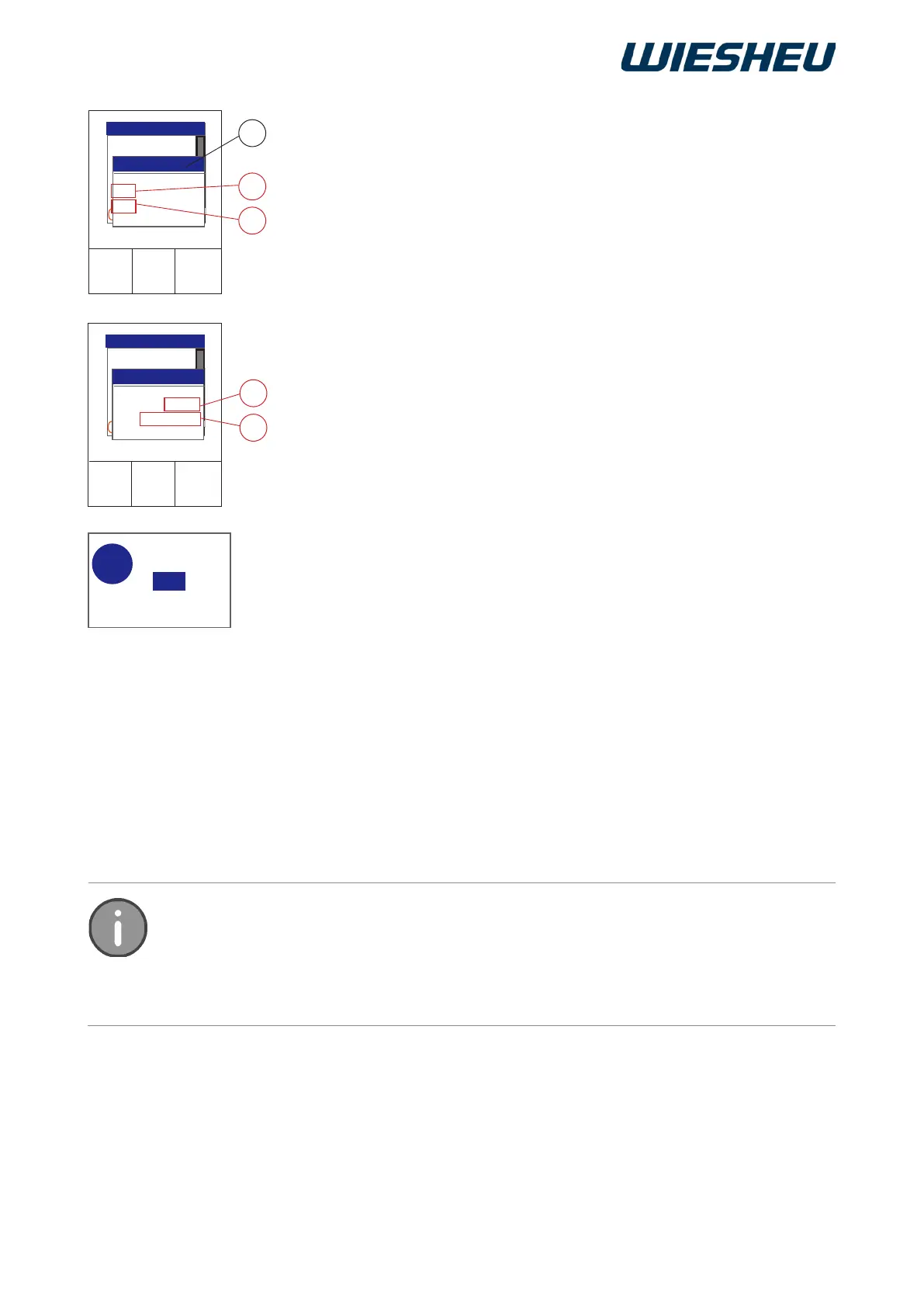
■ Use the slider/rotary button to select the respective position.
● Baking program (A)
■ Choose the program that you want to start from the existing pro-
gram list.
● Auto-start ON/OFF (B)
On = Activate the Auto-start function
or
On = Dectivate the Auto-start function
● Day of week or date (C)
■ Select a day of the week (Sun-Sat) to repeat Autostart on a weekly
basis.
■ Select the “Dat” entry to define an exact date
■ Enter the date (D) of the necessary Auto-start.
■ Enter the time (E) of the Auto-start.
→ Date and time must be in the future.
→ Check whether date / time of the controller is current.
■ Press the “C” button.
→ The system shows the following message on the display:
“Save changes? Yes / No”
■ Select “Yes”:
→ The changes are saved.
→ Autostart is displayed as soon as the oven is switched off.
or
■ Select “No”:
→ The process is cancelled.
→ The data entered will be discarded.
The system shows Auto-start on the display as soon as you switch off the in-store
baking oven..
Only one Auto-start is ever shown on the display.
The system displays the next Auto-start.
If the next active Auto-start is on a public holiday, it is deactivated. On the display,
the system shows the next Auto-start that follows the deactivated one.



 To Next Page