6 - 10 DS457 Fixed Mount Imager Integration Guide
Beeper Volume
Parameter # 140 (SSI # 8Ch)
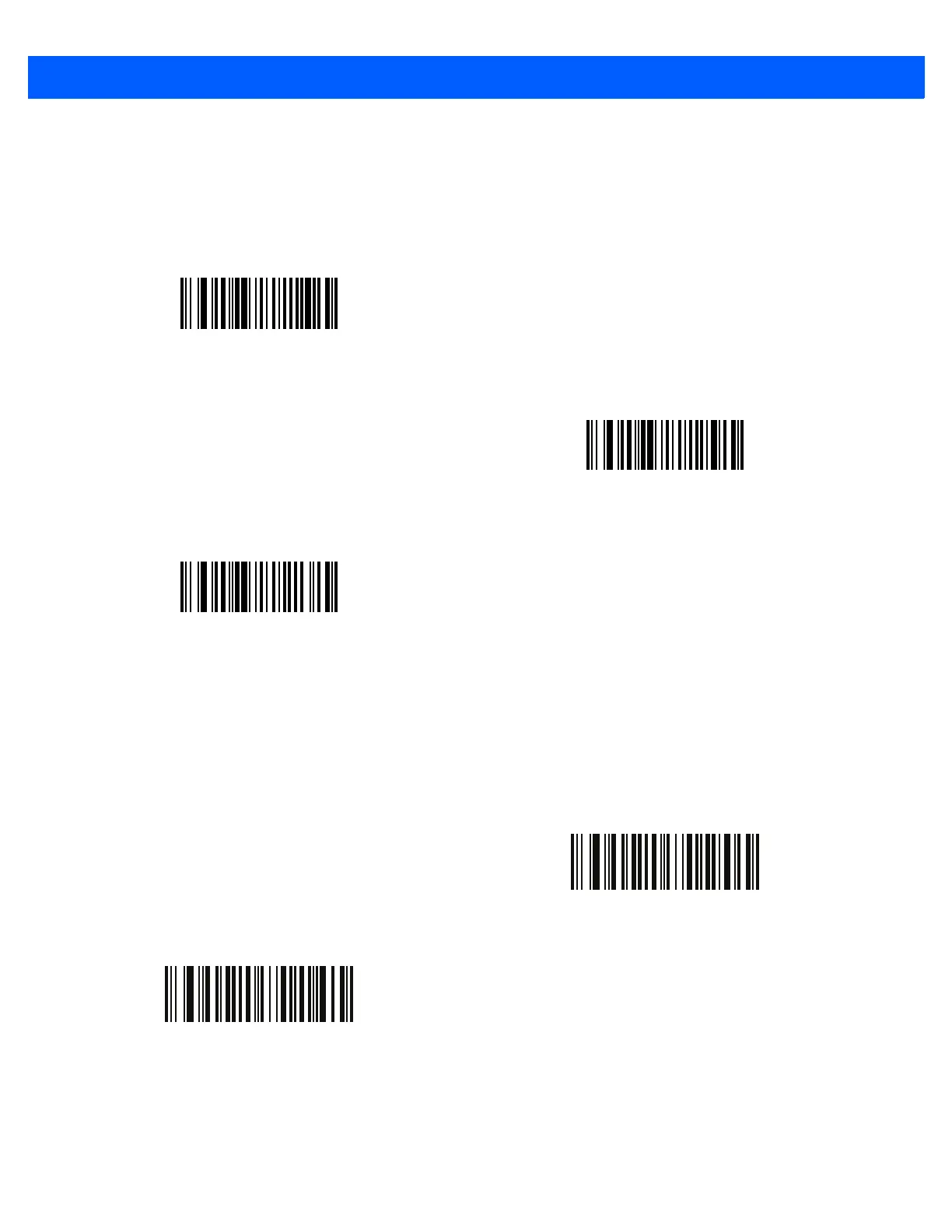
To select a beeper volume, scan the Low Volume, Medium Volume, or High Volume bar code.
Suppress Power-up Beeps
Parameter # 721 (SSI # F1h D1h)
Select whether or not to suppress the imager’s power-up beeps.
Low Volume
(2)
Medium Volume
(1)
*High Volume
(0)
* Do Not Suppress Power-up Beeps
(0)
Suppress Power-up Beeps
(1)



 To Next Page