Product Manual - ZMORPH FAB back to table of content
>>
106
The printer will ask you to
this, choose ‘YES’. If you do
not want the printer to go into
hibernate mode choose ‘NO’.
printing and stop at the right
place.
The printer is ready to
disconnect the power supply
safely when prompted.
Switch the printer on to
resume operation.
The printer will ask you to
continue the stopped printout.
To do so, choose ‘YES’. If
you do not want to continue
printing choose ‘NO’.
3D printing workow
12.18 Hibernation
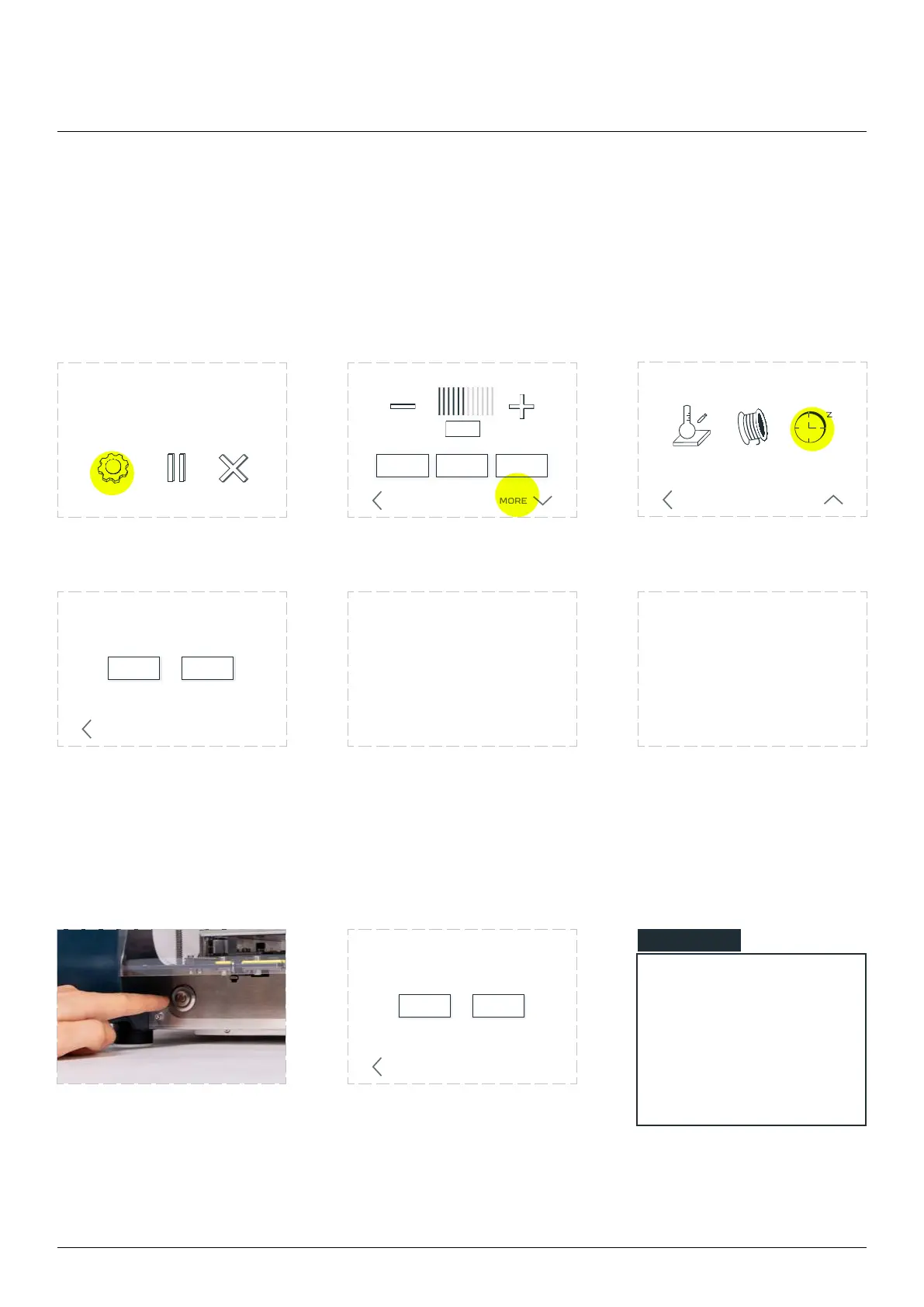
Choose ‘SETTINGS’. Choose ‘MORE’. Choose ‘SLEEP’.
This option allows you to safely pause printing, with the option to resume it if you need to disconnect the
printer from the power supply. Hibernation should not be used to pause printer operation for a long time
due to the cooling of the table and extruder.
ABORTSETTINGS
ON OFF AUTO
FAN SPEED
PRINT SPEED
BACK MORE
example.gcode
progress 20% 0h34m elapsed
HEAT CHANGE
FILAMENT
SLEEP
MORE SETTINGS
BACK LESS
NO YES
BACK
Would you like
to hibernate the printer
Please wait while
the printer is hibernating
It’s now safe
to turn o the printer
NO YES
BACK
Would you like
to resume the last print?
NOTE
Once the extruder and
the table have reached
the correct temperature,
the printout will start au-
tomatically from where it
was stopped.



 To Next Page