Product Manual - ZMORPH FAB back to table of content
>>
128
Preparing the workstation
Secure the room with the Zmorph Fab machine against any improper usage (the key to the room
should be held only by a person authorized to operate the machine),
Mark the entrance door to a room where a machine with a working CNC Milling Toolhead is used with
a suitable sign to wear hearing protectors (e.g. headphones, stoppers),
The noise is not a risk of hearing damage, but can cause discomfort and stress due to prolonged
exposure to a working device,
‘Hearing protection required’ sign
Mark the entrance to the room where a machine with the CNC Milling Toolhead is with a proper sign
saying that eye protection is required,
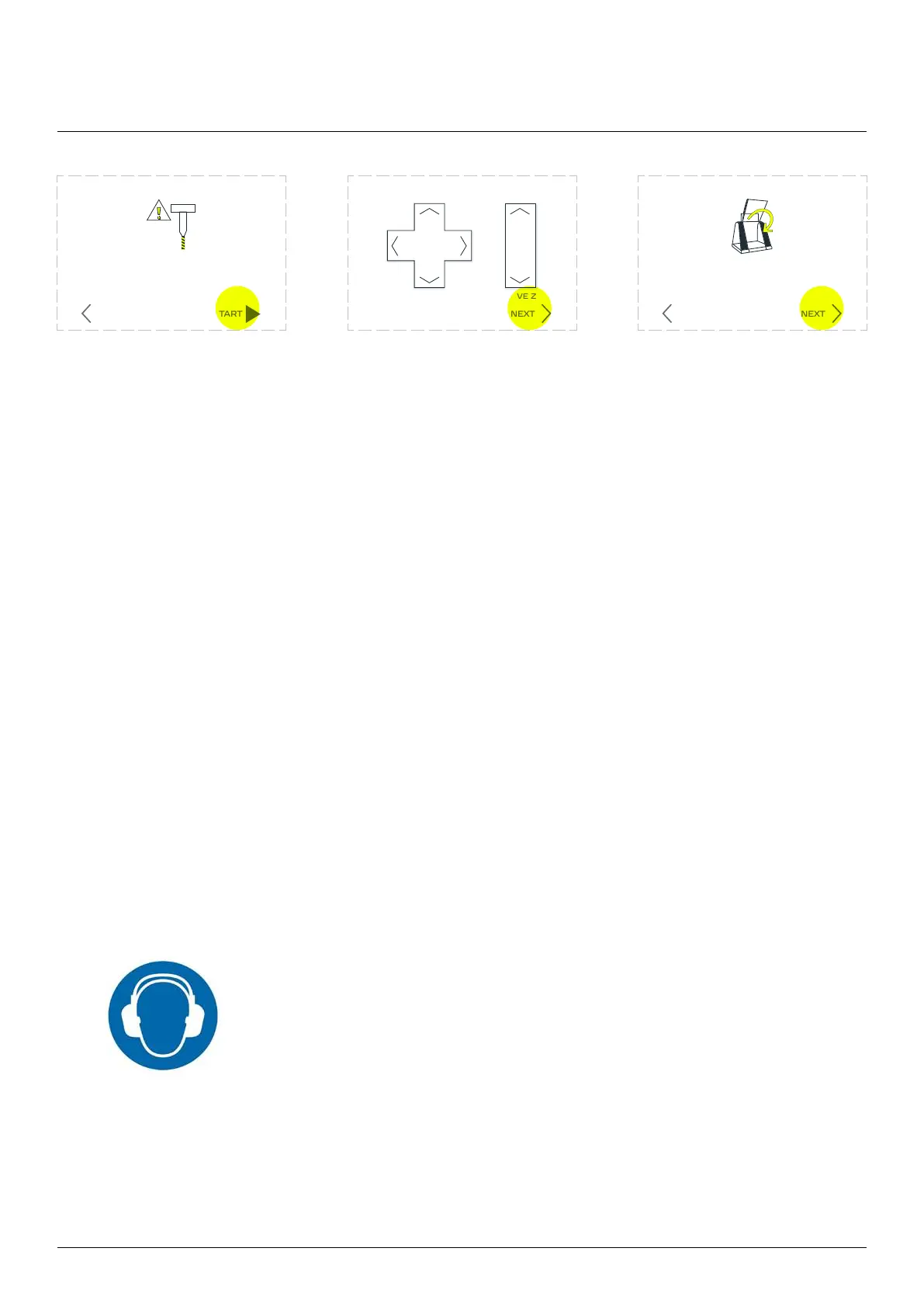
The machine will inform that
the spindle will start working.
Press ‘START’ to continue.
Set new Z-height of your cut-
ter. Using arrows move the
toolhead to position which
Make sure to use the same
surface as in the begging of
when ready.
Close the covers. The
machine will go back to
milling operations.
Attention!
The spindle will sta working
STARTBACK
Set printer to the new Z0 position
MOVE ZMOVE X Y
NEXT
Please, close the covers.
The printer is going back
to work with the new end mill
NEXTBACK
CNC milling workow
13.8 CNC Milling Toolhead safety rules



 To Next Page