EasyManua.ls Logo

Zmorph FAB - Communication and File Delivery

Default Icon
169 pages
Print Icon
To Next Page IconTo Next Page
To Previous Page IconTo Previous Page
Loading...
Product Manual - ZMORPH FAB back to table of content
>>
42
Maintenance
10.5 Communication and File Delivery
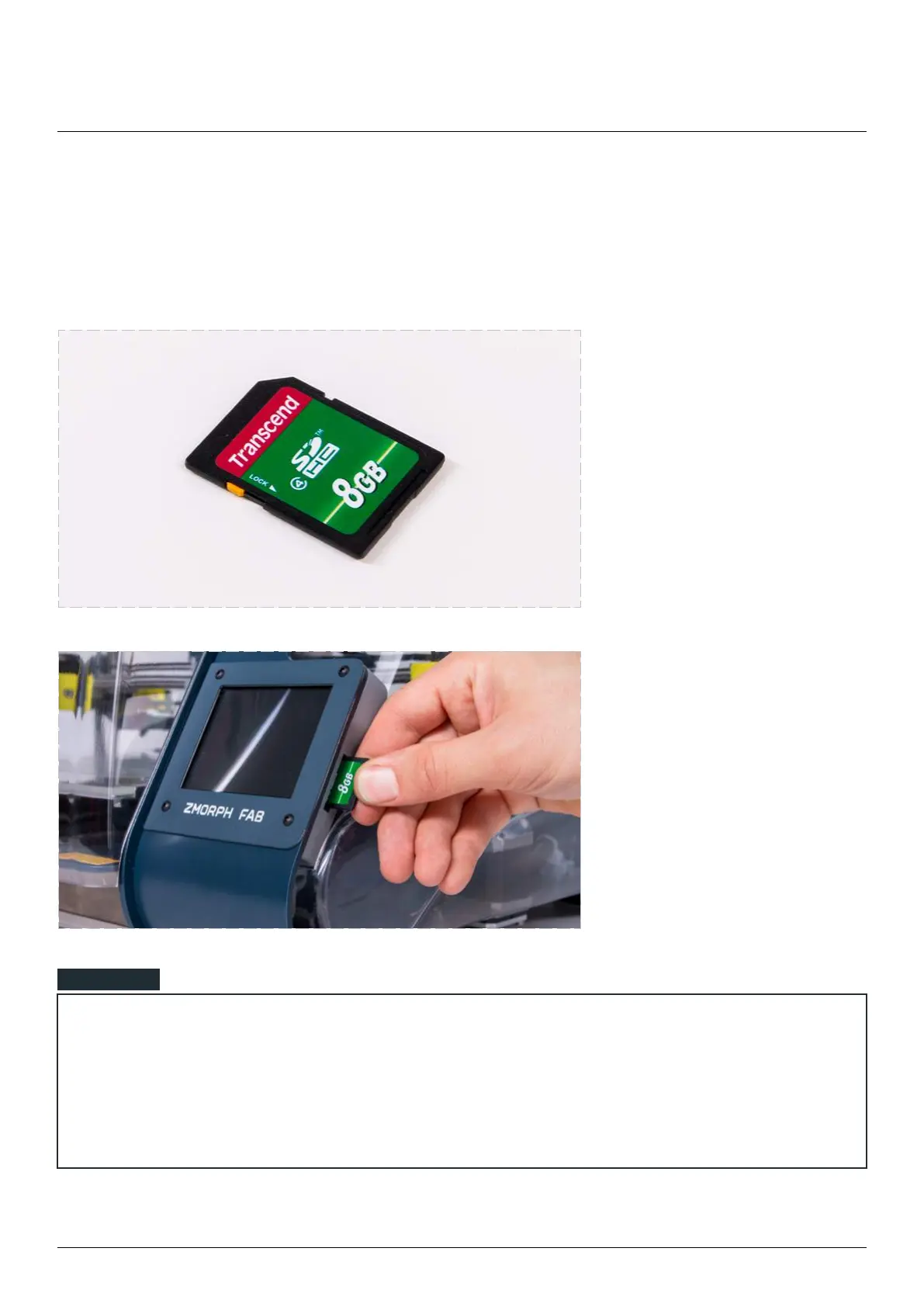
Delivery of les on SD card

print to on an SD card.
Insert a the card on
the right hand side of
the display.
If the user inserted the external SD card the screen should jump forward to the ‘Choose File’ menu screen
on the ‘EXTERNAL’ directory.

the ‘Choose File’ menu.
NOTE

Table of Contents

Other manuals for Zmorph FAB

Related product manuals