Product Manual - ZMORPH FAB back to table of content
>>
30
Setting up Zmorph Fab
9.4 Assembling the HEPA lter
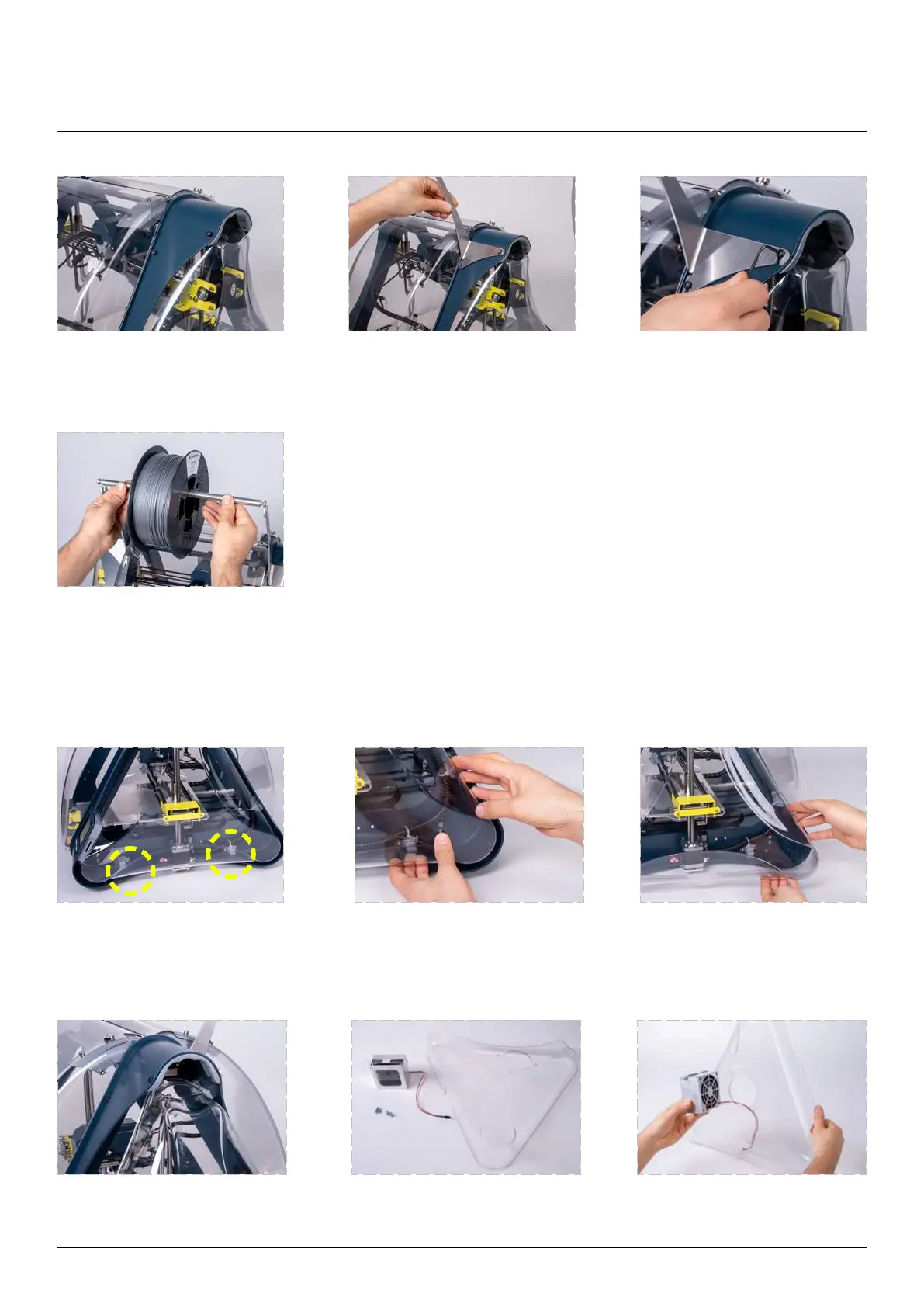
Find the two hooks blocking
the covers.
Release the cover rear corner
from the hooks by gently
squeezing the cover.
Pull out the cover rear corner
from the machine frame.
Pull out the cover upper corner
from the machine frame.
Make sure all the necessary
parts are prepared.
Pull the fan cable through
the side cover mounting hole.
bag and slide it on the bar. Put the bar with
Loosen the screws to the
point where you can slide the
spool holder.
Slide the spool holder in
place.
Tighten the screws.



 To Next Page