Product Manual - ZMORPH FAB back to table of content
>>
127
When the cutter is in its lo-
cal position, go to the ‘SET’
coordinates by pressing the
‘SET XSET Y
‘SET Z
Go back to the main menu
and choose ‘START’. Your
machine will start working.
SET X = 0 SET Y = 0 SET Z = 0
HOME X HOME ZHOME Y
ZX
Y
BACK MOVE
CALIBRATE SETTINGSCHOOSE
FILE
STARTBACK
CNC milling workow
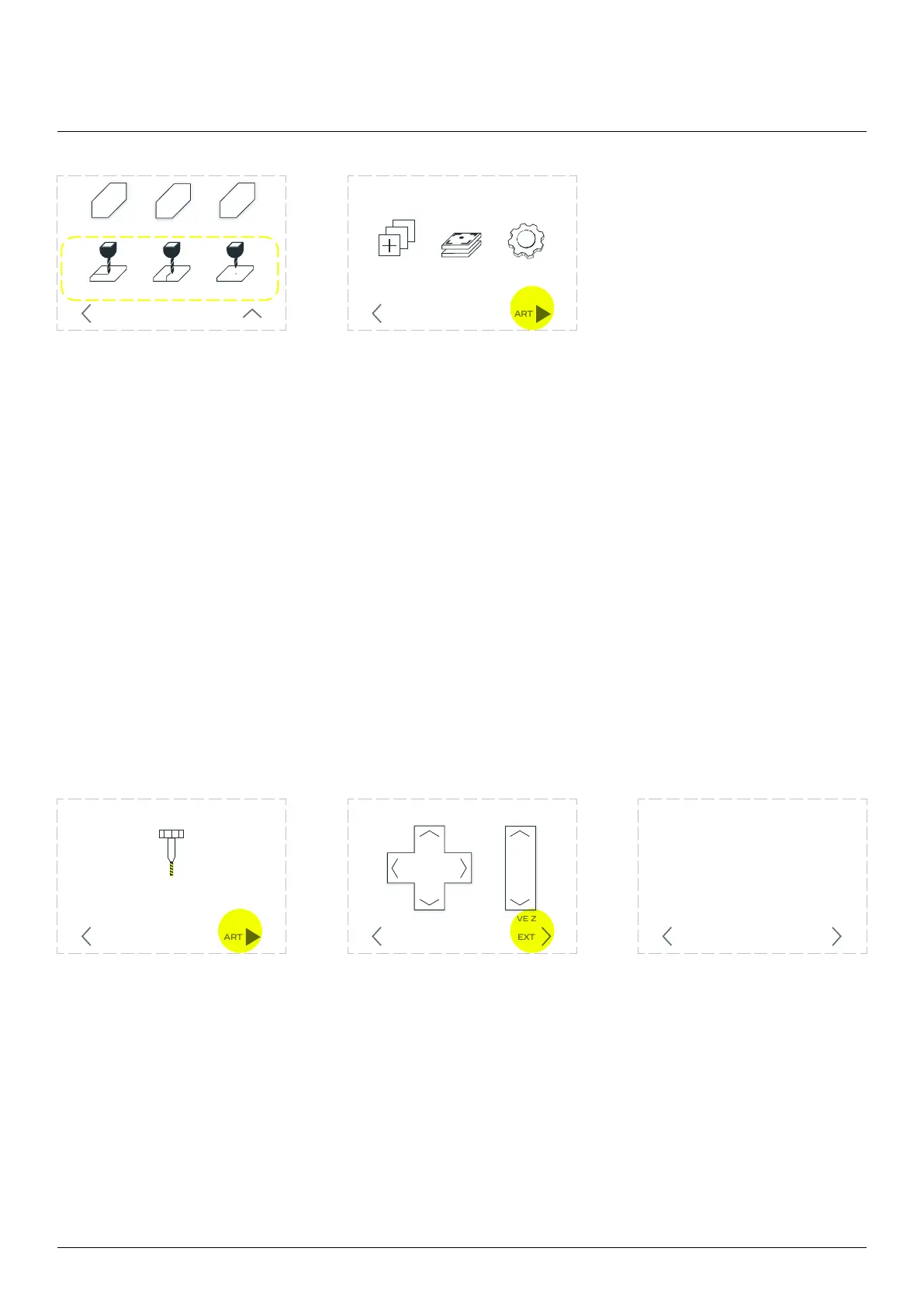
13.7 Tool changing process
If you have generated a milling G-code with tool changes, machine will stop operation at the right moment
and ask if cutter changing process should be executed.
If you selected ‘start
procedure’ you will be
walked through the process.
Using arrows move the
toolhead to a convenient
position. Watch out for any
workholding that may stick
out above material surface.
Choose ‘NEXT’ when ready.
the collet’s nut. Because your
toolhead is still mounted on
X-carriage, you will need to
for it on spindle’s shaft. This
way the positions for X and
Y axis is saved. Replace your
endmill Choose ‘NEXT’ when
ready.
End mill
replacement procedure
STARTBACK
Move the spindle to change end mill
MOVE ZMOVE X Y
NEXTBACK
Replace the end mill
NEXTBACK



 To Next Page