Product Manual - ZMORPH FAB back to table of content
>>
29
Setting up Zmorph Fab
9.2 Safety features removal
9.3 Assembling the spool holder
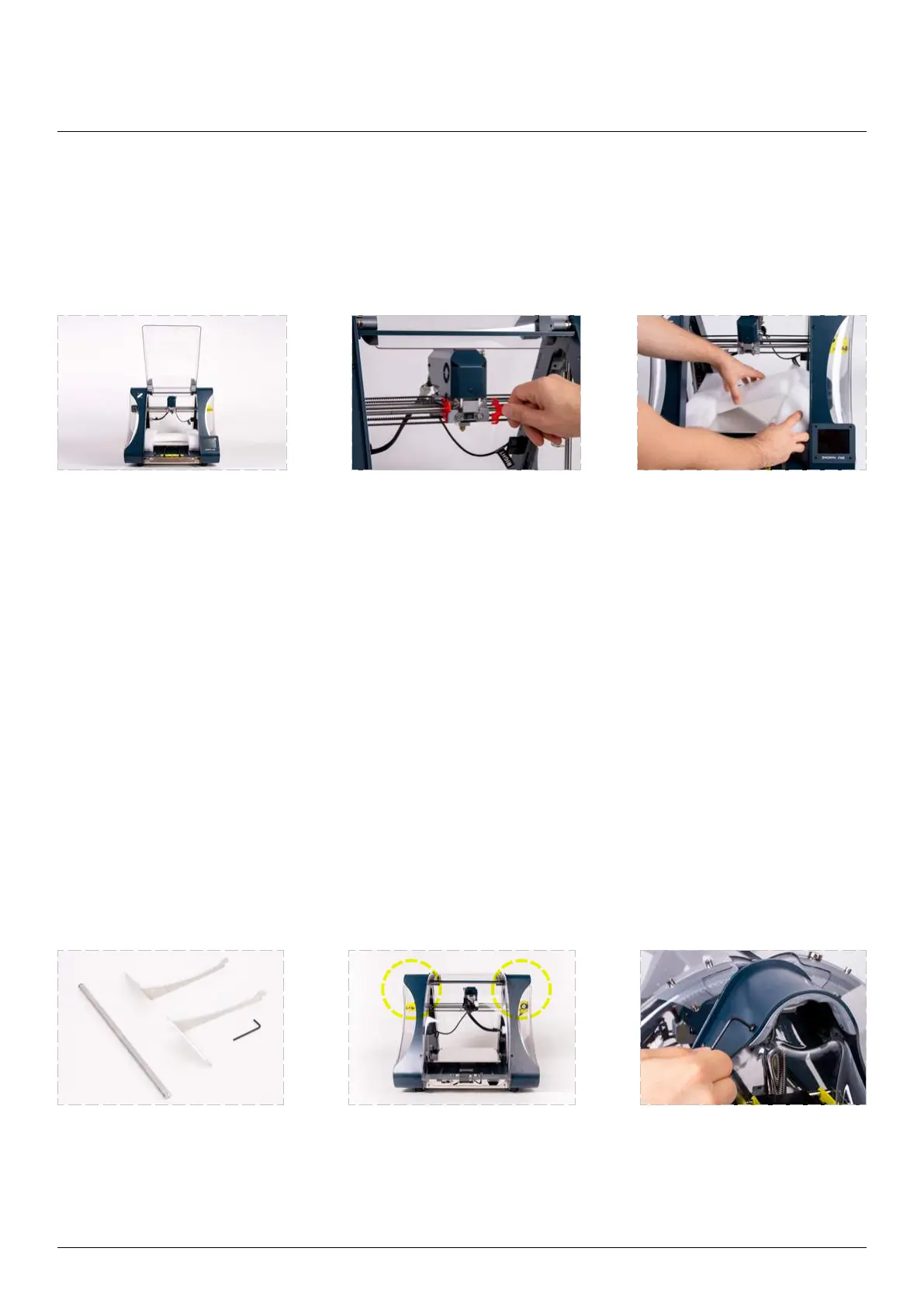
remove the safety band from the toolhead and the protective foam from the worktable.
For a better experience with the Zmorph Fab machine, it is recommended to assemble the dedicated spool holder.
Open the front cover of the
machine to the point where it
touches with the back cover.
Magnetic latches will keep
the cover open.
Remove the protective tool
band.
Gently remove the work table
protection foams.
Prepare the spool holder
Allen key.
Look at the back of Zmorph
Fab. Spool holder attachment
screws are placed at the top
of the frame and highlighted
on the picture.
Loosen the frame screws with



 To Next Page