Product Manual - ZMORPH FAB back to table of content
>>
43
Maintenance
New project
Info screen
NEW JOB MAINTENANCE
ADRES IP
SERIAL NUMBER / FIRMWARE
BACK
CANCEL NEXT
CALIBRATE SETTINGSCHOOSE
FILE
STARTBACK
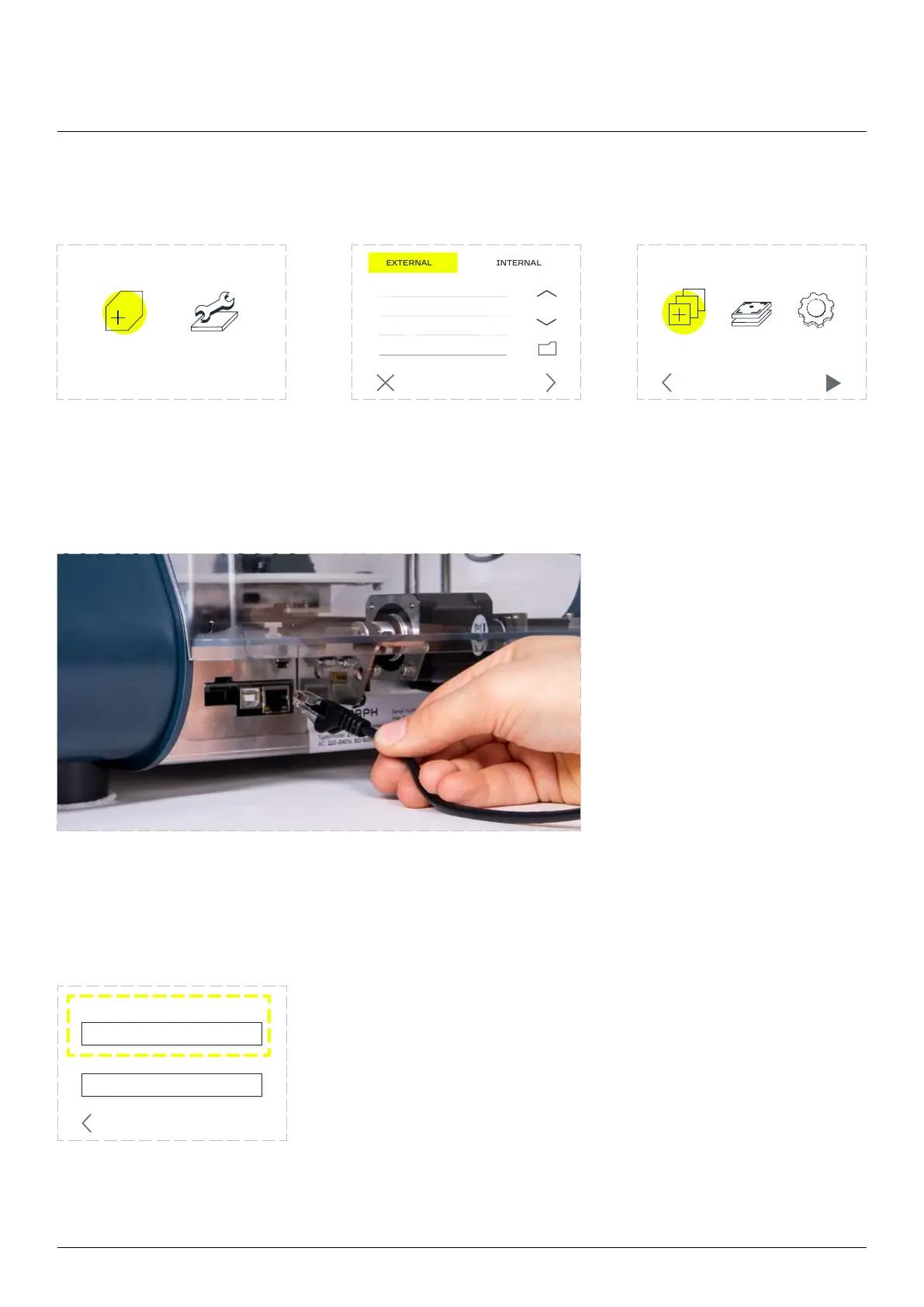
Connecting the machine via Ethernet
Connect Ethernet cable to
the back of the machine
and a computer.
The information about the IP address of the machine can be found in the INFO screen in the MAINTENANCE
menu.
example.gcode
192.168.1.125
2137/FAB1.0.1



 To Next Page