Product Manual - ZMORPH FAB back to table of content
>>
44
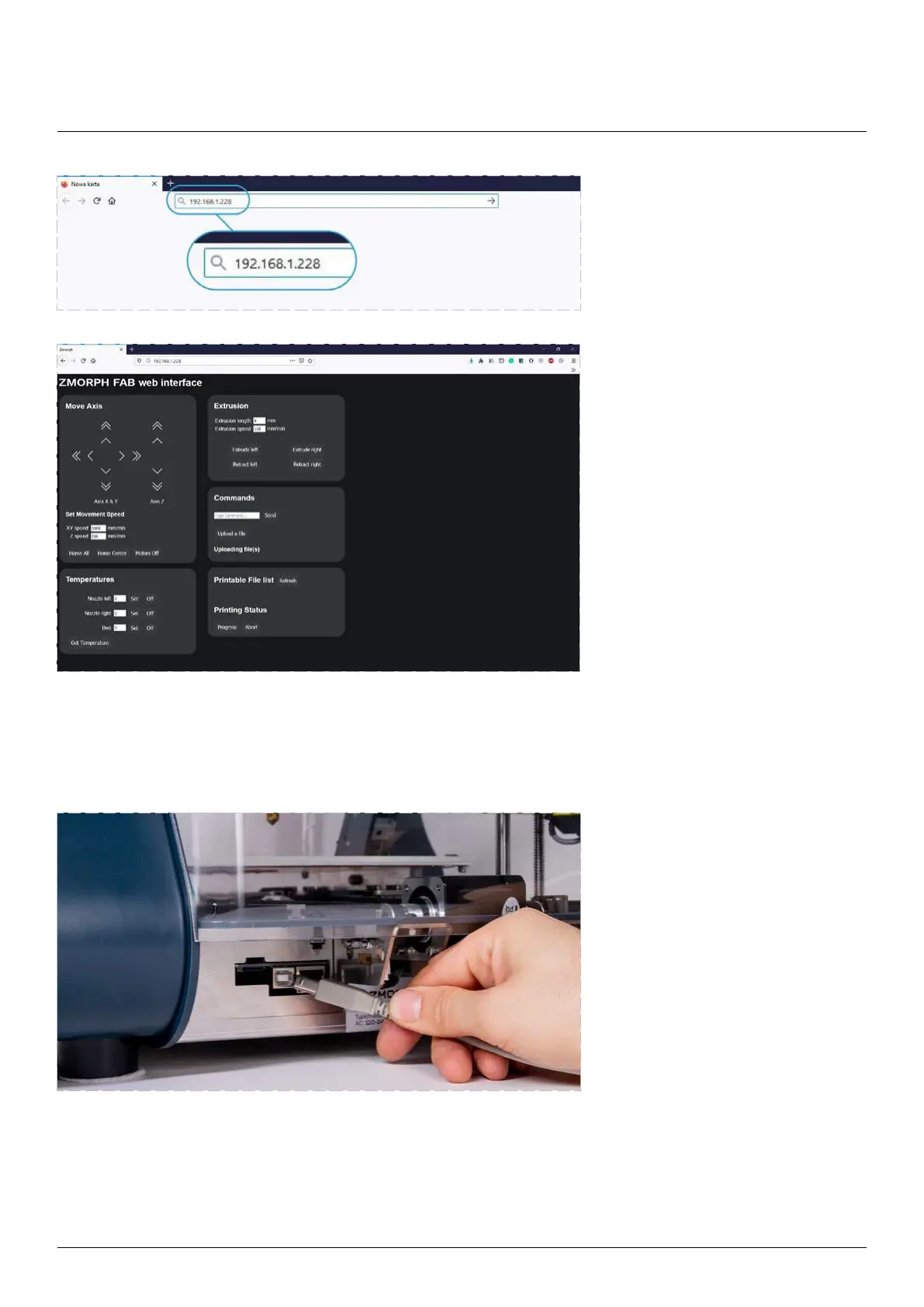
Connecting the machine via USB.
Connect the USB cable to the back
of the machine and a computer.
Wait until the computer discovers the machine and installs the drivers.
If the computer doesn’t discover a USB device, click the reset button on the machine.
The machine should be discovered as a Flash memory and you can access it from the ‘My
Computer’ folder
Provide the IP address in
the web browser window.
A full interface for controlling the
appear in the web browser.
Maintenance



 To Next Page