EasyManua.ls Logo

Zmorph FAB - Page 114

Default Icon
169 pages
Print Icon
To Next Page IconTo Next Page
To Previous Page IconTo Previous Page
Loading...
Product Manual - ZMORPH FAB back to table of content
>>
114
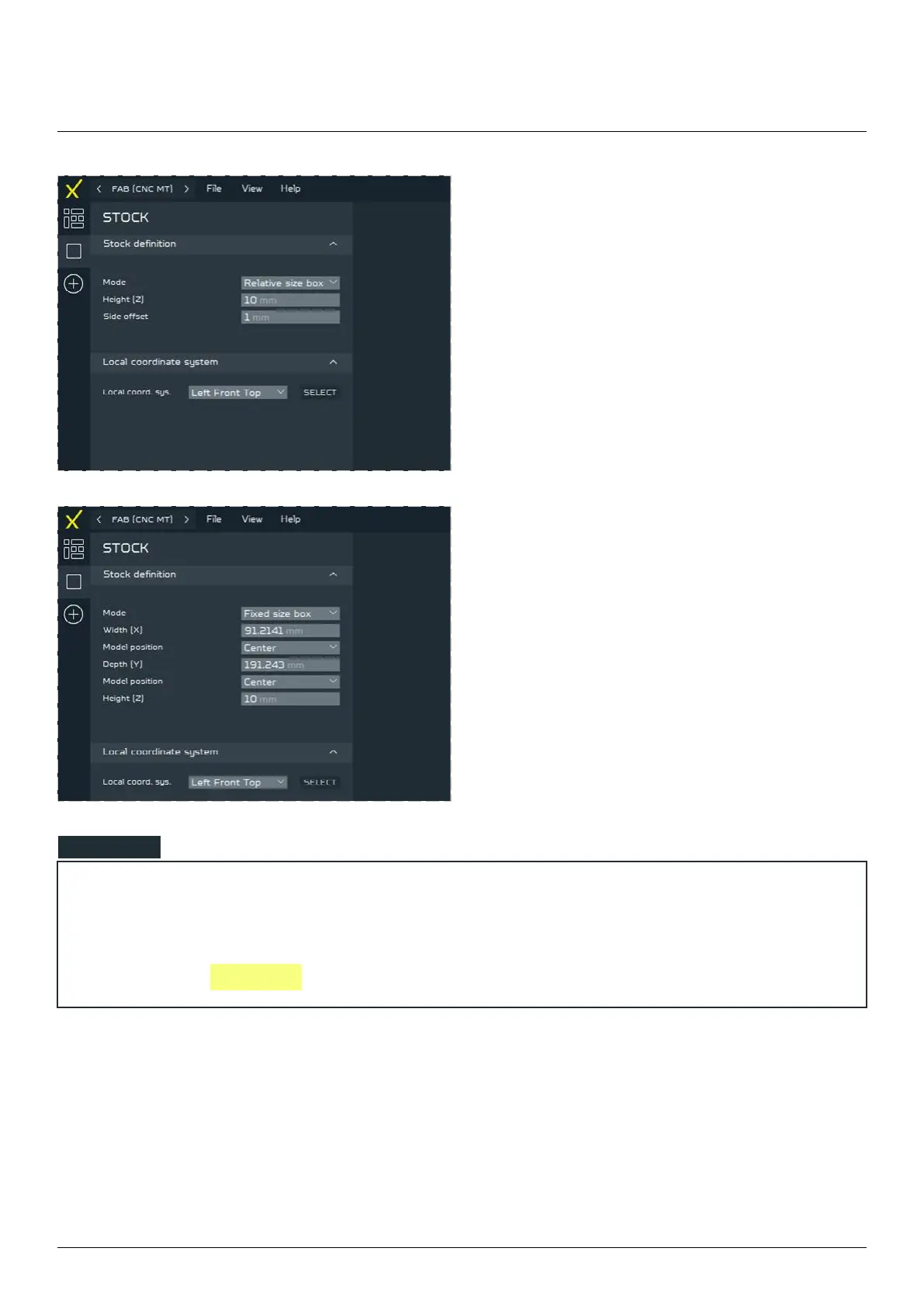
To set material dimensions manually to match
the Raw material that would be used for milling,
change the MODE in the STOCK DEFINITION
parameters from RELATIVE to FIXED.
CNC milling workow
NOTE



the machine see 

Table of Contents

Other manuals for Zmorph FAB

Related product manuals