Product Manual - ZMORPH FAB back to table of content
>>
49
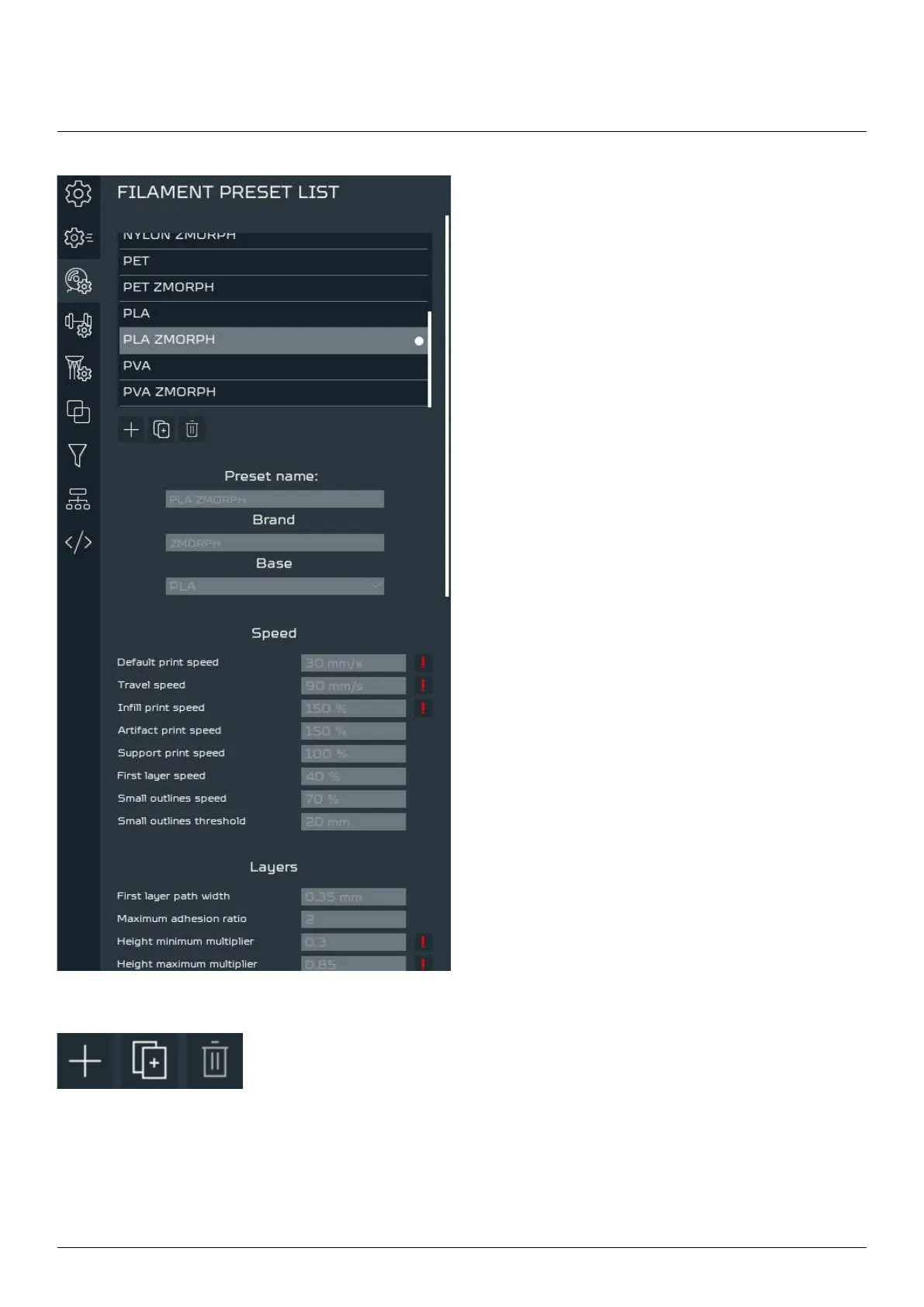
The customized user presets can be added and
preset list’. There are also other tabs signed by tooth
gear icon responsible for durability and support
structures settings.
To add a new preset, duplicate or delete existing presets click on the buttons
below the Filament preset list. After editing preset parameters, the changes will
save automatically. The preset will remain until its deleted.
To use the new preset in a project, It’s important to remember about selecting
it in ‘PRINTING SETTINGS’.
Voxelizer



 To Next Page