Product Manual - ZMORPH FAB back to table of content
>>
64
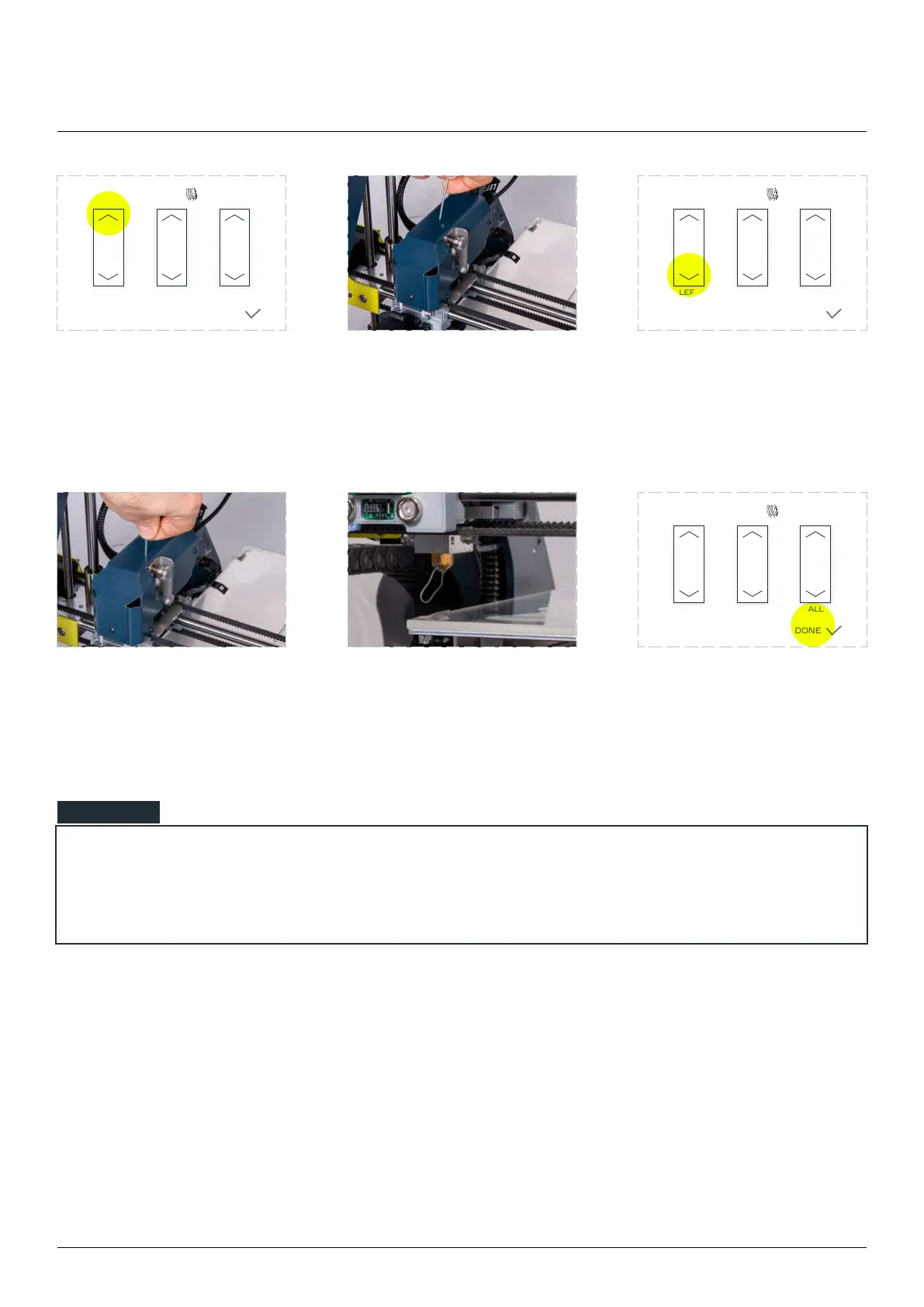
Tap the upper arrow on the
clogging. Repeat if needed
into the guide.
Tap the bottom ‘LEFT’ arrow
on the screen if necessary to
you feel it has been grabbed by
the extruder drive gear.
out of the nozzle. Tap the feed
button again if necessary.
Remove the extruded
material. Click ‘DONE’, the
extruder will continue to
work from where it stopped.
LOAD/UNLOAD
LEFT RIGHT ALL
TEMPERATURES
DONE
LOAD/UNLOAD
LEFT RIGHT ALL
TEMPERATURES
DONE
LOAD/UNLOAD
LEFT RIGHT ALL
TEMPERATURES
DONE
3D printing workow
Sometimes after clicking ‘DONE’ the machine won’t resume the work, in those cases repeat the
feeding by pressing one more time the ‘LEFT’ down button and after the extruder stops the feeding
process press the ‘DONE’ button.
NOTE



 To Next Page