EasyManua.ls Logo

Zmorph FAB - Page 93

Default Icon
169 pages
Print Icon
To Next Page IconTo Next Page
To Previous Page IconTo Previous Page
Loading...
Product Manual - ZMORPH FAB back to table of content
>>
93
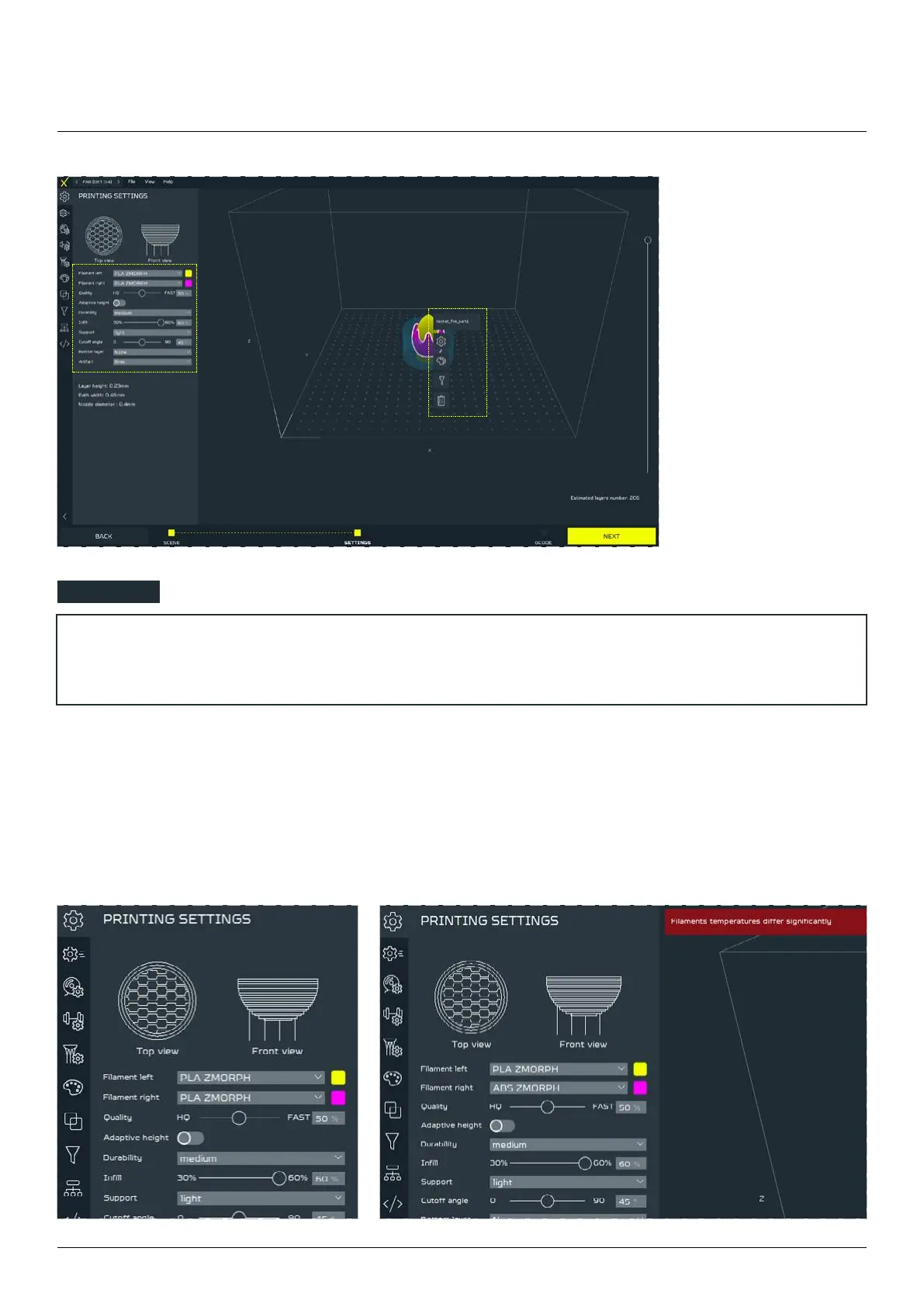
The second step of

is to set the printing
parameters. There are 2
types of menus - global
(placed to the left of
the screen) and local
(opened by clicking the
right mouse button on
the model).
3D printing workow
NOTE


In the global menu you can set:
Filament Left and Right

a warning message will appear.

Table of Contents

Other manuals for Zmorph FAB

Related product manuals