Users 63
Network admin
The Network admin role includes almost all the access rights of the Drive expert role plus
supplemental rights allowing you to:
• change network interface settings
• view and change network service settings
• change descriptions and prompts for the UI
• change the web server session time-out
• view the memory card status and reports folder on the SD card
• monitor the IP addresses of the logged-on users through events.
As Network admin you cannot:
• view and manage user settings
• view and change NETA-21 settings
• restore settings to factory default values (software option)
• see the installed software type and version of the NETA-21
• reboot the NETA-21 (software option)
• view and change user interface settings
• back up and restore tool parameters to the internal memory or SD card
• rescan device parameters or reset an active fault
• view and change device interface settings
• write device parameters
• select parameters for trend logging
• configure and control data loggers embedded in some monitored devices
• export or import device parameters to/from a file.
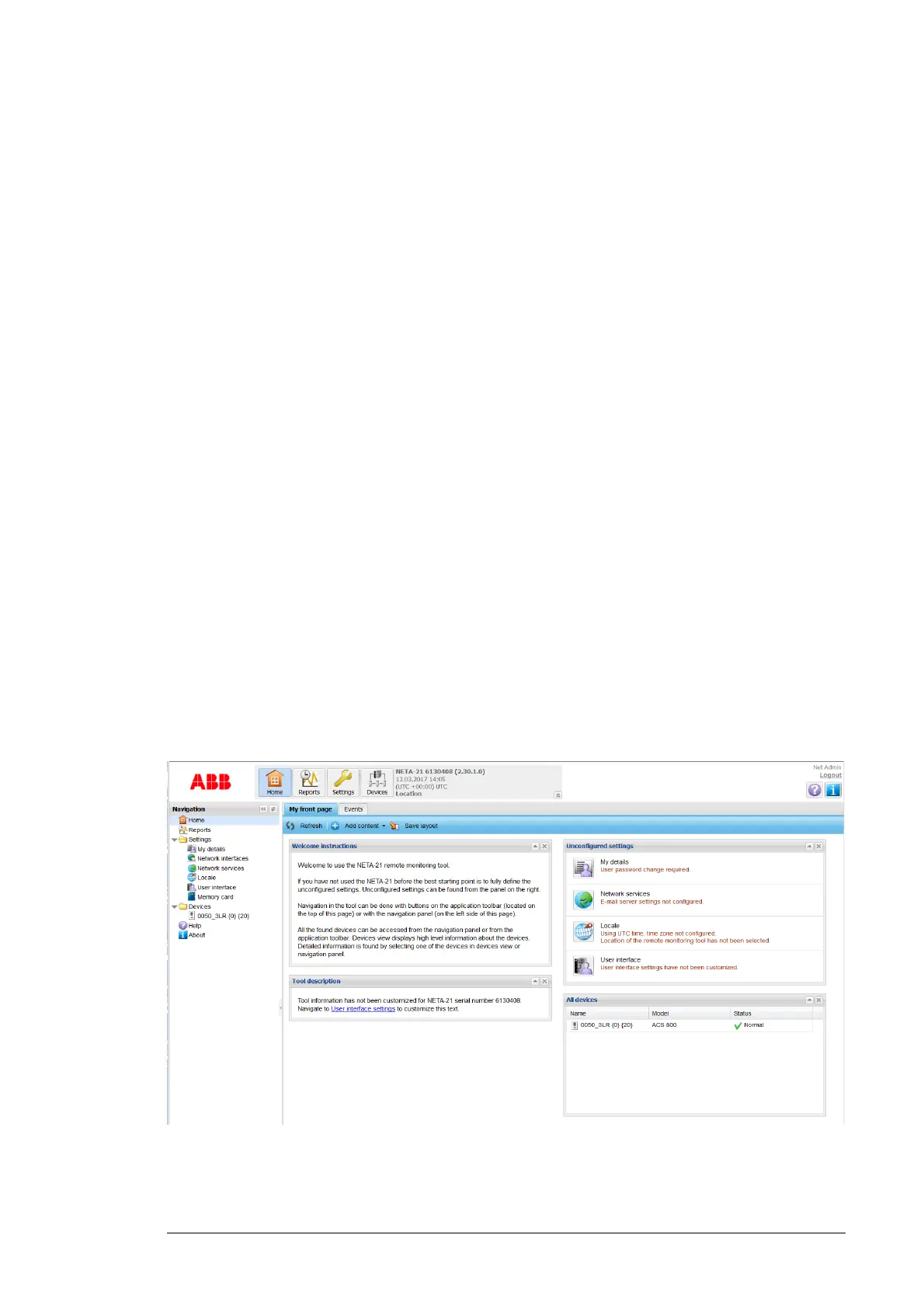
If you log on to the UI as Network admin, the front page appears as follows:


 To Next Page