7-27
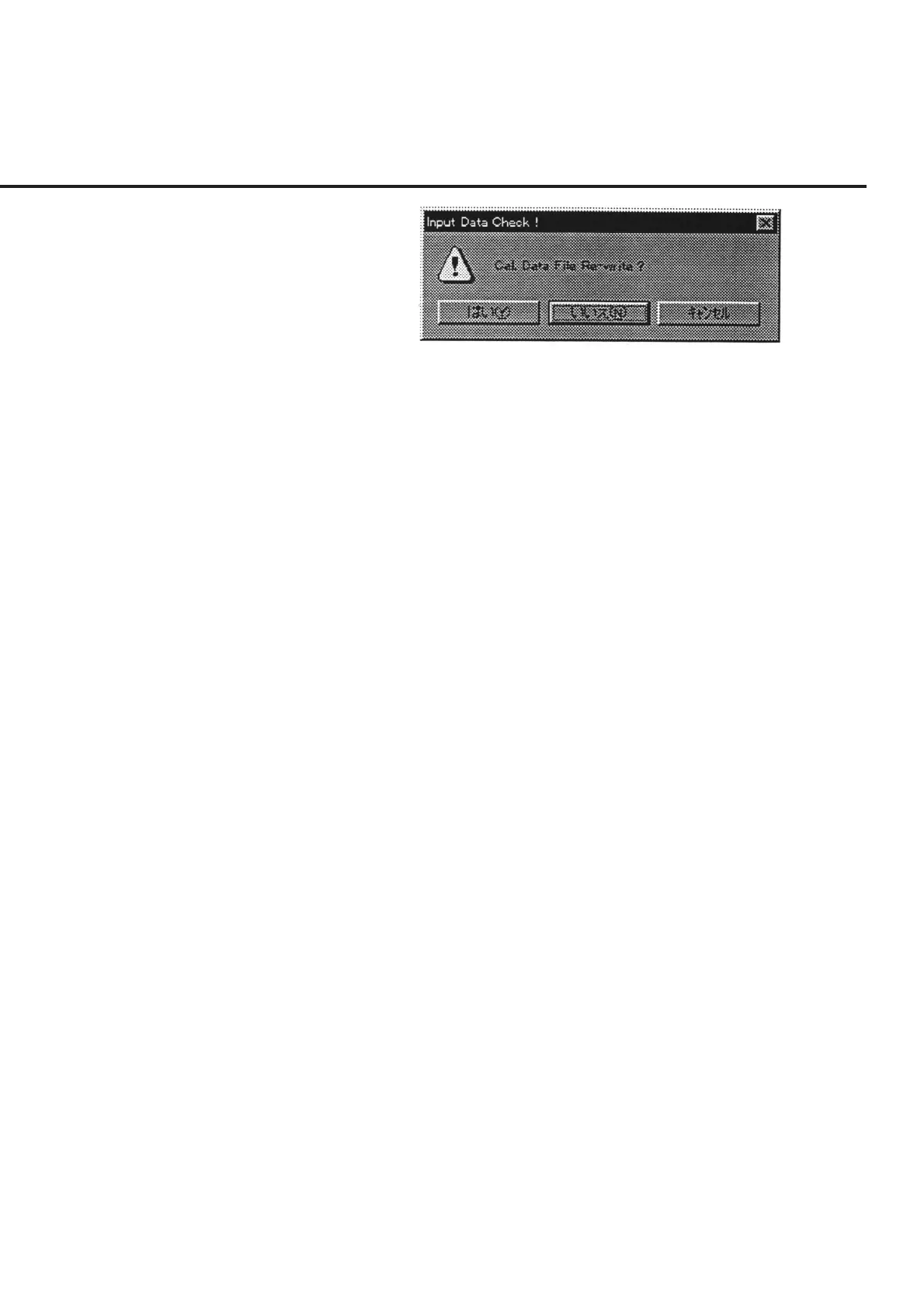
Fig. 7-18 Message Prompting Confirmation for Saving Changed Information
“No (N)” ............. Although the initial file is not updated, the changes to the in-
formation are applied until this program comes to the end.
“Cancel” .............. Restores the screen back to the “Power Sensor and Calibra-
tion Factor Input Screen” shown in Fig. 7-5.
(10) Selection of item [8] “Quit” (on the “Power Sensor and Calibration Factor Input
Screen” shown in Fig. 7-5) stops the measurement currently underway, and re-
stores the screen back to the “Initial Menu Screen” shown in Fig. 7-1.
7.6 Operation Procedure



 To Next Page