Section 7 Inspection Software
7-30
7.6.6 Inputting Attenuator Calibration Factor for CDMA Measurement
The “Attenuator Calibration Factor Input Screen for CDMA Measurement” shown in
Fig. 7-9 is displayed when the measurement of the IF level meter of CDMA measure-
ment software is selected.
Follow the procedure listed below to input the data.
(1) Enter the serial number of the programmable attenuator to be used in the item [5]
“Serial Number” in Fig. 7-9. A maximum of eight alphanumeric characters can
be inputted.
(2) If the data for the serial number entered in paragraph (1) above are already regis-
tered, the registered information are displayed.
On the other hand, if no relevant data are registered, the current date and time are
displayed in items [6] and [7] in Fig. 7-9. In this case, the cursor moves to item
[8] “Data Input”, and item [3] calibration data becomes the standby state for data
entry.
(3) Check the data displayed in item [3] in Fig. 7-9, and click the relevant cell to
change the data. The information for the cell is displayed in the item [8] “Data
Input”, enabling changes to the setting.
(4) Enter the calibration factor of each attenuation amount and frequency in Fig. 7-9.
Input the absolute value of each attenuation amount.
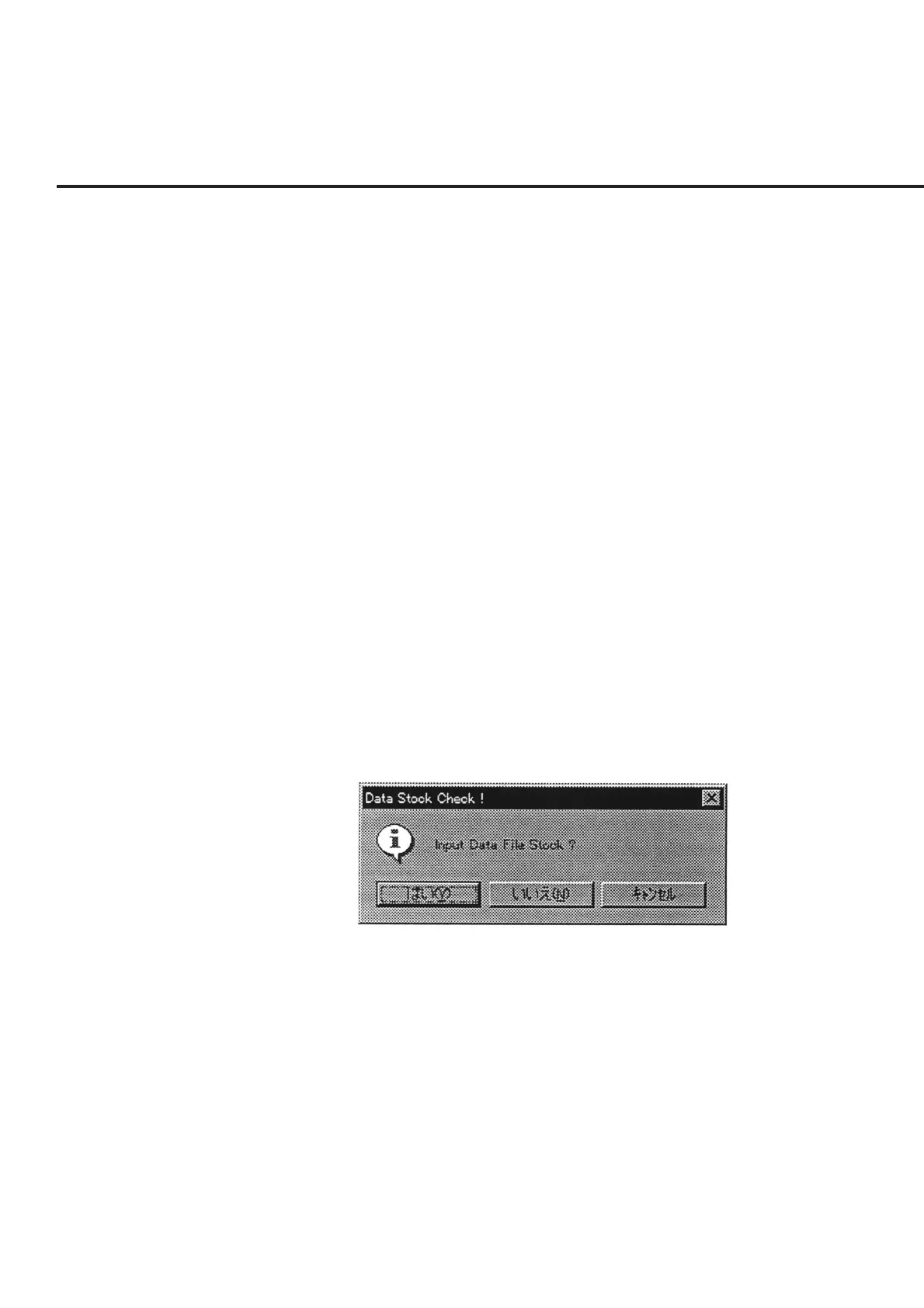
(5) Check each the set item, and click the item [4] “OK” button in Fig. 7-9. A mes-
sage prompting the confirmation of whether to save the information, as shown in
Fig. 7-20, is displayed when changes were made to the data. The buttons in this
message box perform the following processing.
Fig. 7-20 Message Prompting Confirmation for Saving Changed Information
“Yes (Y)” ............ Saves the information displayed in item [3] together with the
current date and time information in Fig. 7-9.
“No (N)” ............. Although the initial file is not updated, the changes to the in-
formation are applied until this program comes to the end.
“Cancel” .............. Restores the screen back to the “Attenuator Calibration Factor
Input Screen for CDMA Measurement” shown in Fig. 7-9.
(6) When the “Cancel” button in item [9] is selected on the “Attenuator Calibration
Factor Input Screen for CDMA Measurement” shown in Fig. 7-9, the measure-
ment is terminated and the screen returns to the “Initial Menu Screen” shown in
Fig. 7-1.



 To Next Page