Section 7 Inspection Software
7-36
..
..
.
7.6.9 Quitting Program
Follow the procedure below to quit this program.
(1) Select the item [10] “Quit” button on the “Initial Menu Screen” shown in Fig. 7-
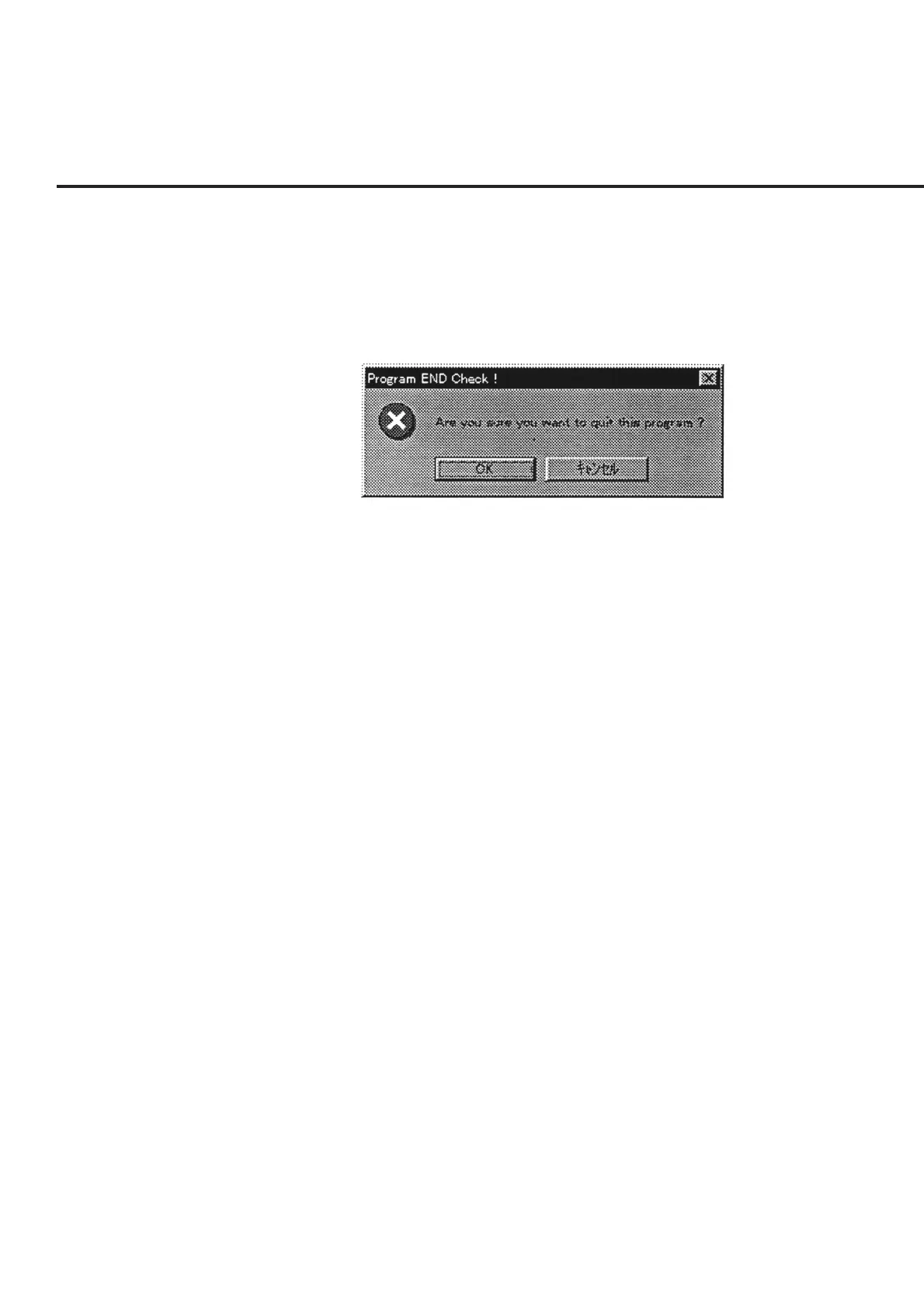
1. A “Message Prompting Confirmation of Quit from Program” shown in Fig. 7-
31 is displayed.
Fig. 7-31 Message Prompting Confirmation of Quit from Program
(2) To quit from the program, select the “OK” button.
When the “Cancel” button is selected, the screen returns to the “Initial Menu
Screen” shown in Fig. 7-1.



 To Next Page