Section 6 Correction Software
6-6
6.6 Operation
This program enables continuous measurement of items selected at will by the user and
storage of measured results into the floppy disk in the format designed to write correc-
tion values into the DUT. On the other hand, when “Printer” is selected as the output
destination, the measured results are graphed together with the worst value. In addi-
tion, even when the output of the measured results to the printer is not selected, the
program also incorporates a function to display the measured results by graph.
See the following section for how to display each screen of this program and run the
program.
6.6.1 Starting Program
Start this program by following the instructions below.
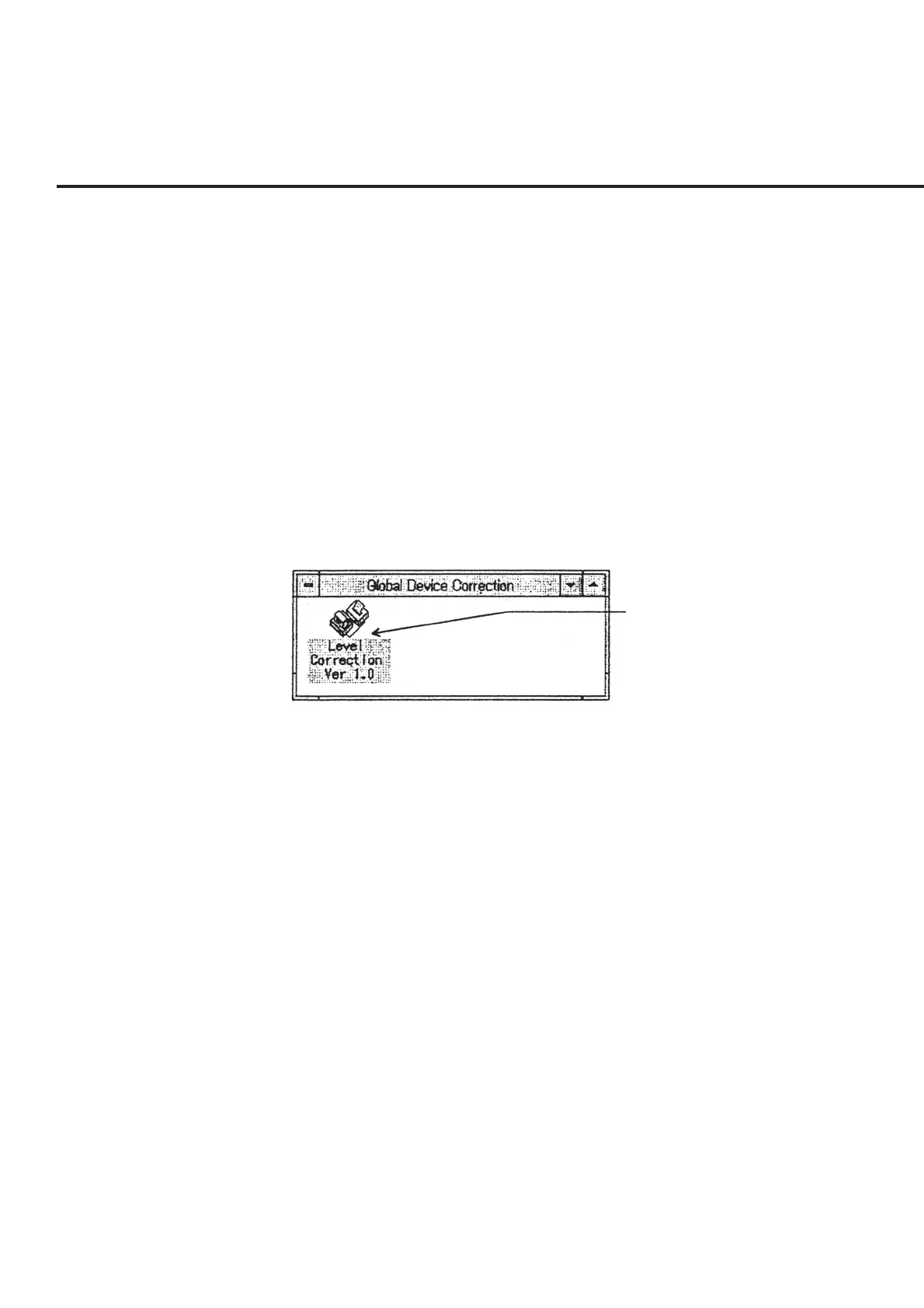
(1) Select “Global Device Correction” shown in Fig. 6-3 from the Program Manager.
(2) Double-click on “Level Calibration Ver. 1.0” on the screen.
Double-click on this icon.
Fig. 6-3 Global Device Correction
(3) The default values are read from the initial file when the program is started and
the “Initial Menu Screen,” shown in Fig. 6-4, is activated. When the program
cannot successfully be activated, for example, because the initial file is de-
stroyed, repeat installation by following the procedures described “6.4 Program
Setup.”



 To Next Page