6-45
6.8 Error Codes List
6.8 Error Codes List
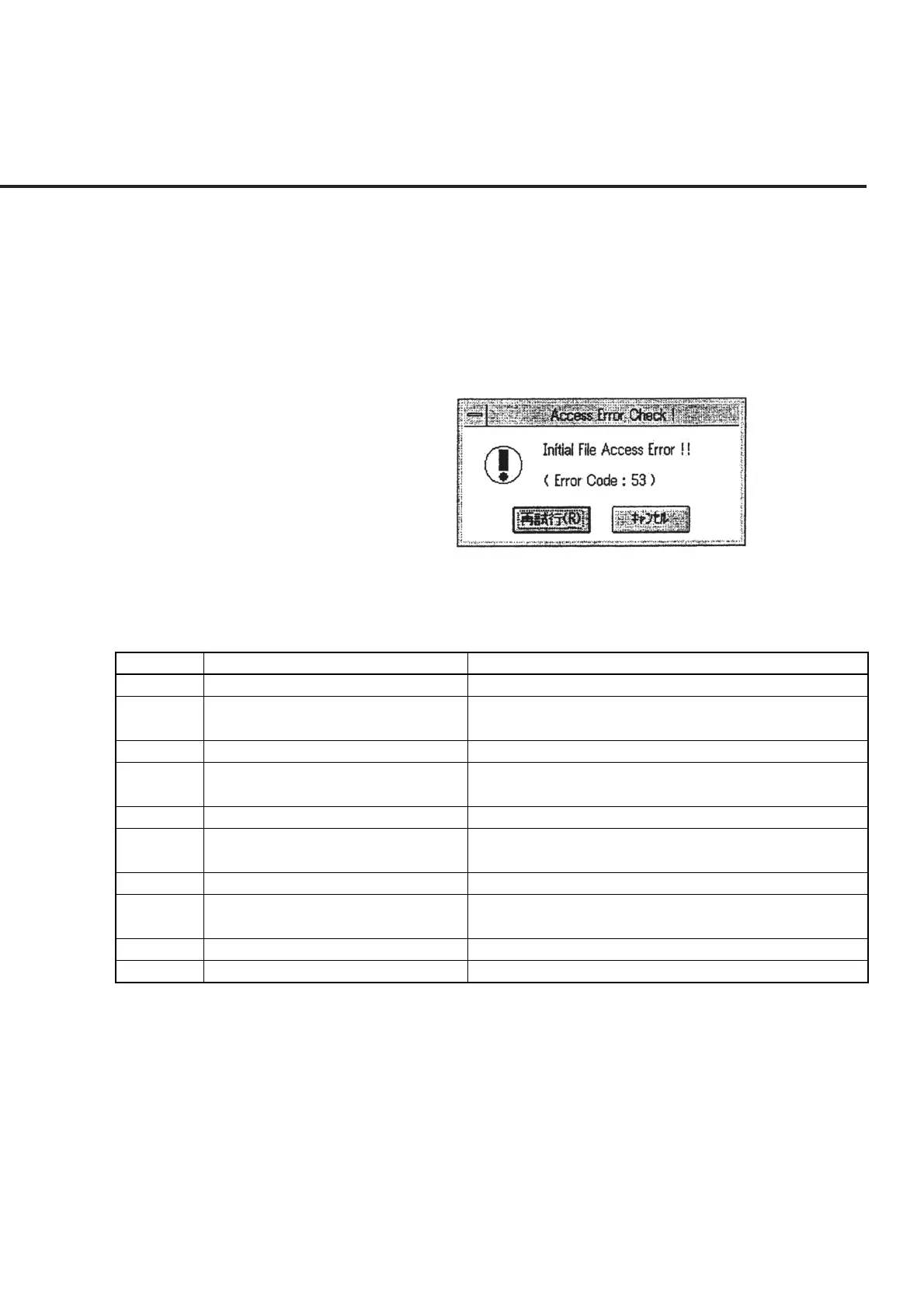
When an error occurs in the process of initial file etc. input or output, an error message
as shown in Fig. 6-47 is displayed. The error codes displayed in this message box
comply with Appendix B “Error Message” of “Visual Basic Reference Manual” of
Microsoft Corporation. See Table 6-4 for typical common error codes and actions to
take. When an error code not listed by the table is encountered, contact the program
developer.
Fig. 6-47 Example of Error Code Display
Table 6-4 List of Typical Common Error Codes
Error Code
Error Message Action
52
53
61
62
64
68
70
71
75
76
The file name or number is incorrect
The file cannot be found.
The disk space is insufficient.
No more data is found in the file.
The file name is invalid.
The device is not ready.
Unable to write data.
The device is not ready.
The path name is invalid.
The path cannot be found.
Input a correct file name and try again.
Cancel the program if the initial file is destroyed and install
this program again.
If you are using a FD, replace it with a new FD and try again.
If the output file of the measured data is destroyed, delete the
data file and perform the operation again.
Input an appropriate file name and try again.
If you are using a FD, insert a FD properly into the drive and
try again.
Release the write protection of the FD and try again.
If you are using a FD, insert a FD properly into the drive and
try again.
Input a correct path and try again.
Input a correct path and try again.



 To Next Page