Section 6 Correction Software
6-44
(9) Confirmation of the GPIB cable connection
Confirm the GPIB cable connection between the controller and the measurement
system. This program displays different messages depending on the error gener-
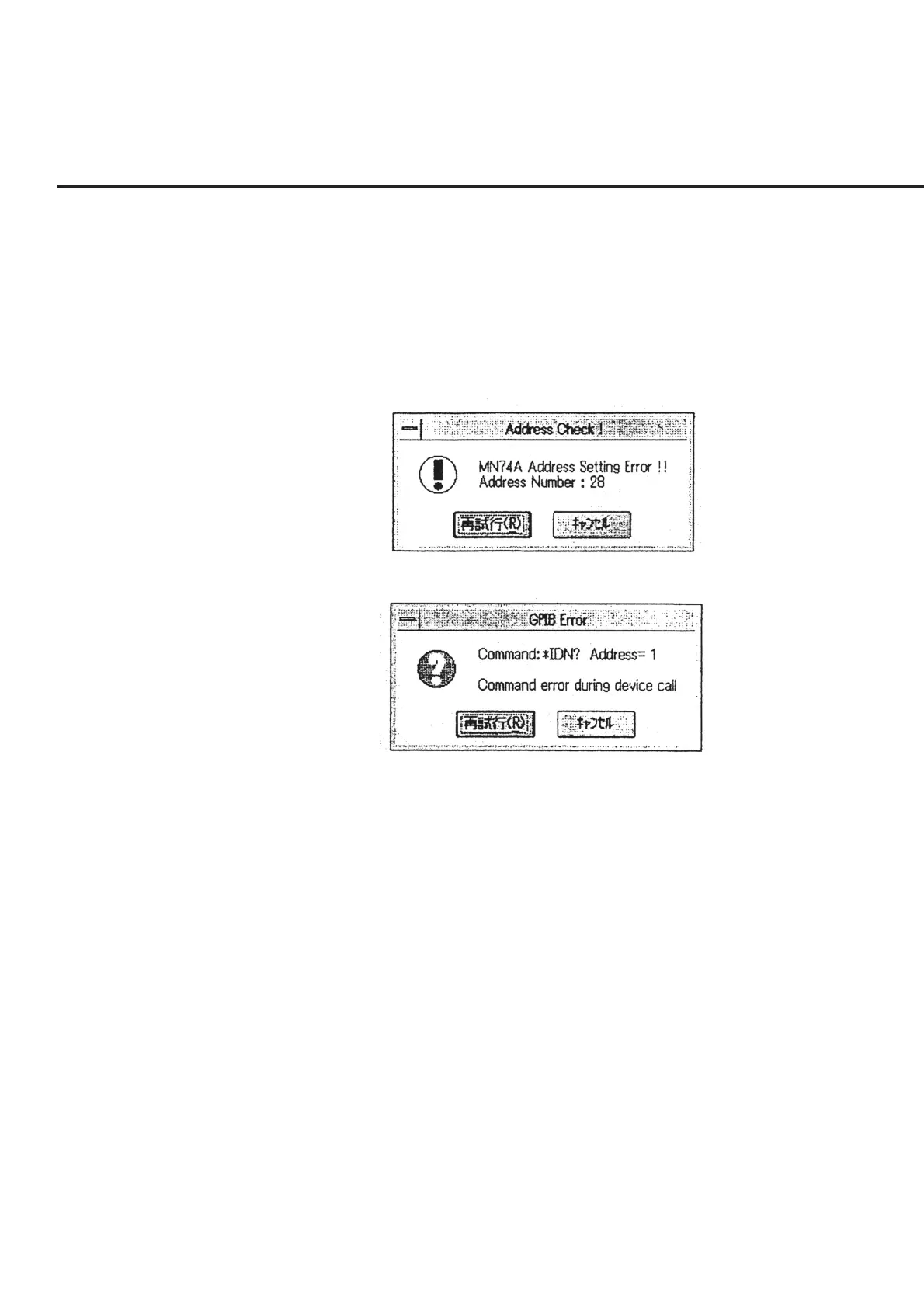
ated. When the address number set and the target equipment are found to be
different, an error message as shown in Fig. 6-45 appears. On the other hand,
when no equipment is connected to the address number set, an error message as
shown in Fig. 6-47 appears. When the “Cancel” button is selected in the message
shown in Fig. 6-46, the program will be forcibly ended.
Fig. 6-45 Message to Warn about Error in Address Number Set
Fig. 6-46 Message to Warn about Error in GPIB Cable Connection



 To Next Page