6-41
6.7 Program Operations
6.7.4 Items Confirmed Before Start of Measurement
This program confirms the matters set when the “Measure” button of section [15] is
selected on the “Initial Menu Screen” shown in Fig. 6-4. The following section shows
the display of an error message for an item to be confirmed and actions to be taken. The
figure in the circle [ ] in the text refers to the control item number on the “Initial Menu
Screen” shown in Fig. 6-4.
(1) Confirmation of the serial number input
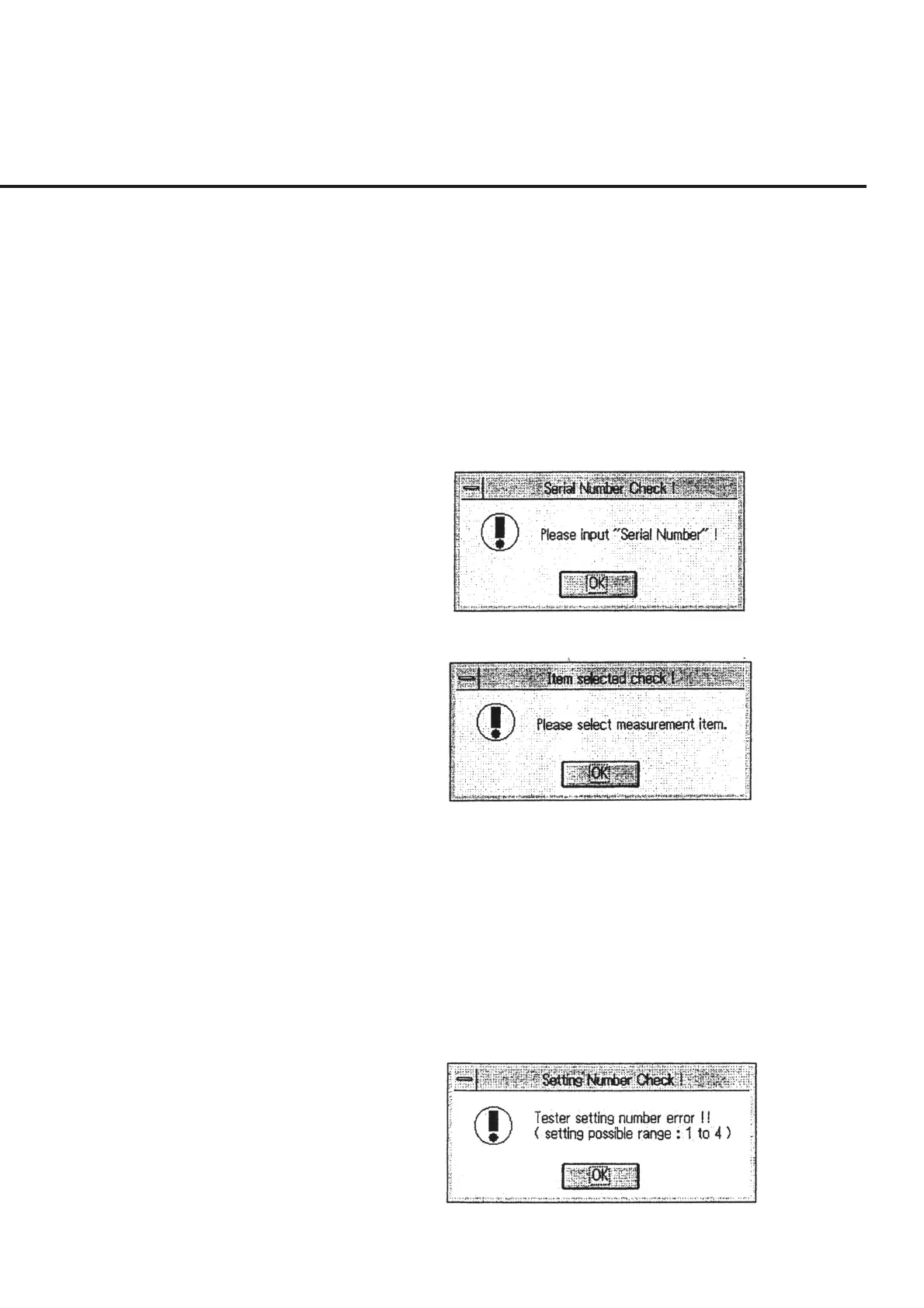
In the absence of input of serial numbers for the DUT, a message as shown in Fig.
6-36 appears. Input serial numbers of the DUT set in the manner described in
6.6.3 “Inputting Serial Number.”
Fig. 6-36 Serial Number Input Confirmation Message
Fig. 6-37 Measurement Item Selection Confirmation Message
(2) Confirmation of the measurement item selected
When “Item...” is selected in “Measure Mode” of section [4] and no measure-
ment items are found to be selected, a message as shown in Fig. 6-37 appears.
Select a measurement item in this case.
(3) Confirmation of the number of units of measurement set
When “Receiver” is selected in section [2] and the number of units of measure-
ment set in section [11] is found to be outside the range, a message as shown in
Fig. 6-38 appears. Set the number of units to be measured again.
Fig. 6-38 Message to Warn about Error in Number of Units of Measure-
ment Set



 To Next Page