Section 6 Correction Software
6-42
(4) Confirmation of the address number set
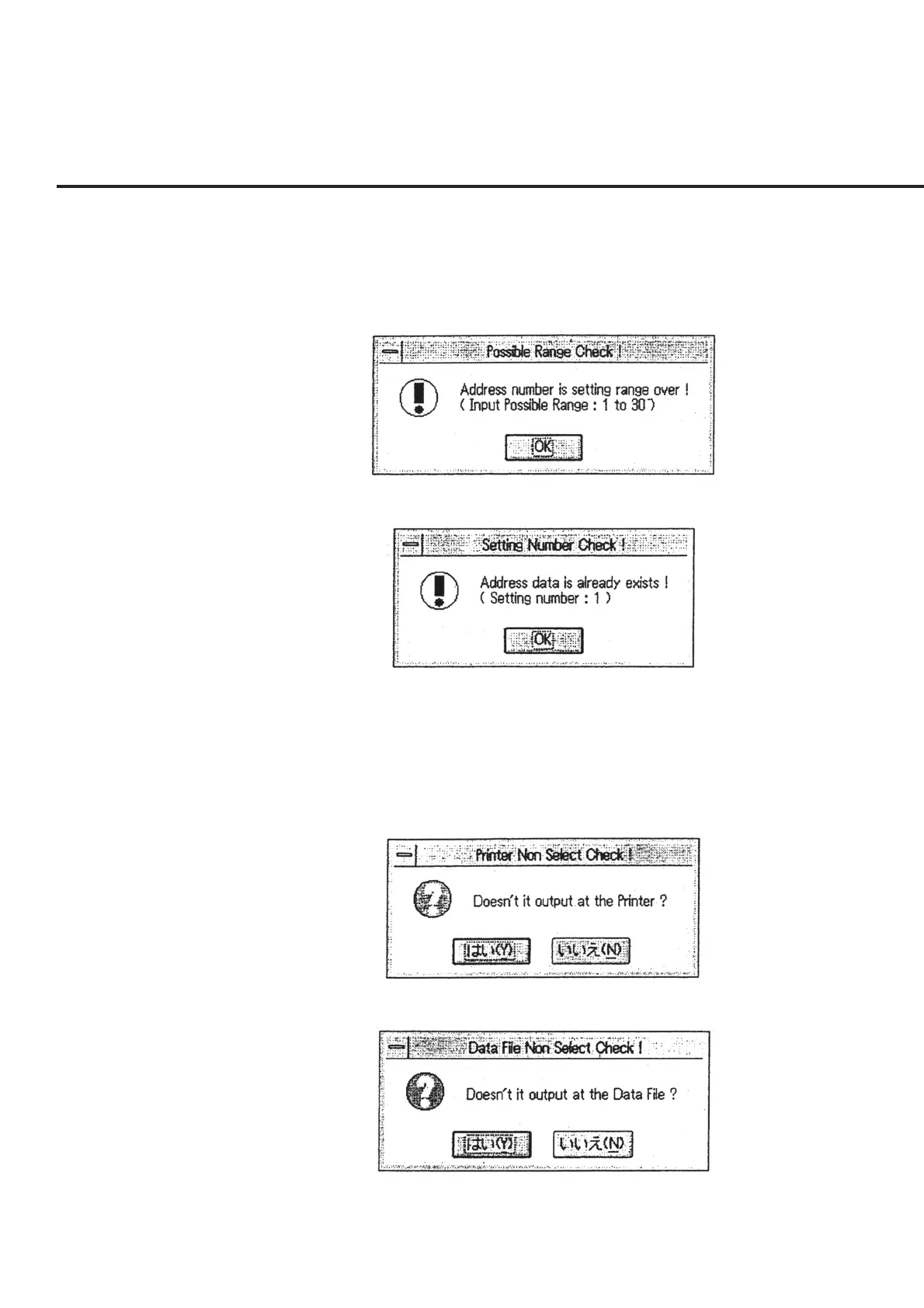
When the GPIB address number set is found to be outside the range for the DUT
and the equipment to be used for measurement, a message as shown in Fig. 6-39
appears. On the other hand, when any setting is found to duplicate, a message as
shown in Fig. 6-40 appears. Check the address number set in these cases.
Fig. 6-39 Message to Warn about Error in Address Number Set
Fig. 6-40 Message to Warn about Error of Address Number Duplication
(5) Confirmation of the printer output selection
Only when the printer is not selected as the output destination of the measured
results, the message shown in Fig. 6-41 appears. Click the “OK” button to start
measurement without outputting the measured results to the printer.
Fig. 6-41 Printer Output Confirmation Message
Fig. 6-42 Data File Output Confirmation Message



 To Next Page