Section 7 Inspection Software
7-32
7.6.8 Confirmation Items Before Measurement Start
When the item [7] “Measure” button is selected on the “Initial Menu Screen” shown in
Fig. 7-1, a series of checks are performed before the measurement start.
The confirmation items and the displayed massages are as follows.
The numbers in the brackets [ ] on the text are the control numbers of the “Initial Menu
Screen” in Fig. 7-1.
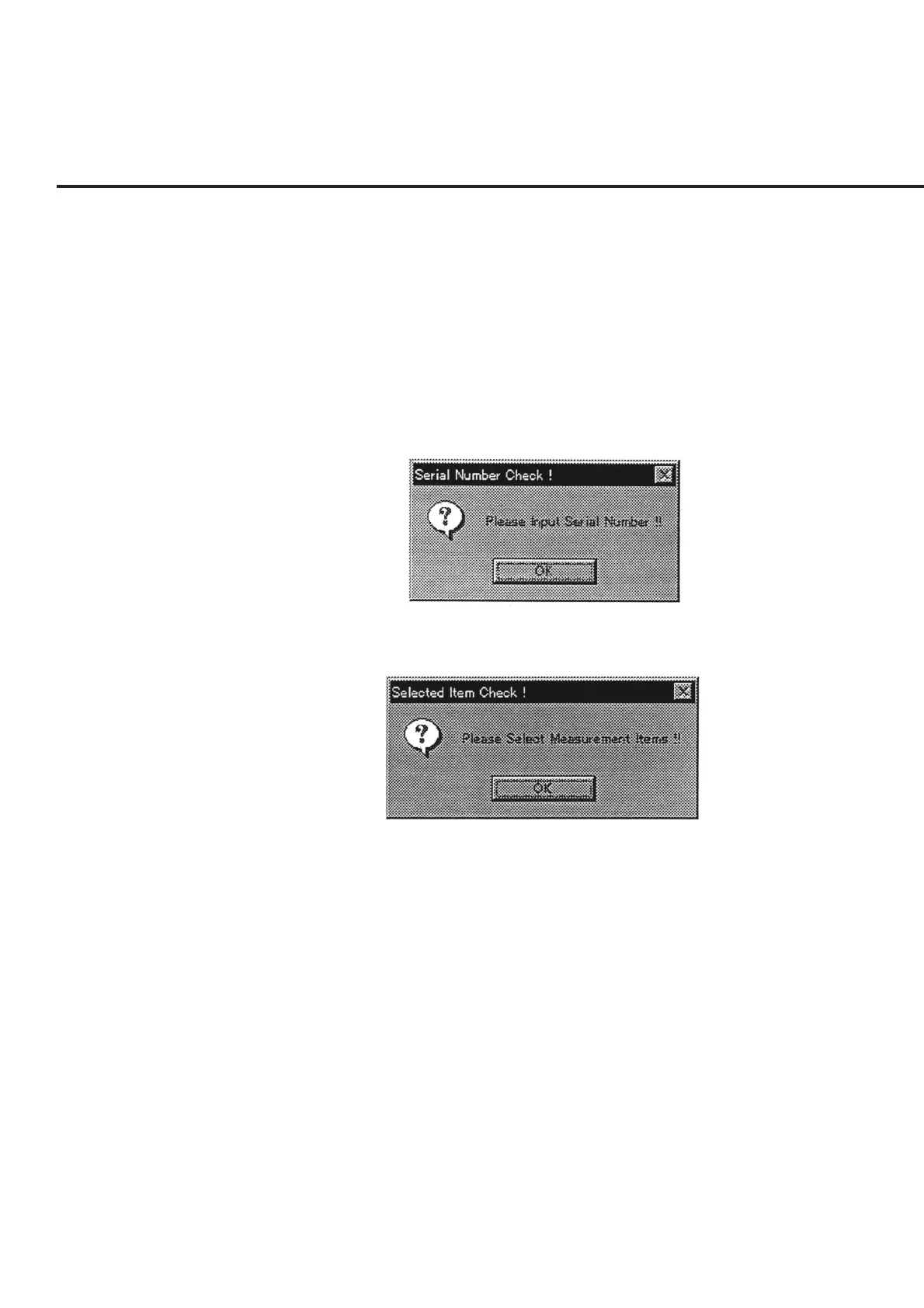
(1) Check of entered serial number
Whether the serial number was correctly entered in item [8] is checked; and if the
entry is found to be incorrect, a message shown in Fig. 7-21 is displayed.
Fig. 7-21 Confirmation of Serial Number Input
Fig. 7-22 Confirmation of Measurement Item Selection
(2) Check of measurement item selection
Whether or not at least one measurement item is selected is checked; and if the
selection is found to have been made incorrectly (“0” is displayed in the item [6]
“Measure Items (Hex)”), the message shown in Fig. 7-22 is displayed.
(3) Check of input range of address numbers
When an item is present whose address number is outside the possible setting
range on the address numbers of the device under test, and the selected equipment
to be used for the measurement; a message as shown in Fig. 7-23 is displayed.



 To Next Page