7-33
7.6 Operation Procedure
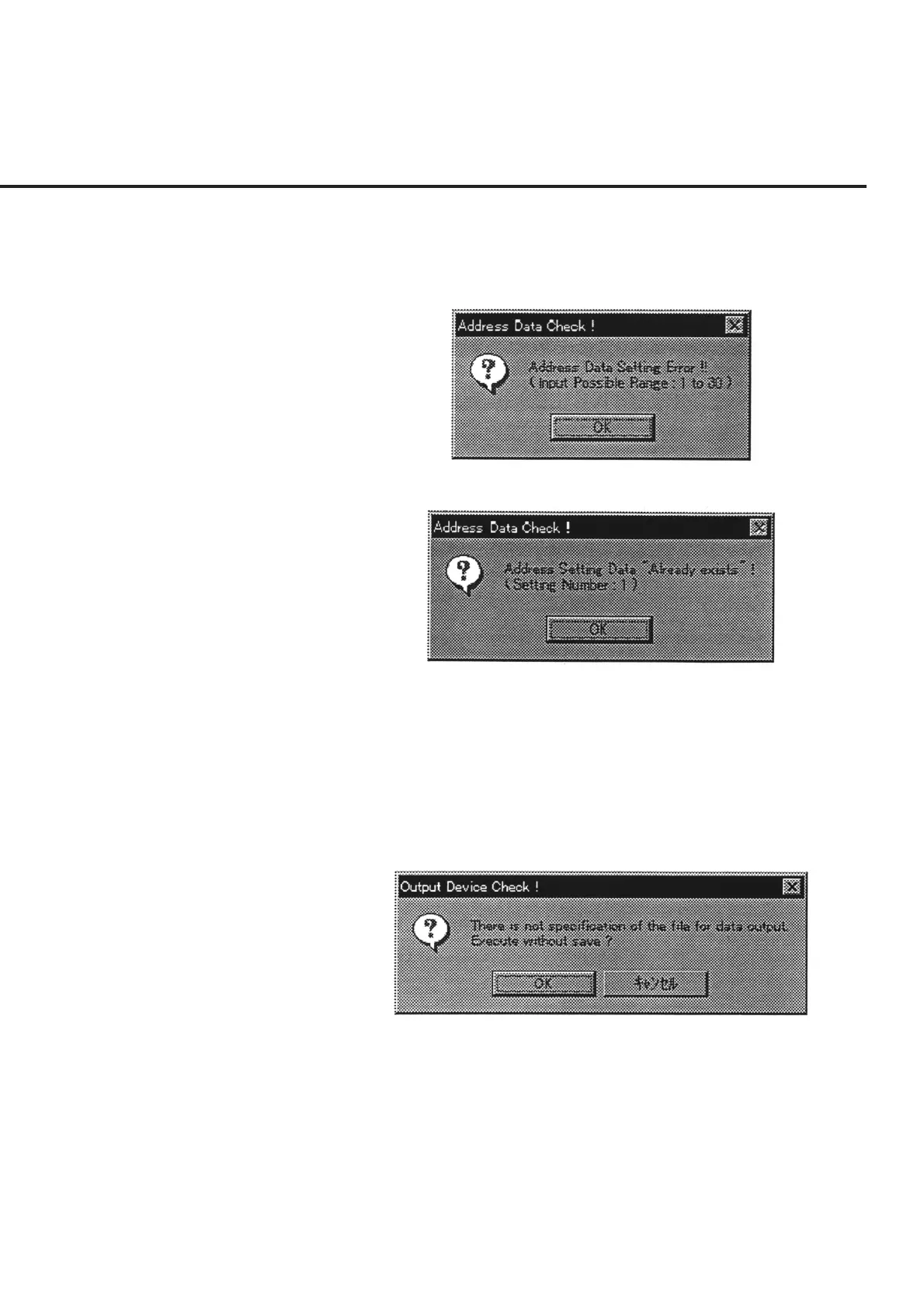
(4) Check of address number overlap
When an item with an address number (which overlaps with that of the device
under test and with that of the selected equipment to be used for the measure-
ment) exists, a message as shown in Fig. 7-24 is displayed.
Fig. 7-23 Confirmation of Address Number Input Range
Fig. 7-24 Confirmation of Address Number Overlap
(5) Check of data file output selection
When a data file has not been selected from the list of measured result output
destinations in item [5], a message as shown in Fig. 7-25 is displayed.
Press the “OK” button to start a measurement with no output to a data file.
Selection of the “Cancel” button restores the screen back to the “Initial Menu
Screen” shown in Fig. 7-1.
Fig. 7-25 Confirmation of Data File Output Selection



 To Next Page