Section 6 Correction Software
6-32
(6) Check the serial number displayed in section [8], and select the “OK” button in
section [5]. This causes relevant data to be displayed together with the power
sensor serial number set in the “Power Sensor Cal Factor Input Screen” shown in
Fig. 6-22. Incidentally, if a newly registered power sensor is set, the Cal factor
display section in section [4] on the same screen indicates 0.00. On the other
hand, if an already registered data file is selected, double-clicking on the file
name displayed in section [4] causes the same processing to be performed.
(7) Select “Quit” in section [6] to return to the “Power Sensor Cal Factor Input
Screen,” shown in Fig. 6-22 without selecting a data file.
6.6.12 Exiting Program
Exit this program by following instructions below.
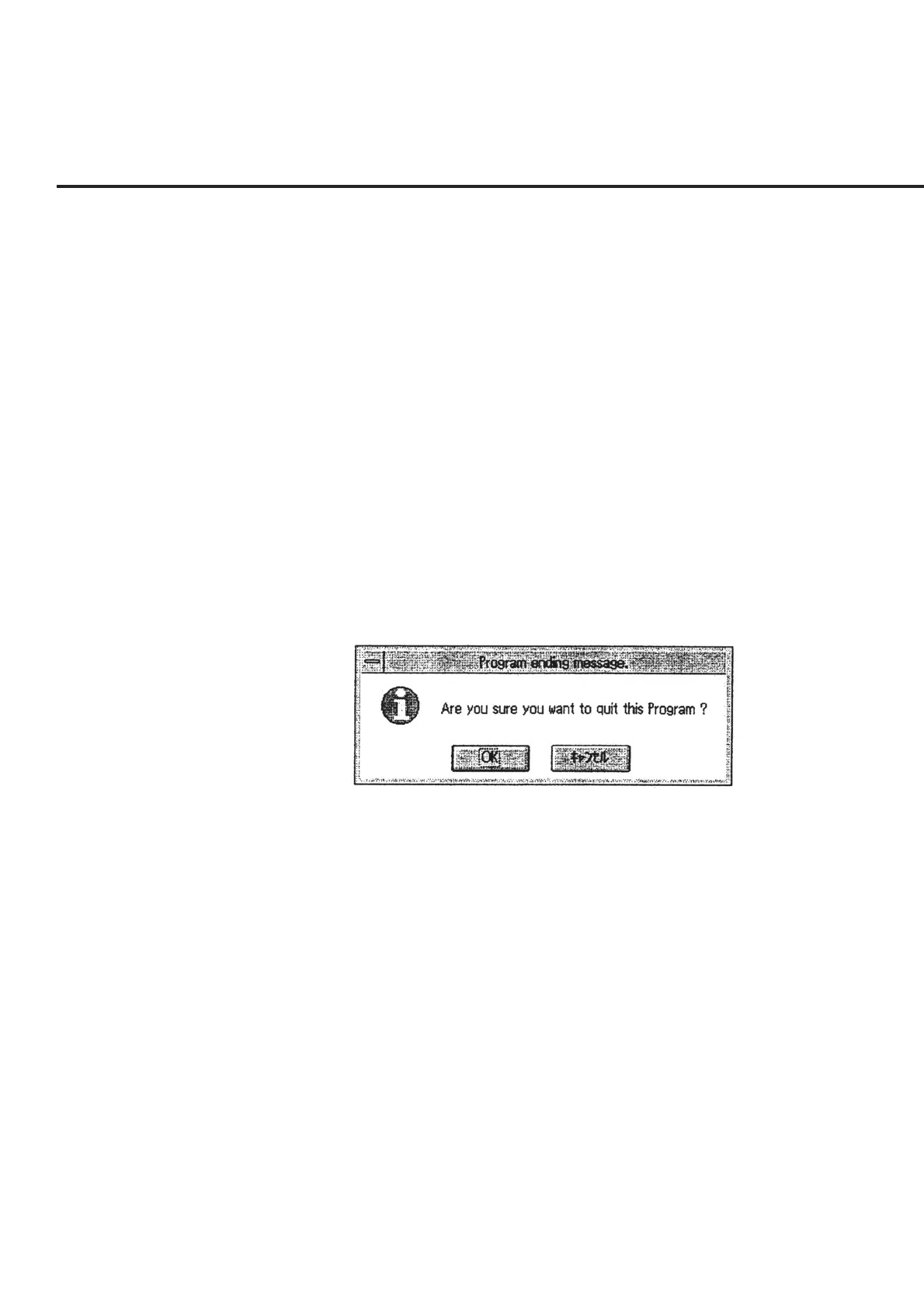
(1) Select “Exit” of section [16] on the “Initial Menu Screen” shown in Fig. 6-4. This
causes the message requesting confirmation of program quitting to appear as
shown in Fig. 6-27.
Fig. 6-27 Message Requesting Confirmation of Program Quitting
(2) Click the “OK” button to quit the program. Selecting the “Cancel” button causes
the screen to return to the “Initial Menu Screen” shown in Fig. 6-4.



 To Next Page